

NBT Evo Remote Software Activation
Features
- Lets you have your BMW coded without leaving home
- Sets up your new or replacement NBT head unit specifically for your vehicle
Properties


* Only by entering your VIN can you be 100% sure
you get theright version of the product for your vehicle.
Where to find your VIN?
Required with this product
+$49.00
Addon
+$99.00
Cheaper in sets:
CarPlay Activation with Fullscreen

Delivery time: 2-7 business days

Free shipping worldwide
Delivery time: 2-7 business days
Free shipping worldwide
Description
Retrofitting your car with a new BMW navigation system can’t be completed without professional and high quality BMW coding. And with a decade of experience, we at BimmerTech know exactly how to do it right.
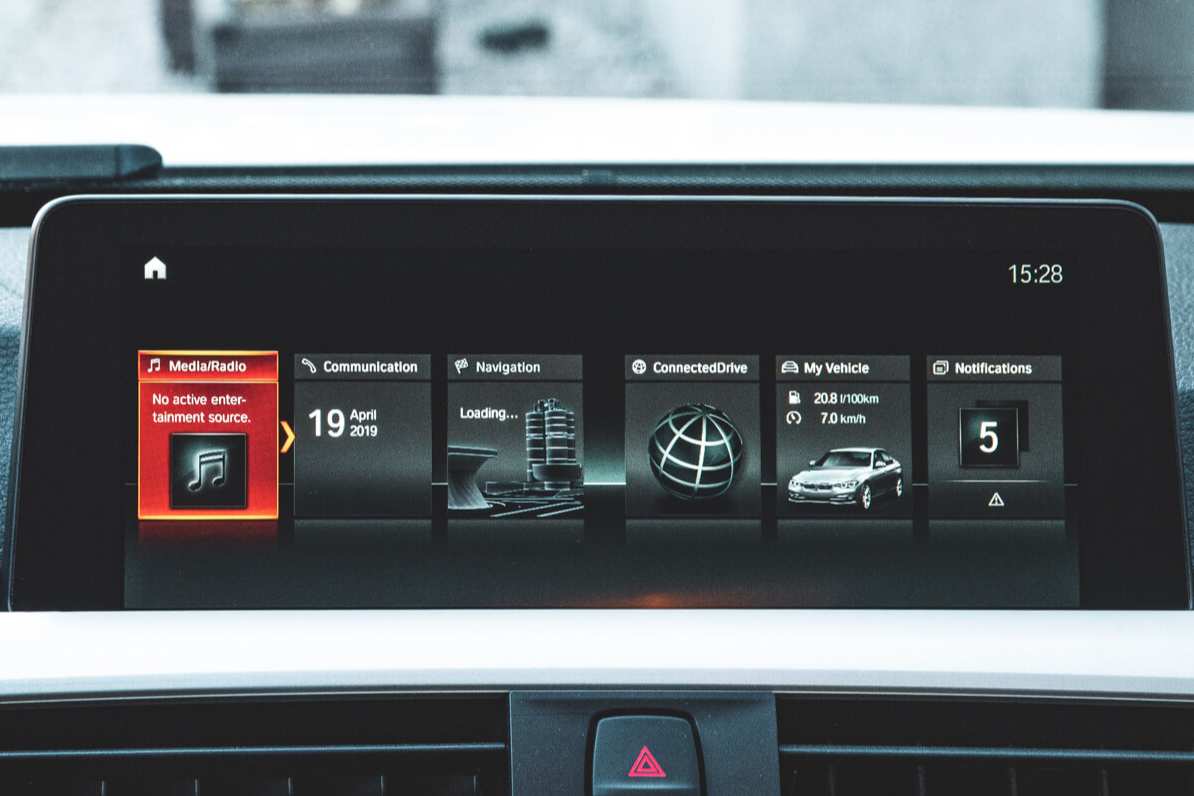
Our NBT Evo Remote Software Activation provides you with the service you need in the comfort of your own home. Our expert technician will program your new BMW navigation to match the configuration of your vehicle. With a BMW software activation and hardware upgrade like that, how could your driving experience get any better?
You can also choose to activate fullscreen CarPlay at the same time and save $99. Just select the option at the top of the page before adding to the cart. Your retrofit head unit must support CarPlay. As CarPlay is wireless, you will also need a WiFi antenna if your vehicle does not already have one.
IMPORTANT: You must have completed installing your new NBT Evo hardware before your activation session with our technician. This product does not include any hardware. If you are unsure whether you have installed all the required components, please contact us.
Installation
NBT Evo Software Activation is performed through a remote coding session with a dedicated BimmerTech technician.
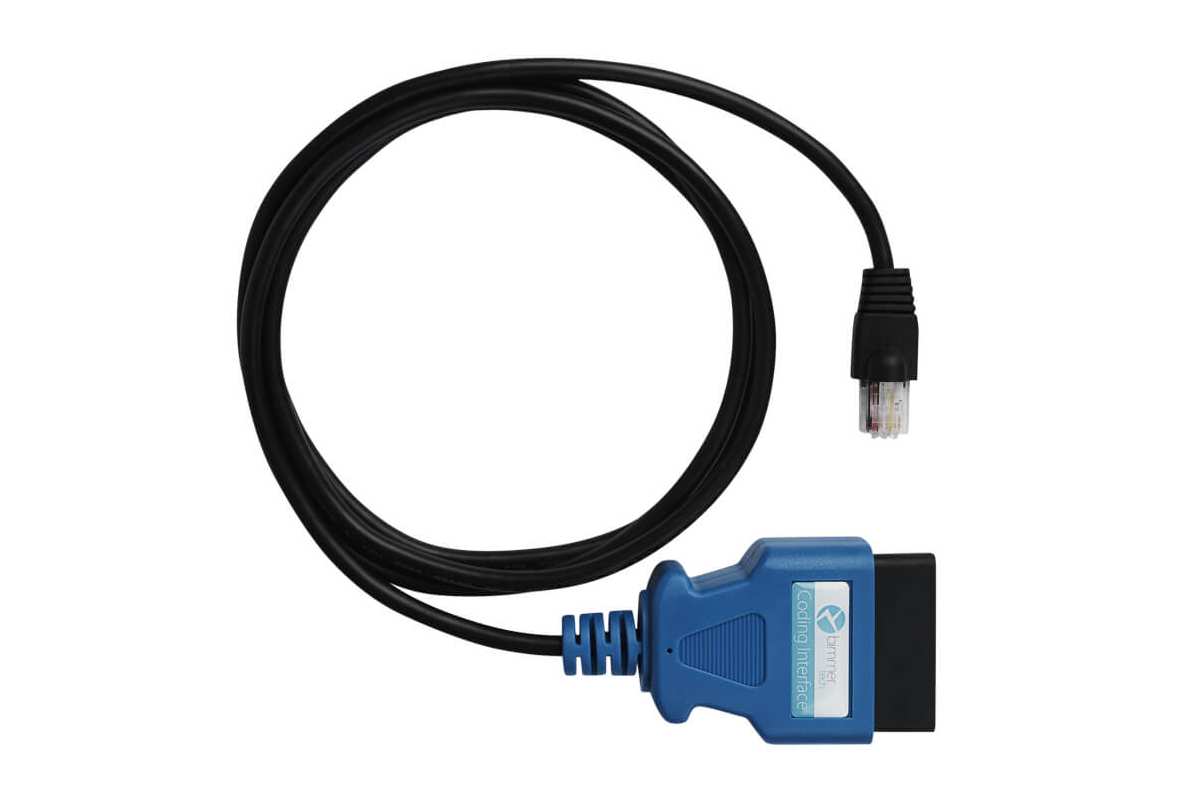
It is a very simple process that takes no more than 30 minutes. After you complete your order, we send you a coding cable (if you don't have one and add it in the top Addons section). Once you receive it, you will be able to schedule a coding session for the time that suits you best. During the session, you will need to just plug in the cable and follow the instructions from our technician.
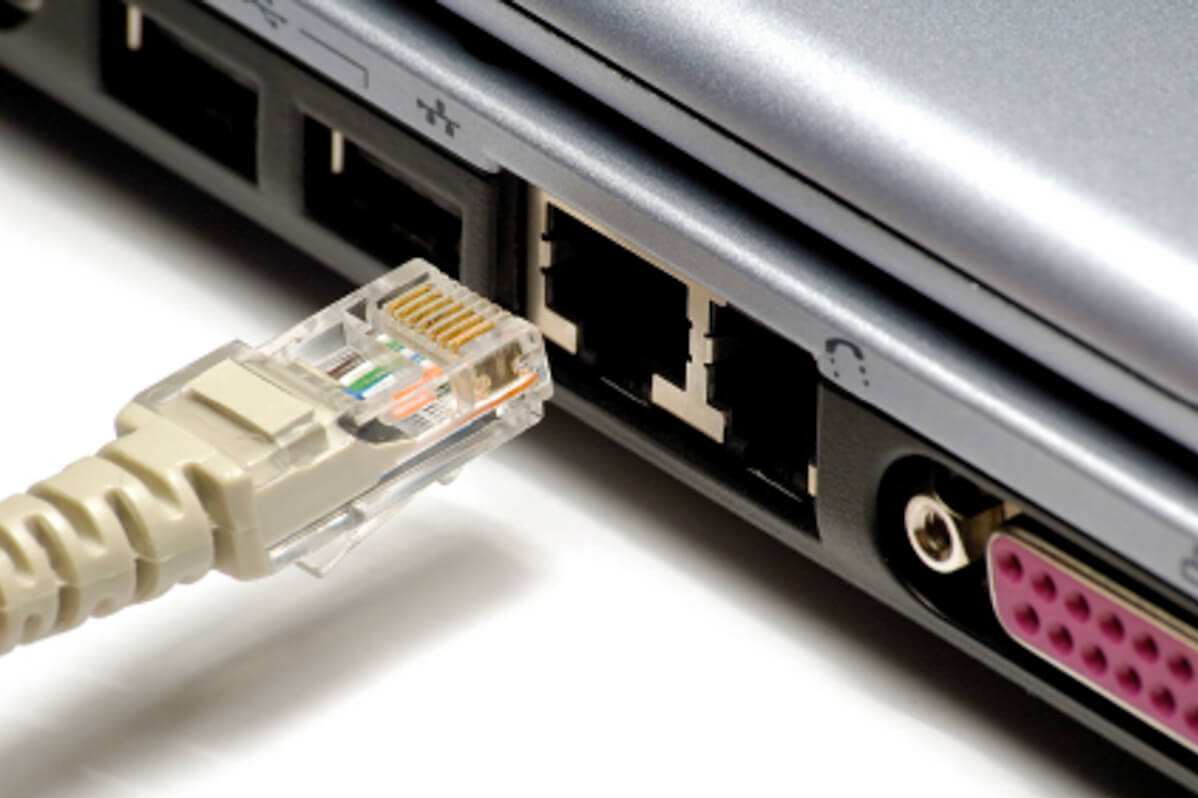
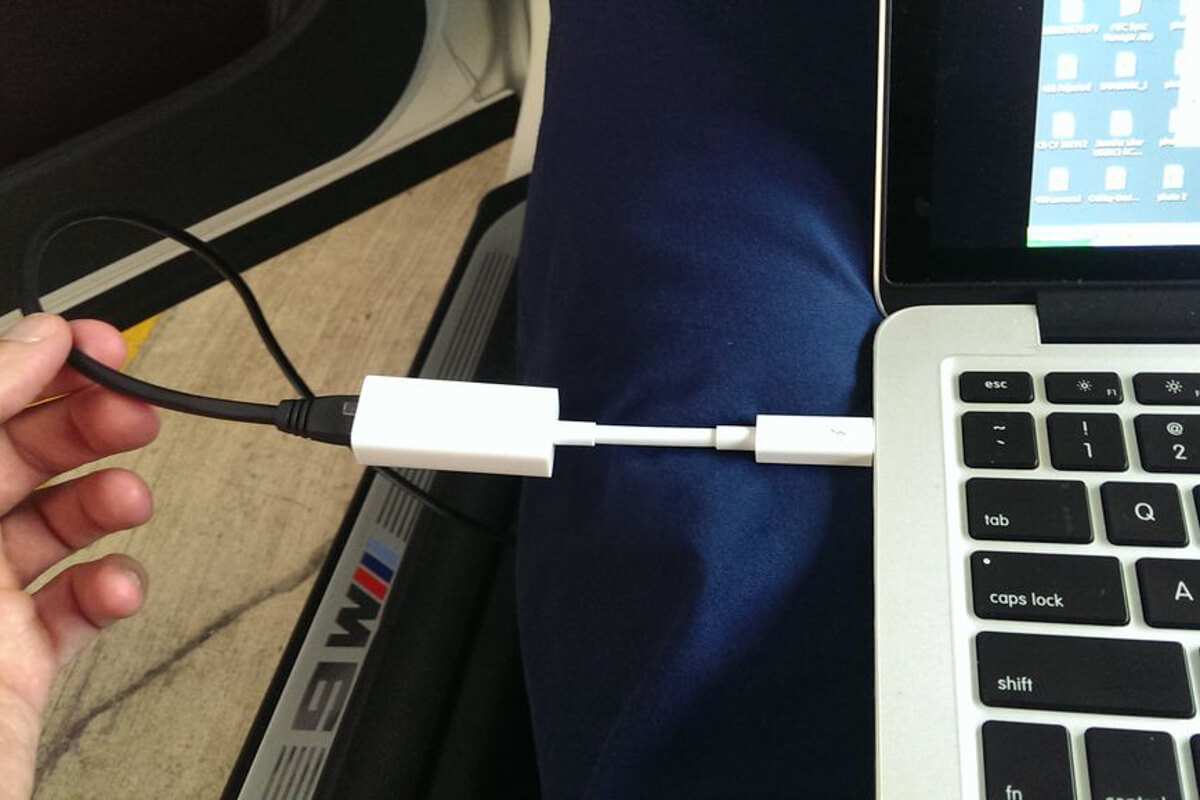
To prepare for your BMW iDrive activation, you will need a laptop running Microsoft Windows or MacOS and a WiFi internet network that you can connect to in your car. The coding cable must be plugged into your laptop’s Ethernet port (if you don’t have one, you can use an adapter).
Watch the video to understand the cable activation process better.
The NBT Evo Software Activation package includes everything necessary for cable coding:
- Remote activation service
- Coding interface (if you add it to your order in the top Option section)
A cable coding session can be conducted on all modern PCs and many Mac computers running Windows or MacOS. Find out the requirements for the cable coding session.
Comments(0)
No data found


* Only by entering your VIN can you be 100% sure
you get theright version of the product for your vehicle.
Where to find your VIN?