


BMW NEXT Navigation Map Update 2025/2026
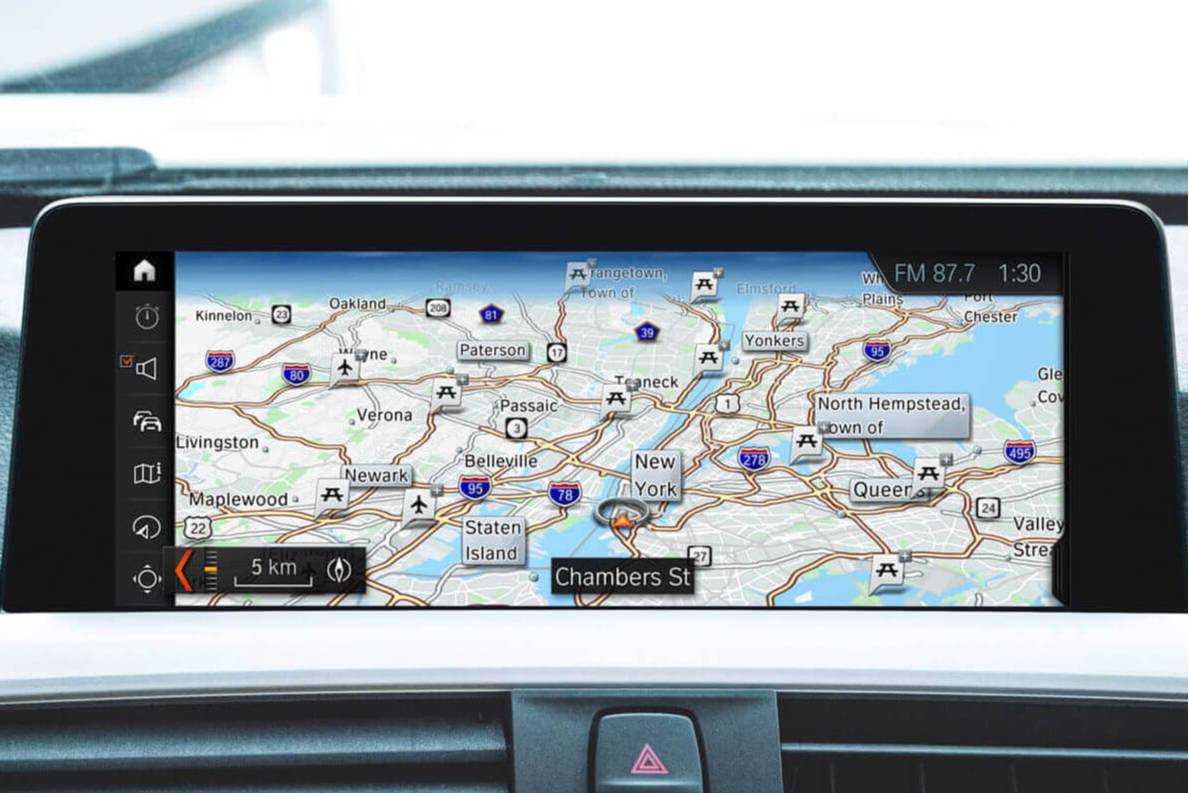
Features
- Keep your maps updated without leaving your home
- Take charge of your time and find routes through new, more convenient roads and expressways
- Know exactly where the next gas station, ATM or restaurant is
- Save fuel by choosing the most efficient ways to get to your destination
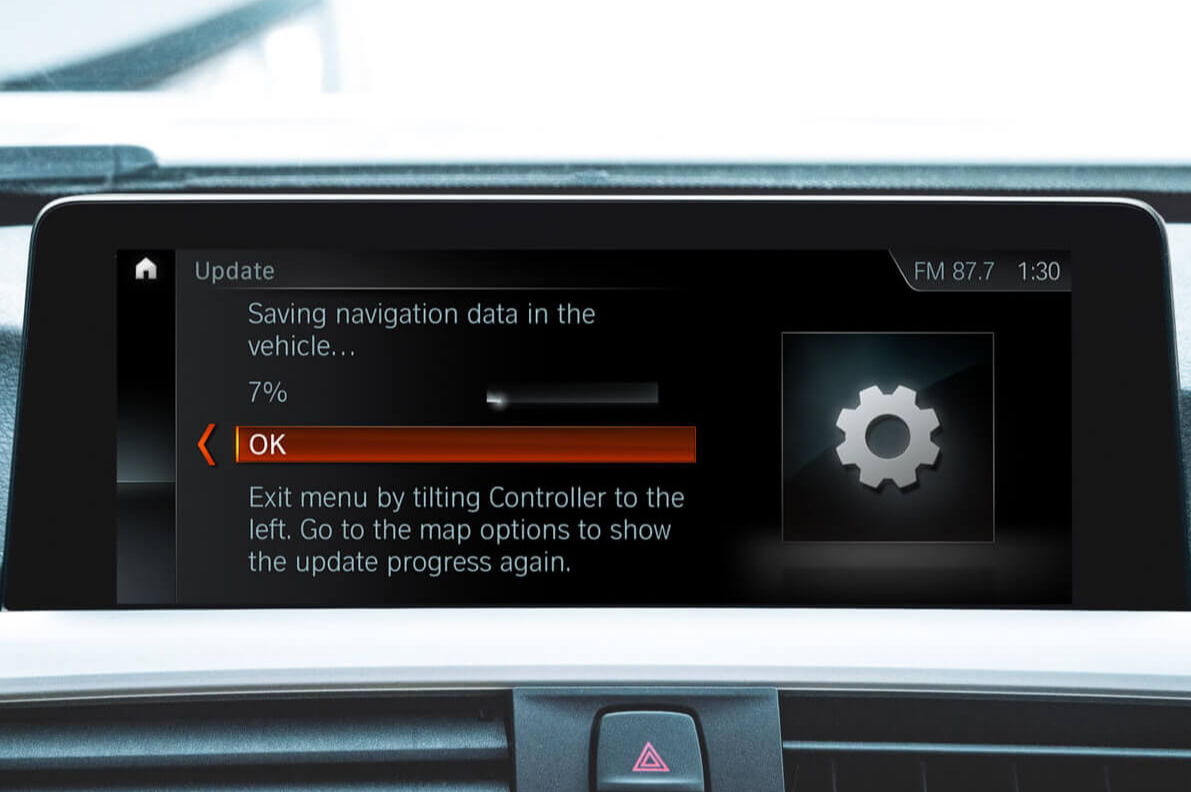
- Update maps simply in 5–30 minutes
Properties


* Only by entering your VIN can you be 100% sure
you get theright version of the product for your vehicle.
Where to find your VIN?
Addon
+$199.00
Region::

Delivery time: 2-7 business days

Free shipping worldwide
Delivery time: 2-7 business days
Free shipping worldwide
Description
Please note that the Voice Navigation feature is not supported by NEXT 2024 maps.
They say time is money, so finding your way around as quickly as possible should be a priority. And keeping your BMW and MINI maps up-to-date ensures you'll always know the best and fastest routes to get to your destination.
Not Only the Latest Routes
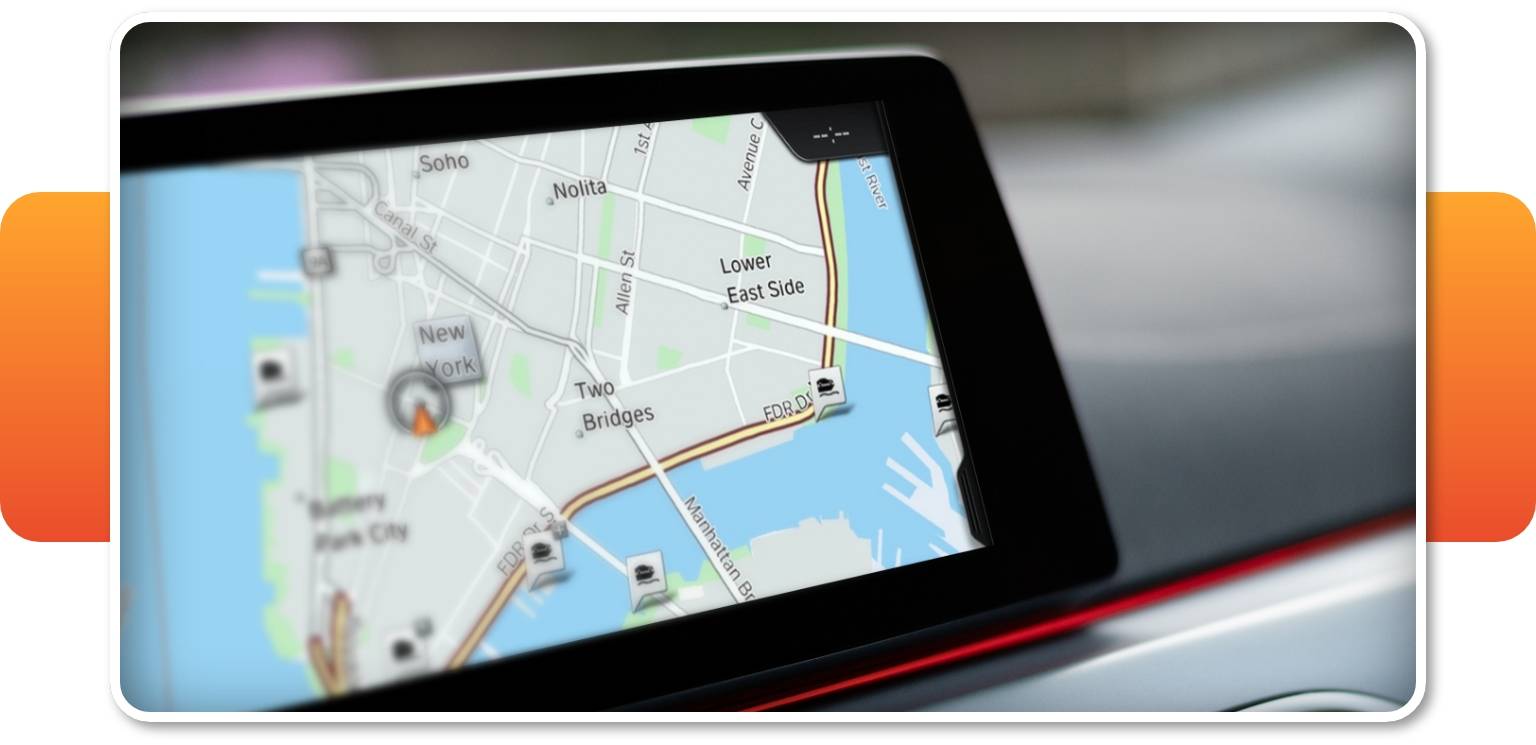
When you regularly refresh your BMW navigation, your map shows you:
- New roads opened or existing ones closed
- Time-saving detours for your usual rides
- Almost 300,000 new points of interest added each year (hotels, gas stations, cafes, etc.)
- Current speed limit information (for vehicles with KAFAS or Speed Limit retrofit)
Newest Map Releases
BMW recommends performing a BMW navigation system map update at least once a year. For anybody who drives a lot, though, it’s better to get new information every three to six months.
You are free to purchase a EVO map update as a:
- Standard one-time update
- Two-time repeat update
In case of our repeat options, the upgrade schedule is very flexible. You can:
- Update the BMW GPS map system once a year
- Request a BMW road map update every three/six months if it’s available from BMW itself (in some regions BMW releases the update just once a year)
Due to this flexibility, BMW GPS map updates are NOT sent automatically. You will need to contact us with your order number and VIN informing us that it’s time for a new BMW navigation update. When you request a new map, we will send you a download link where you can download the latest map version — you will need to transfer the downloaded file to a USB stick before updating your vehicle.
BMW Map Region Change
Bought a BMW or MINI from another country and your maps were programmed for the region it was sold in? We can change your map region remotely! Add the “map region change” option to your order and we’ll programme it for you. In some cases it will be enough for you to get the appropriate map update for a new region but sometimes it may well be that the region change will require replacing your head unit’s hard disk and additional coding. Contact our support team to know which process will be necessary for your BMW.
BMW Maps with Speed Limit Information
If your car is equipped with KAFAS (Kamera-FASsaden, that is Camera-Based Driver Assistance System) and want to display the latest speed limit information on your instrument cluster or HUD, updating your BMW maps will ensure you’ll be shown the most current limits for your region. However, if you don’t have the KAFAS our Speed Limit Info retrofit (for compatible vehicles) will add an easy-to-see speed indicator right beside the speedometer and on your BMW head up display (HUD).
Check out the video below to learn how to install the Speed Limit Information retrofit:
Installation
The BMW map update USB process is effortless and straightforward. The kit has all the elements necessary for the navigation system upgrade:
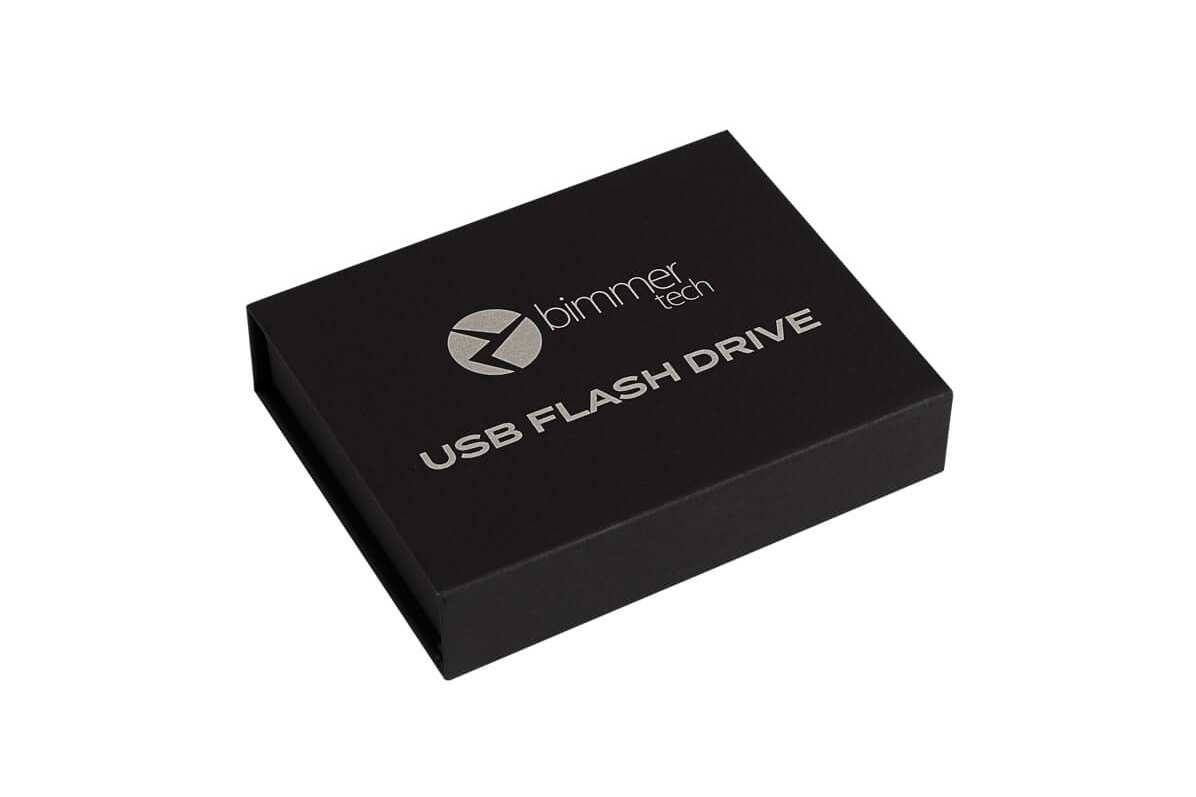
- A USB stick with the latest map data
- A BMW Navigation Map Certificate Release Code (FSC code)
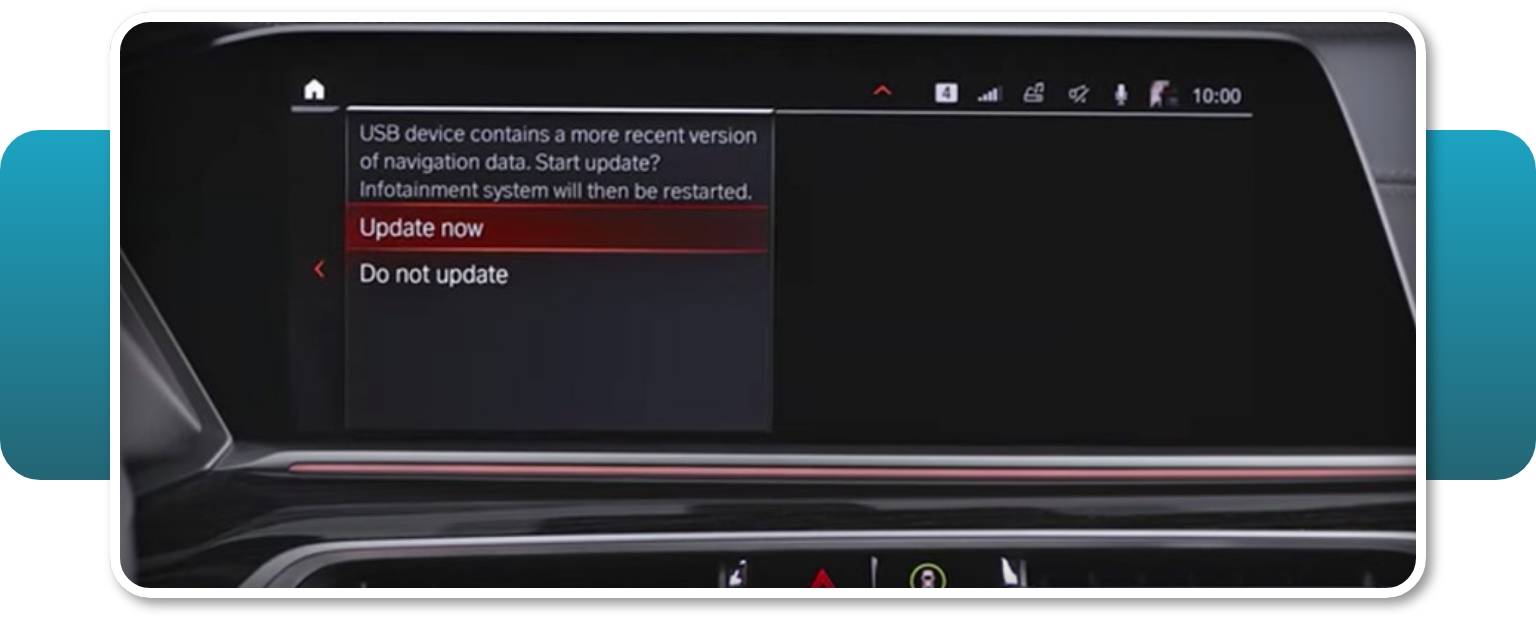
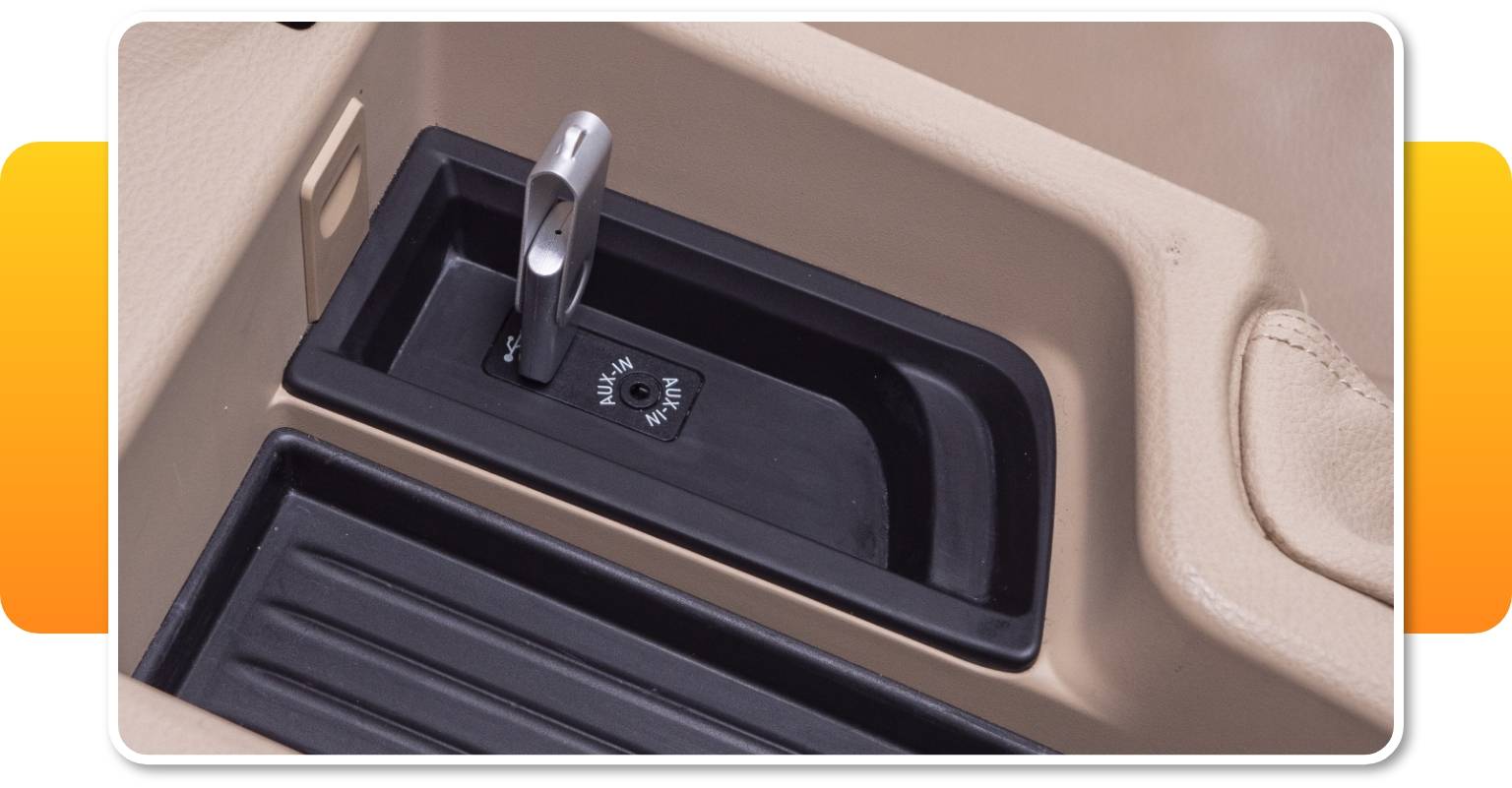
You will be required to insert the USB stick into the USB port in the armrest. To start the update, you will need to type in the FSC activation code. The BMW map download from the pendrive to your head unit might take about 5–30 minutes — it depends on when the last BMW iDrive map update was.
When the process is finished, the confirmation will appear on your screen.
By default we send out BMW map updates on USB sticks, which arrive at your doorstep within 2-7 business days. However, if you want to have your update quicker (within 2 days) we can send you the map file via email. You’ll also receive step-by-step video and PDF instructions on how to carry out the map update process. Please contact us for more information.
If you would like to change the map region in your iDrive system, please contact us with your VIN to get an exact quote. The price specified here covers only the update to the latest map version for the region set in your iDrive by default.
Comments(0)
No data found


* Only by entering your VIN can you be 100% sure
you get theright version of the product for your vehicle.
Where to find your VIN?