


BMW Enhanced Bluetooth / USB Activation
Features
- Extends the multimedia capabilities of your BMW
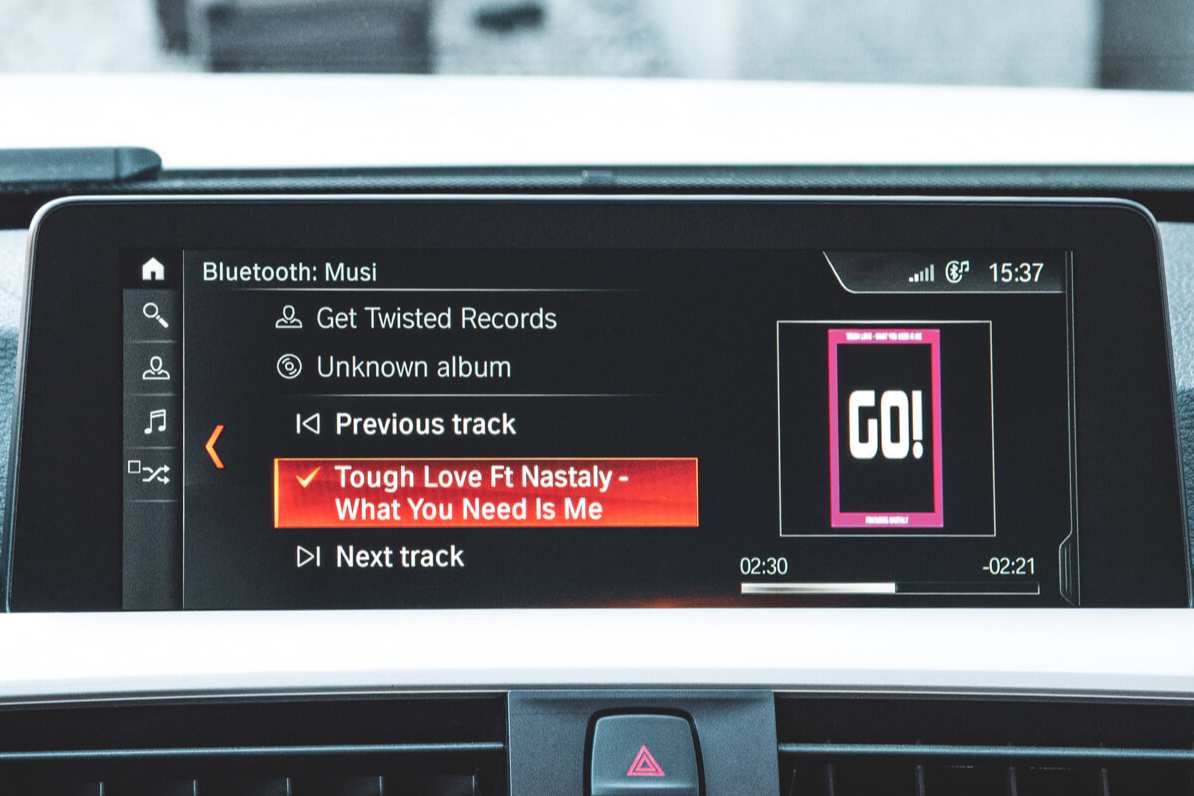
- Lets you stream audio from a smartphone or MP3 player via Bluetooth/USB port
- Allows pairing up multiple devices via Bluetooth
- Gives read-only access to SMS messages, email, reminders, etc.
- Provides USB audio playback through the BMW stereo system
- Lets you use Voice Control to make calls without taking your hands of the wheel
Properties


* Only by entering your VIN can you be 100% sure
you get theright version of the product for your vehicle.
Where to find your VIN?
Required with this product
+$49.00

Delivery time: 2-7 business days

Free shipping worldwide
Delivery time: 2-7 business days
Free shipping worldwide
Description
There are many things you want to do with your smartphone while you have to focus on driving — check out a new Spotify playlist through the car’s stereo system, or accept calls hands-free without breaking your focus on the road. And with BMW Enhanced Bluetooth Update & USB Port Activation you will be able to do much more than that.
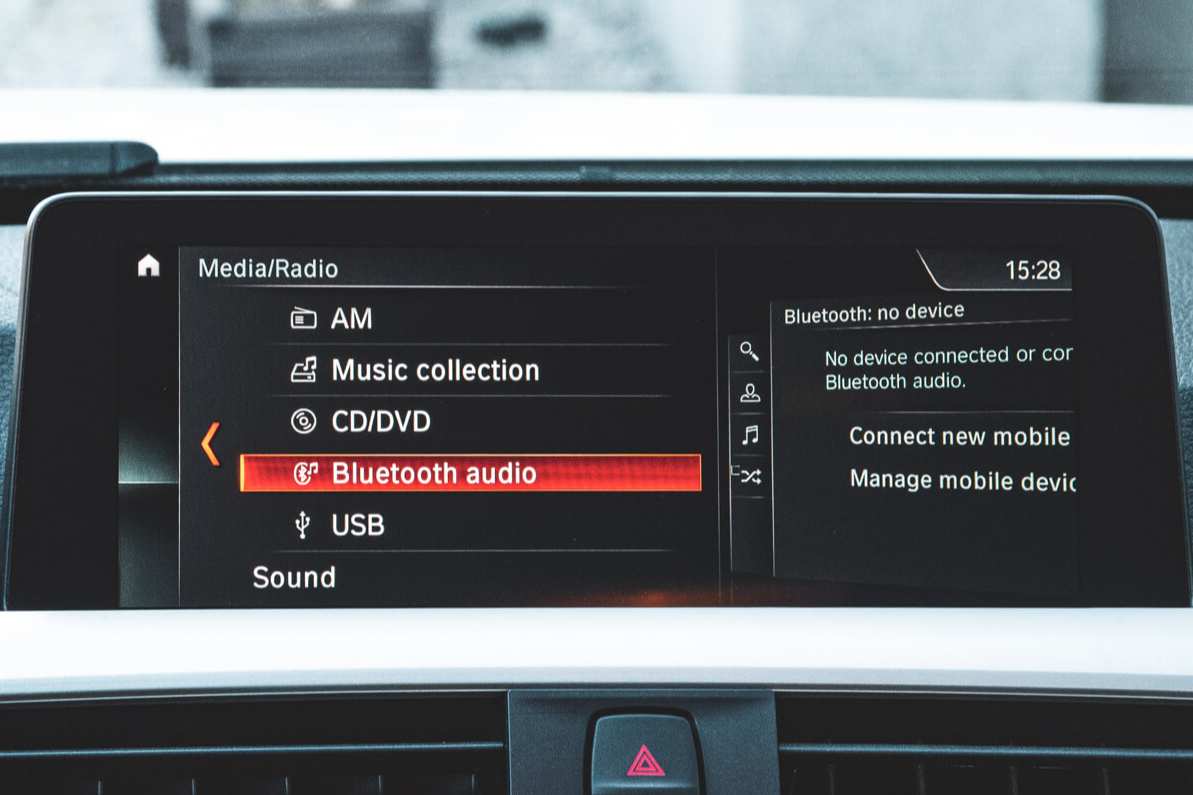
What is “Enhanced Bluetooth”? The most obvious benefit of adding this feature to your car is that audio streaming won’t just be something you’ve read about online anymore. You’ll be able to play your favorite tracks through the car’s speakers via Bluetooth. In terms of BMW smartphone integration, you’ll also have the chance to connect your smartphone via a USB port, giving much better sound quality (this activation adds support for Apple white cable meaning you don’t need a BMW Y cable adapter). Over USB, it's also possible to view album art – this feature is not supported via Bluetooth. With Enhanced Bluetooth package activated, it’s also possible to pair up multiple devices simultaneously. Listen to music from your passenger’s phone and receive calls from your own!
Apart from media streaming, if you have the Office Menu available in your car, you will get to see SMS messages, notes, emails, calendar or reminders from your phone on the iDrive screen. Please keep in mind that you can only read them, and there is no possibility to edit or send new messages through the car’s system with this BMW Bluetooth update.
However, in vehicles with BMW Enhanced Bluetooth with USB and Voice Control feature you’ll be able to dictate new text messages and send them without taking your hands off the wheel. Making hands-free calls is also supported.
IMPORTANT: The range of functions available after activating Bluetooth strongly depends on your smartphone as well as the BMW hardware and software in your car. For example, if you can’t access calendar or read text messages after our activation, it means that your smartphone is not compatible with the factory pre-set configurations of your BMW, and this doesn’t let this particular feature work. Visit bmwusa.com/bluetooth (for North America) or bmw.com/bluetooth (for other locations), and check which features you will get for your device and vehicle after unlocking Enhanced Bluetooth and a USB port.
Installation
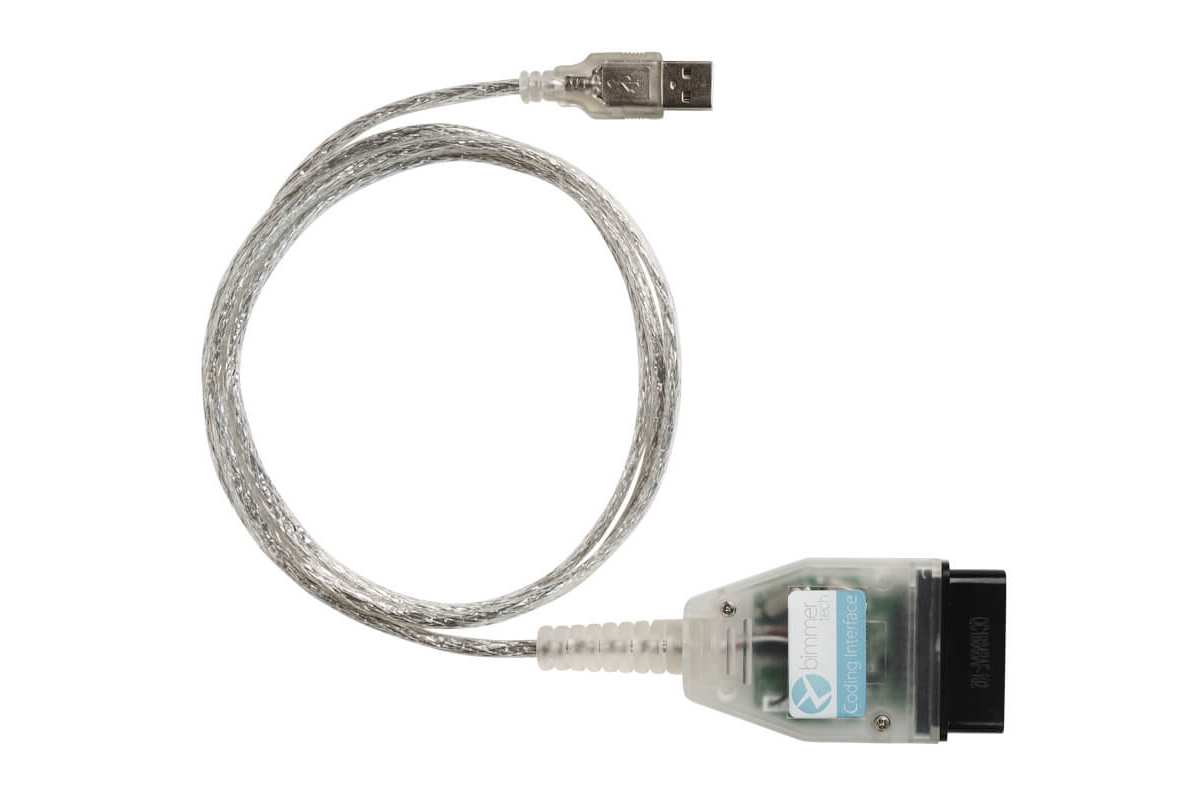
Enhanced Bluetooth & USB Port are activated through a remote cable coding session. It is a very simple process that takes no more than 30 minutes. After you complete your order, we send you a coding cable (if you don't have one and add it in the top Option section). Once you receive it, you will be able to schedule a coding session for the time that suits you best. During the session, just plug in the cable, follow the instructions from our technician and Enhanced Bluetooth will be added to your car’s options.
To prepare for your coding session you will need a laptop running Microsoft Windows and a WiFi internet network that you can connect to in your car. A Mac computer running Windows should work too, but it may not be compatible with some E-series vehicles. The coding cable must be plugged into your laptop’s regular USB port.
Watch the video to understand the cable activation process better.
The Enhanced Bluetooth package includes everything necessary for the cable activation:
- Remote activation service
- Coding interface (if you add it to your order in the top Option section)
Will my coding still work if I update my iDrive system?
If your dealer upgrades or resets your iDrive system, the above coding (and any other custom modifications) will most likely be deleted. Cable coding options can be recoded by us for a fee of $75, irrespective of the number of features.
A cable coding session can be conducted on all modern PCs and many Mac computers running Windows or MacOS. Find out the requirements for the cable coding session.
Comments(0)
No data found


* Only by entering your VIN can you be 100% sure
you get theright version of the product for your vehicle.
Where to find your VIN?