


Android Auto MMI Prime Retrofit for BMWs and MINIs
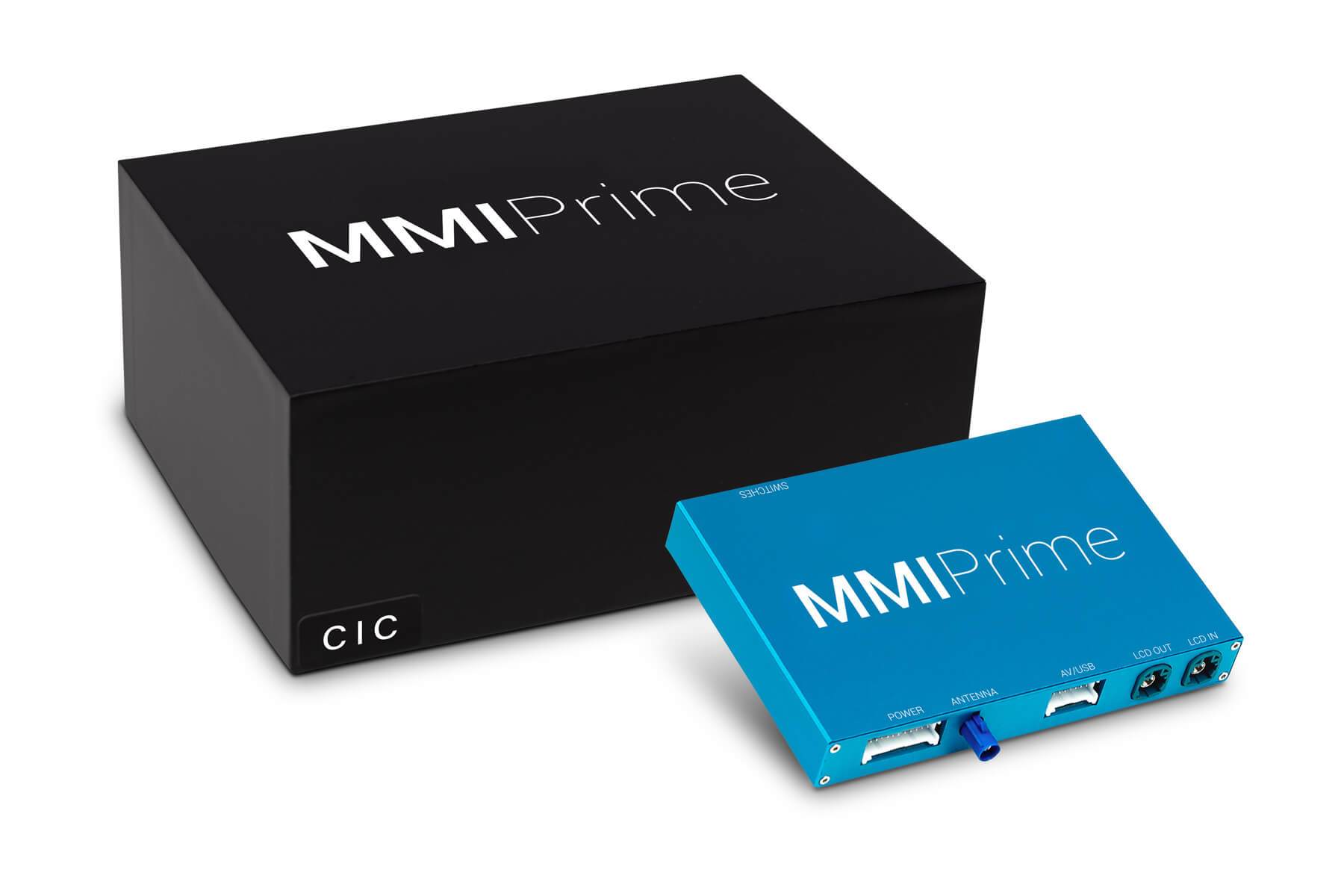
Features
- Available with digital Bluetooth audio (Combox module required for older cars)
- Wireless and USB connection for Android Auto and CarPlay
- Easy access to your smartphone apps: Google Maps, Spotify, WhatsApp and others
- USB port for multimedia and Android Screen Mirroring
- Full-Screen Mode
- Easy control with iDrive
- Supports Front and Rear View Camera retrofits
- High-quality audio with an equalizer (AUX in MMI, Bluetooth in iDrive)
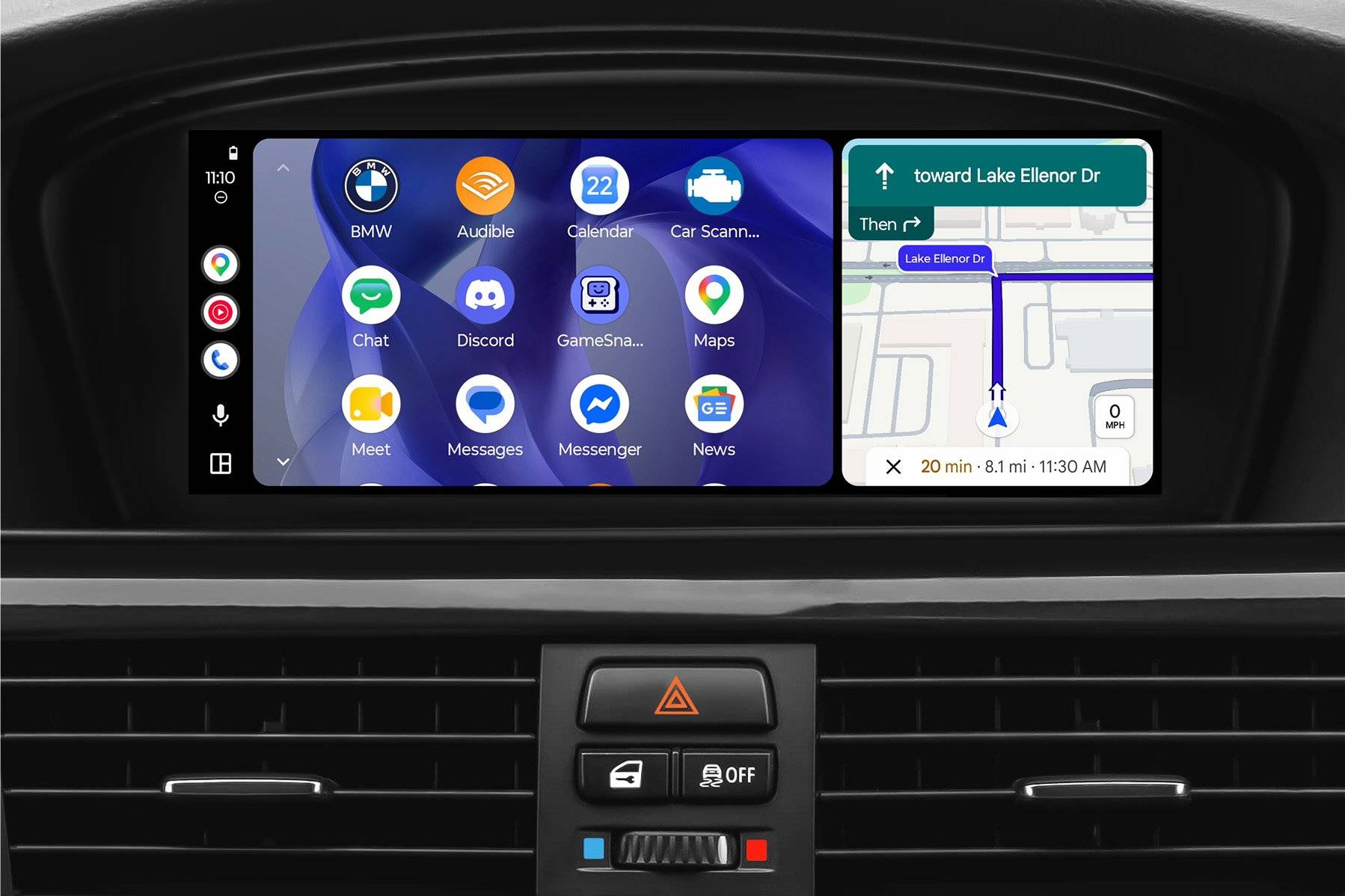
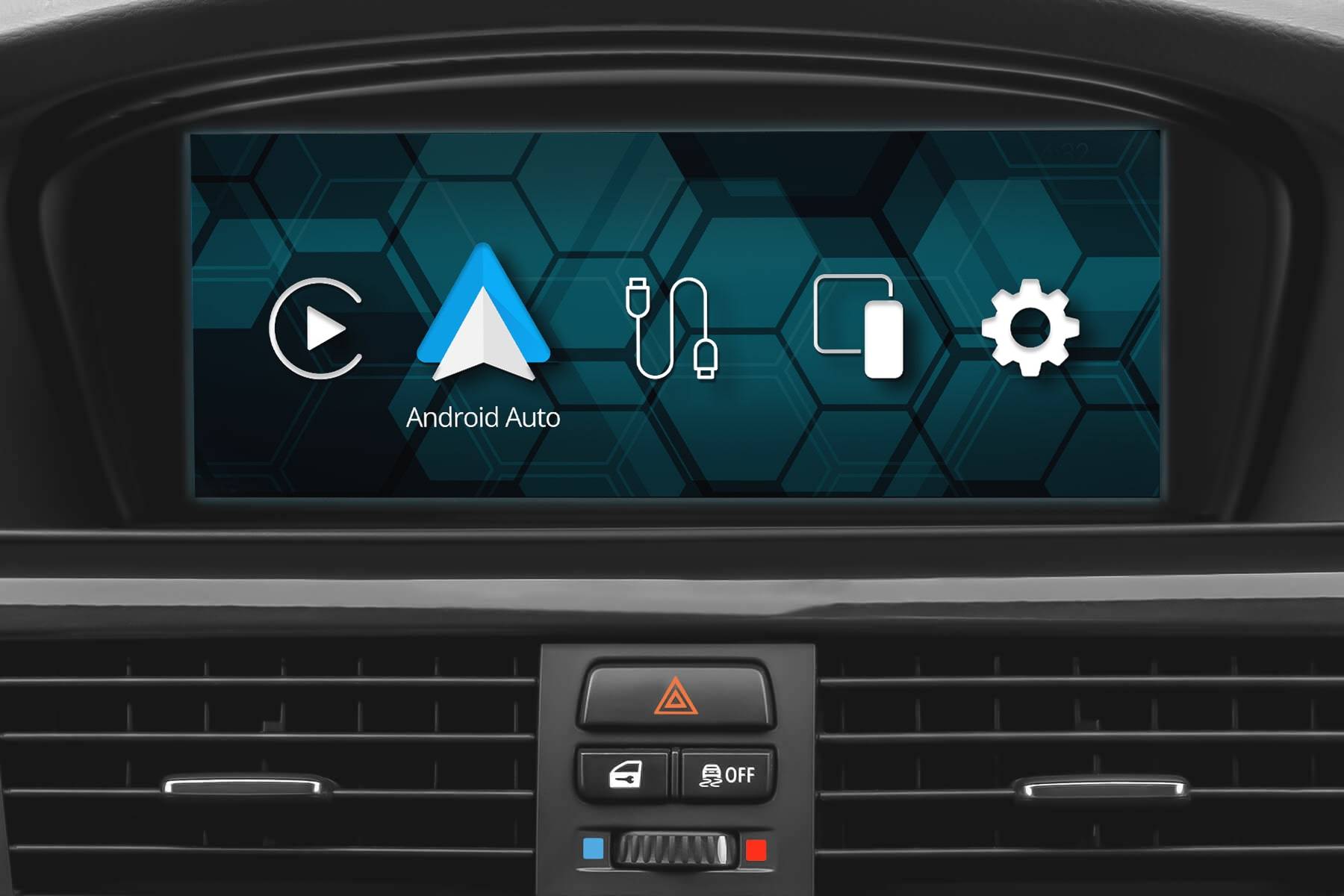
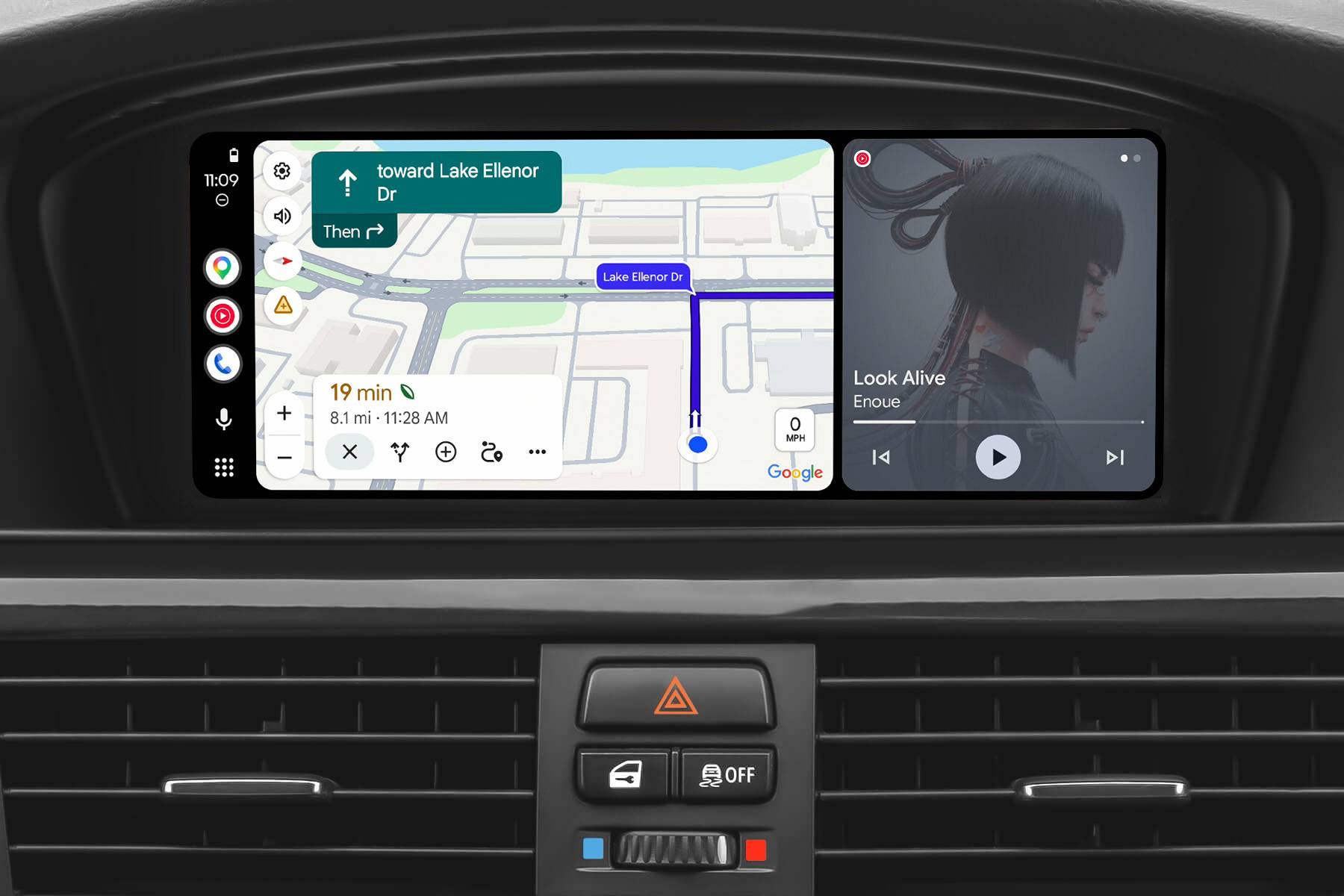
- Works with your existing iDrive screen (screen pictures for illustrative purposes only)
Properties


* Only by entering your VIN can you be 100% sure
you get theright version of the product for your vehicle.
Where to find your VIN?
Required with this product
+$200.00
Addon
+$100.00
+$75.00
Installation accessories
+$49.99
$29.99
+$19.99
Cheaper in sets:
Front View Camera
Rear View Camera
Rear View Camera
Condition
Warranty option:

Delivery time: 2-7 business days

Overnight shipping possibility:

Free shipping worldwide
Delivery time: 2-7 business days
Free shipping worldwide
Overnight shipping possibility
Description
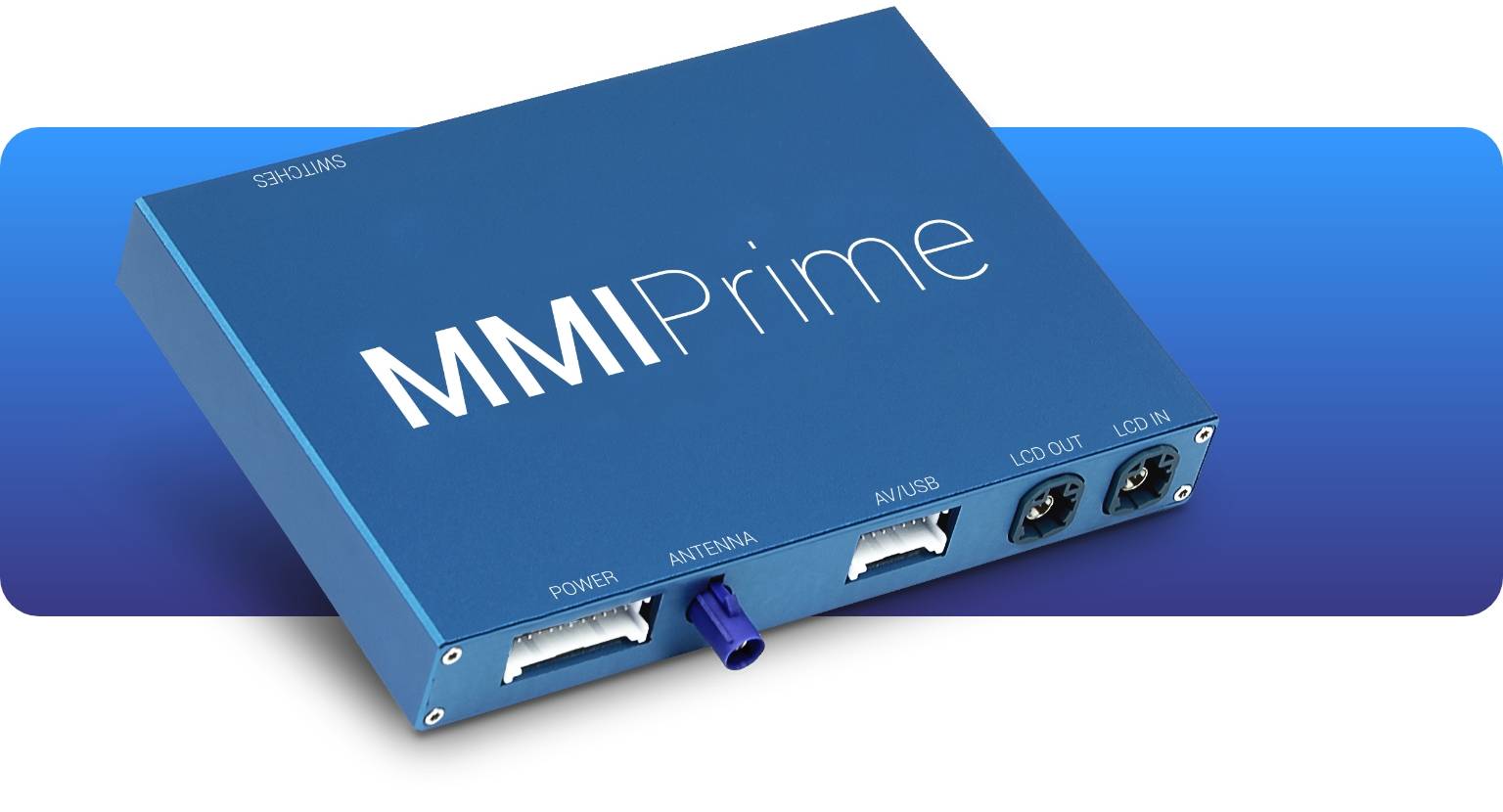
Android Auto MMI Prime is a multimedia interface bridging your phone with your BMW/MINI via cable or wirelessly. It fully integrates with your factory iDrive screen and control knob, and looks and works just like OEM Android Auto.
In order to use Android Auto for BMW or MINI, download the free Android Auto app from Google Play and enjoy plenty of your smartphone's apps in full screen on your BMW's or MINI’s native dashboard display (the screen is NOT included in the Android Auto MMI Prime kit).
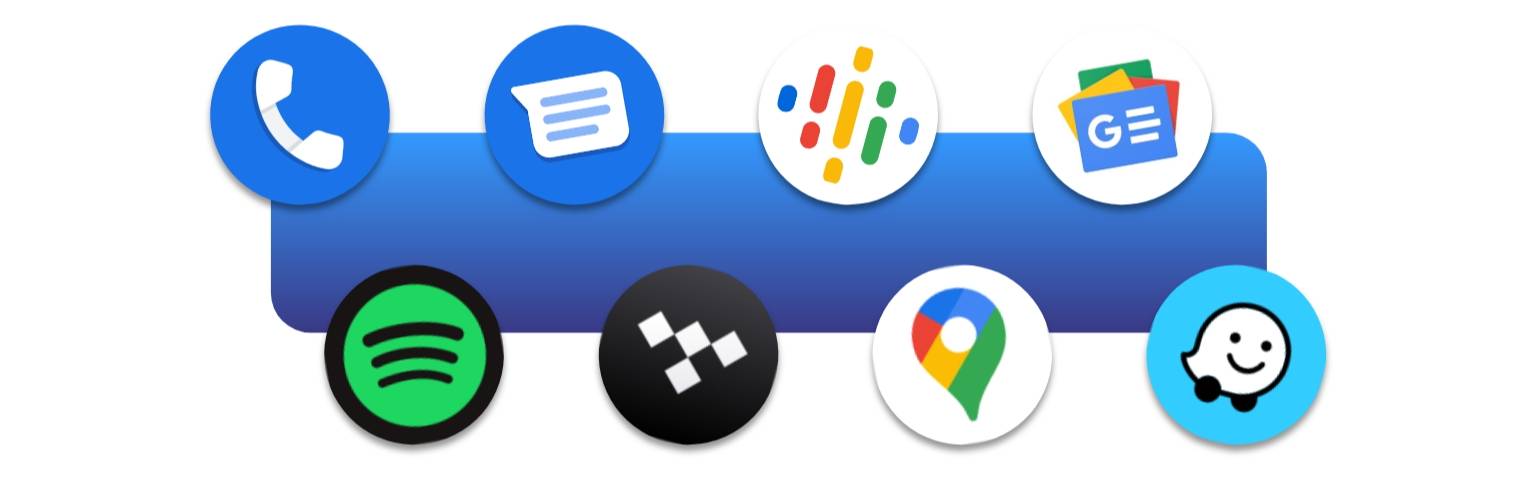
With plenty of apps at hand you can pick whether you prefer listening to your music or podcasts via Spotify, YouTube Music or others, safely stay in touch with your family through WhatsApp or Messages, and always go the quickest routes thanks to Google Maps or Waze without catching a ticket. For maximum convenience, control and navigate between apps with your vehicle's built-in controls, or with your voice thanks to Google Assistant at just a press of a button.
Please note that it is not possible to play audio from CarPlay or Android Auto apps and audio from native iDrive apps (including radio) at the same time.
BimmerTech's Android Auto MMI Prime upgrade is compatible with E-Series and F-Series (1 / 3 / 5 / 6 / 7 and X1 / X3 / X5 / X6 - Series) BMWs and MINIs with CIC and CHAMP2 iDrive systems. It also requires Bluetooth or Voice Control features.
| Features | MMI Lite | MMI Prime | MMI PRO |
| HDMI for Google Chromecast, Amazon Fire TV stick, or other players | X | X | ✔ |
| Adjustable screen aspect ratio for video playback | X | X | ✔ |
| Screen mirroring | X | ✔ | ✔ |
| Future software update support | X | ✔ | ✔ |
| Optional extended warranty | X | ✔ | ✔ |
| Standard warranty | 3 months | 1 year | 1 year |
| USB multimedia port | ✔ | ✔ | ✔ |
| Full-Screen Mode | ✔ | ✔ | ✔ |
| Easy control with iDrive | ✔ | ✔ | ✔ |
| Front and Rear View Camera retrofit support | ✔ | ✔ | ✔ |
| High-quality audio with an equalizer | ✔ | ✔ | ✔ |
| Utilizes iDrive screen | ✔ | ✔ | ✔ |
Android Auto MMI Prime 2025 LCI Upgrade
Now available as an optional early-access upgrade (check the add-ons section) is a refreshed version of our true and tested Android Auto MMI Prime – the 2025 LCI! That’s right, a Life Cycle Impulse. It’s got all the features our users already came to enjoy, but it also brings some additional improvements in terms of UI and phone connectivity (CarPlay, Android Auto, and Screen Mirroring).
To make the new MMI LCI upgrade units future-ready for any potential upgrade add-ons or peripheral devices, we’ve also introduced a couple of hardware changes, such as:
- Faster CPU
- More RAM (128 MB vs. 4 GB)
- Bluetooth 5.x chipset – quicker and with better connectivity
- New DSP audio chip – for even higher sound quality!
- Extra antenna (separate Wi-Fi and Bluetooth antennae, instead of a shared one)
- Improved GPU (supporting 60 FPS instead of 30 FPS)
Don’t worry – this doesn’t mean the pre-LCI version is now outdated! We will still keep supporting it with new Software Updates in the future and you can always count on our Customer Service. All of these changes were just a part of our natural R&D process, futureproofing our bestselling product for years to come and making it even stronger for the most demanding tech geeks.
| MMI version | MMI Prime (pre-LCI) | MMI Prime (LCI upgrade) |
| CPU | Single CPU | Dual CPU |
| RAM | 128 MB | 4 GB |
| GPU | Supports 30 FPS | Supports 60 FPS |
| Connectivity | 1 shared antenna for Wi-Fi & Bluetooth | 2 antenna – 1 x Wi-Fi, 1 x Bluetooth |
Digital Bluetooth Audio
With our Android Auto MMI upgrade, no middlemen are needed when it comes to audio signal transmission. By enabling the Digital Bluetooth Audio option, sounds from your mobile device will skip the physical AUX connection and go straight to your BMW’s head unit. Or any other audio output you decide to pair it to – this feature allows you to play sound through external speakers without disconnecting the MMI and turning off Android Auto or CarPlay.
Direct link is beneficial not only for listening to the music – it also provides OEM quality phone calls. Please note that for the direct connection to work with older BMWs, our Combox Media Retrofit may be required.
Access Phone Apps
The Android Auto retrofit for BMWs and MINIs gives you direct access to a host of your smartphone’s driver-focused apps including navigation, messaging, music, podcast and others.
Android Auto Navigation Apps
Since you want your maps to be kept accurate to the smallest detail, there’s no easier way to do it than with apps to which being up-to-date is second nature. Android’s Auto Google Maps, Waze, TomTom, Spot Hero, MapFactor or many others will show you the fastest and safest routes wherever you are in the world. At times, with no internet connection!
Android Auto Parking & EV Apps
Once you reach your destination, dedicated apps make it easier to find a convenient spot to park up or charge your electric vehicle. With solutions such as EasyPark or RingGo you’ll quickly reach the closest available carpark when you’re in a pinch. And using apps like PlugShare or ChargePoint always know where to head to charge up and at what cost.
Android Auto Music Apps
If you’re strongly attached to your favorite Spotify or YouTube music playlists, or an audiophile who respects nothing less than high-quality HiFi tunes from Tidal, Android Auto will let you carry over what used to be a smartphone convenience into your BMW. And if music isn’t enough for longer tours, a bunch of good podcasts from Audible or Stitcher may help you pass the time.
Android Auto Communication Apps
Undeniably, you’re on the slippery slope when texting on the highway, but thanks to Android Auto’s built-in Google Assistant support you can use your favorite messaging apps such as WhatsApp, Messenger or WeChat to send and receive messages without taking your eyes off the road… Or even lead conference calls on apps such as ICQ if you’re one of those high-flying executive types.
Wireless Capability
Simply connect your Android phone either wirelessly or with the use of USB cable to our MMI Prime and start using Android Auto. To enjoy Android Auto wirelessly your phone has to support the wireless Android Auto. If it doesn't, you'll still be able to use the Android Auto via USB – just make sure you have the Android Auto app installed.
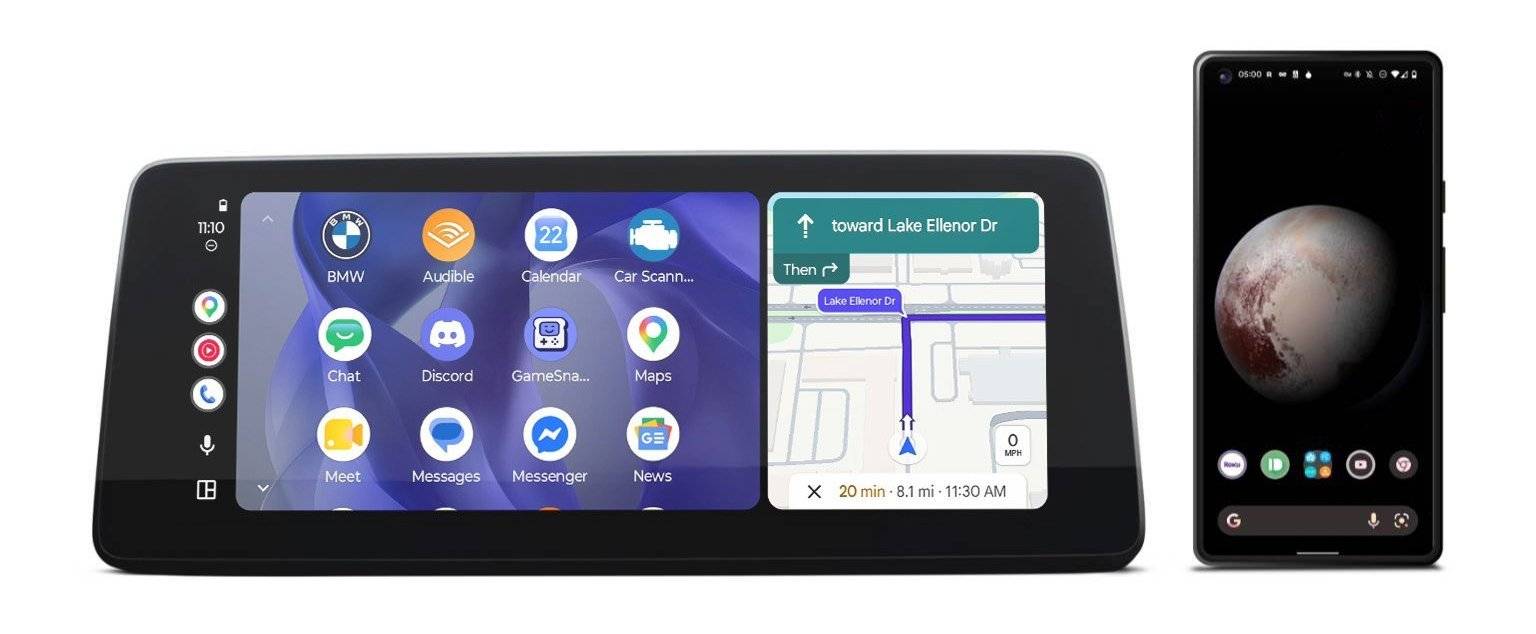
It's possible to use Android Auto wirelessly with any Android OS phones (some of the Chinese phones might not work with Android Auto).
Phone Compatibility
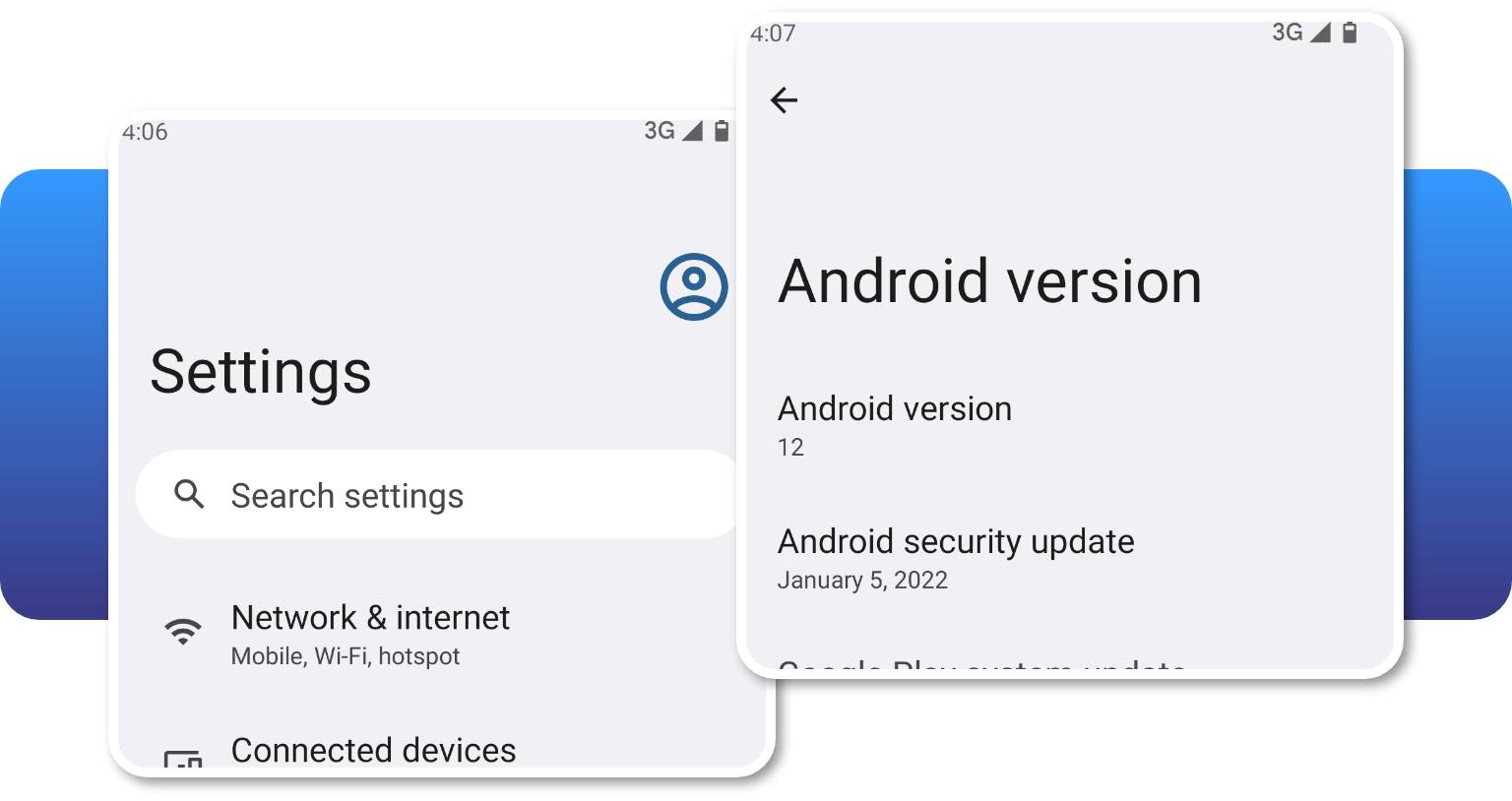
Our Android Auto MMI Prime retrofit is compatible with all Android smartphones that support Android Auto app. You can check the compatibility here: Android Auto. 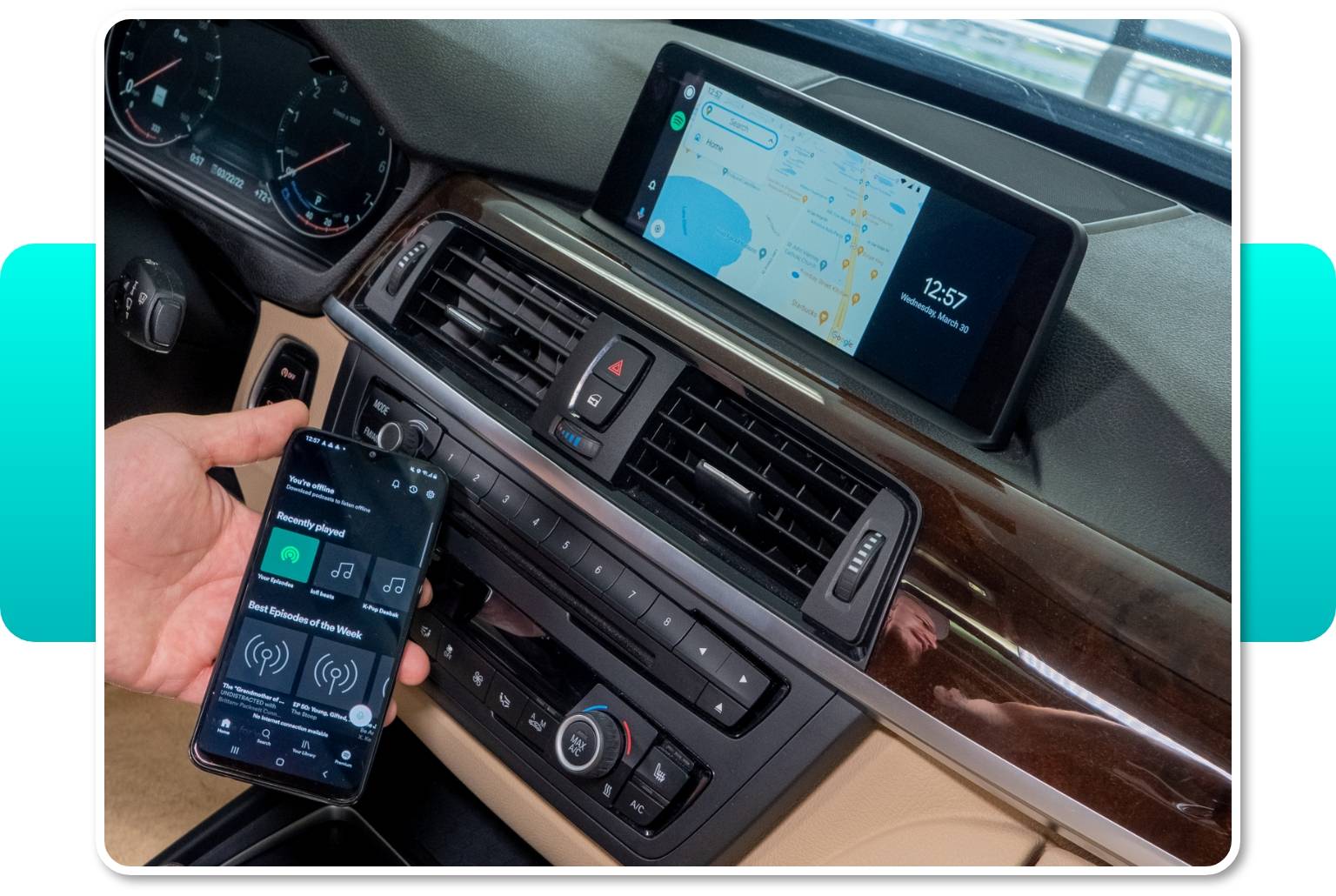
If the Android Auto app isn't available in your Google Play account due to the regional limitations, you can download the .apk file from an alternative source, such as Android Auto APKs, which is the main website containing all Android Auto app versions. Check if the Android Auto app is available for your region here.
USB Multimedia Port
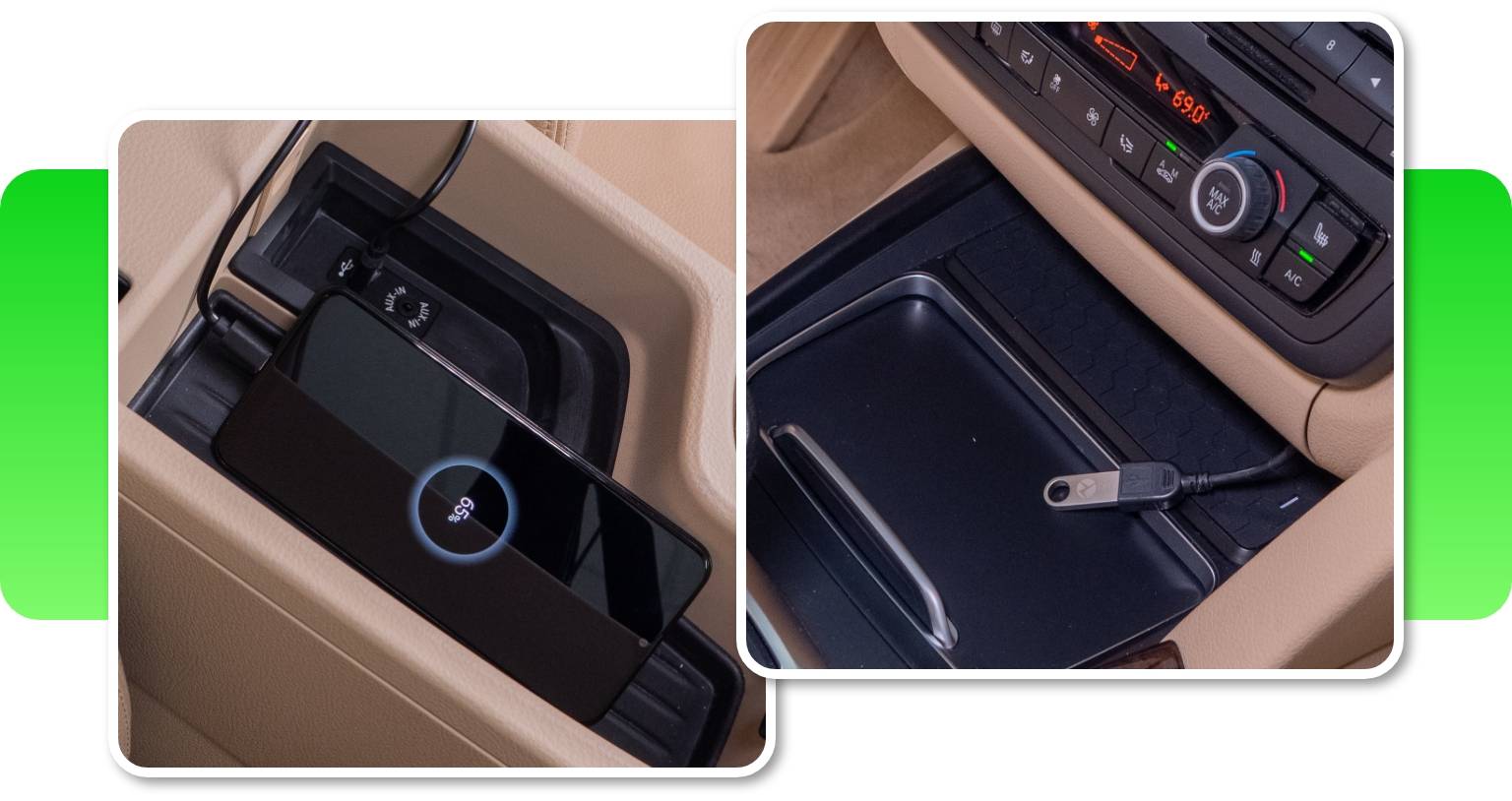
Our BMW Android Auto upgrade comes with a USB port. It lets you use it for playing videos and music files on your BMW iDrive screen from a USB thumb drive. What's more, it's important for future software updates. So, if you won't be using it to enjoy multimedia, make sure to place it in an accessible location for this purpose.
BMW Android Auto Full Screen Mode
Android Auto MMI Prime lets you use your favorite Android Auto apps on the original BMW display in full-screen. The retrofit's 1280x480 (10.25” and 8.8”) resolution for big screens and 800x480 (6.5”) resolution for small screens look just great on all screen sizes.
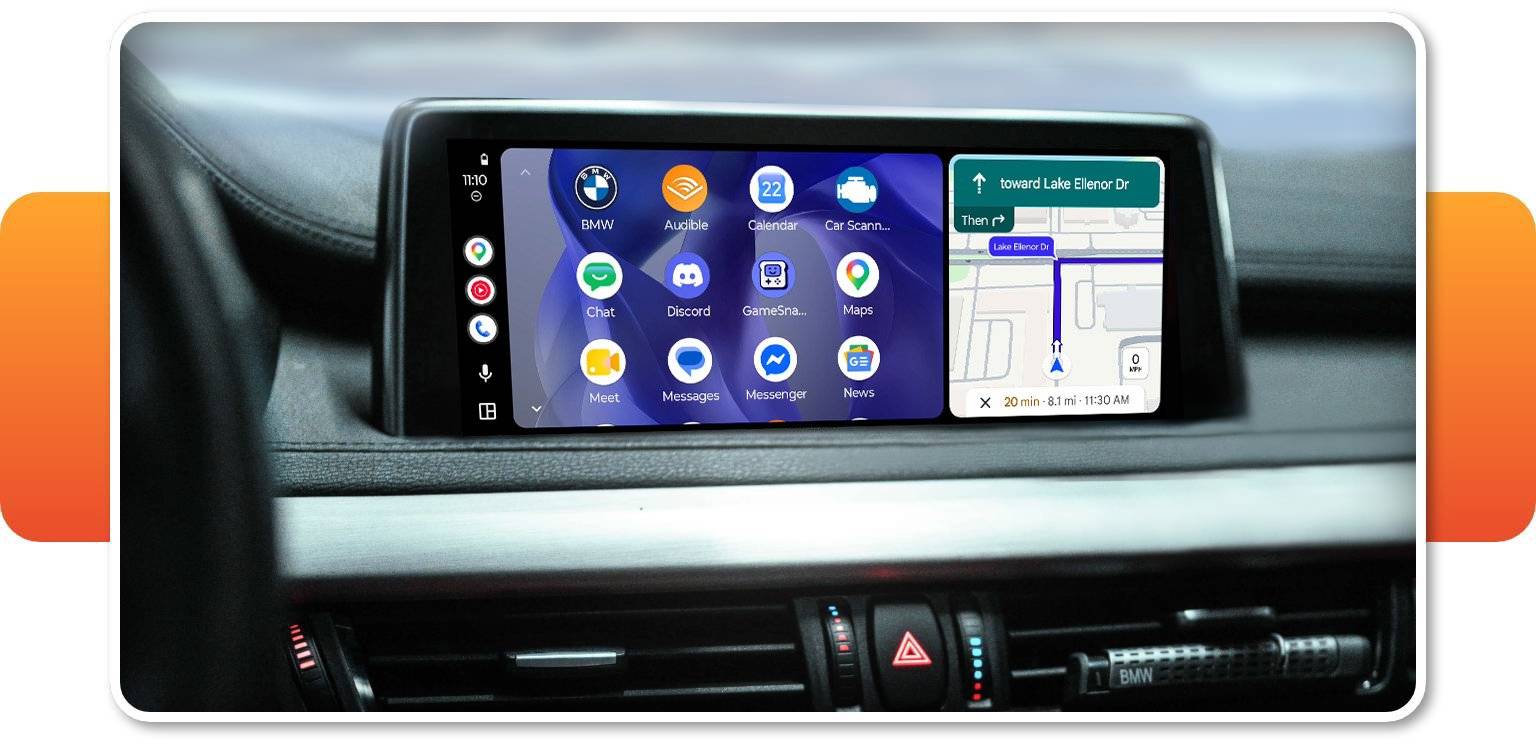
Note that in MINIs with a rounded screen, a small part of each corner of the Android Auto interface will be obscured when using full-screen mode (it is possible to adjust the screen size manually in MMI screen settings).
Screen Mirroring
The Full-Screen mode also includes a Screen Mirroring option, which lets you cast the screen of your mobile device onto the BMW's or MINI’s display, and stream audio through the car speakers with the help of the Android Autolink app. This function is especially convenient if you want to stream a video from YouTube.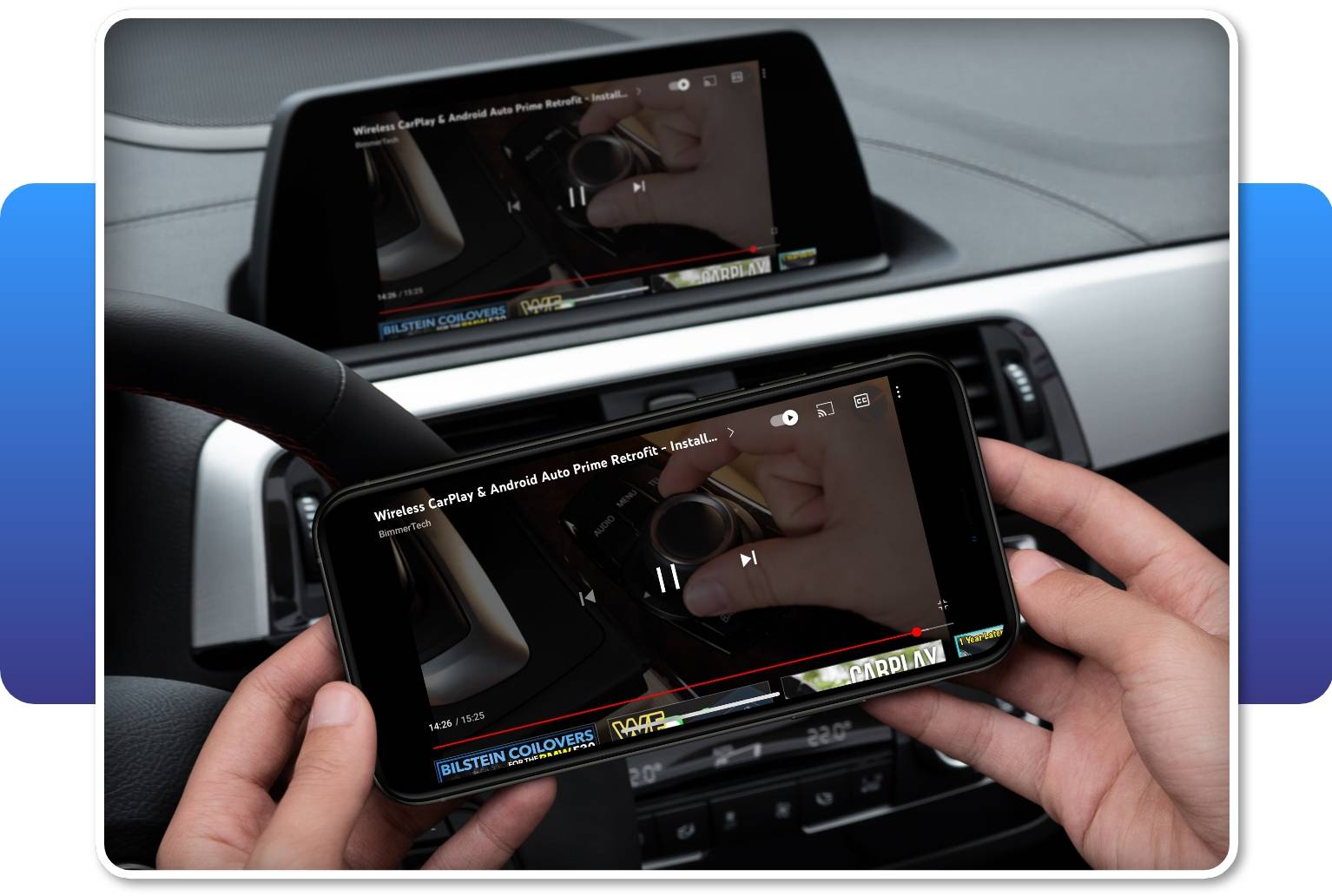
Requires connecting your phone via USB cable. Please note that mirroring of some apps or content using the Screen Mirroring feature may be blocked due to the copyright-holder's DRM. BimmerTech is not responsible for the continued compatibility of any third-party apps with Android Auto MMI Prime.
Easy Control With iDrive
To navigate the Android Auto apps, you can use your factory microphone (if present) for Google Assistant or the iDrive controller. A microphone is required to use Android Auto or CarPlay. If your car isn't fitted with a built-in microphone, you can add one to your kit above.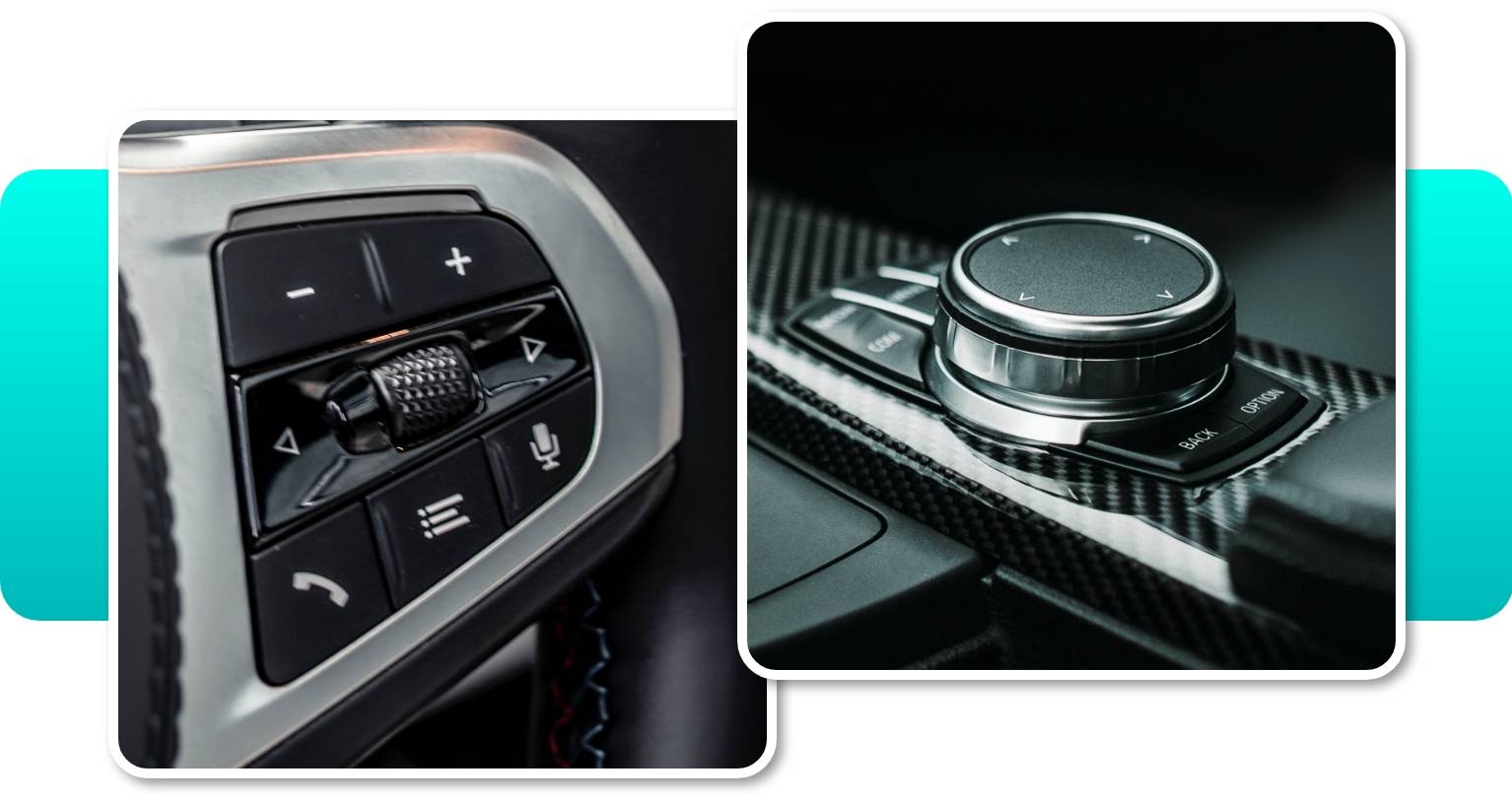
The Android Auto system also requires Bluetooth or Voice Control features to allow you for a hand-free control.
Android Auto MMI Prime isn’t compatible with touch function, however you can safely control the device with the steering wheel buttons, iDrive controller and Siri/Google Assistant. In the case of the iDrive controller, we’ve also implemented special shortcut and control features for the following buttons:
- MEDIA – open the music app.
- NAV – open the navigation app.
- TEL – open the phone book.
- MENU – open the apps menu.
Additionally, the roller button can function for either scroll selection or forward/backward music selection.
Wireless CarPlay Support
The kit’s Multimedia Interface (MMI) module also adds CarPlay to your BMW or MINI. So if you have family members or friends with iPhones, connecting their devices will be a breeze too! Following their preferences, they'll be able to do it with the use of USB or wirelessly.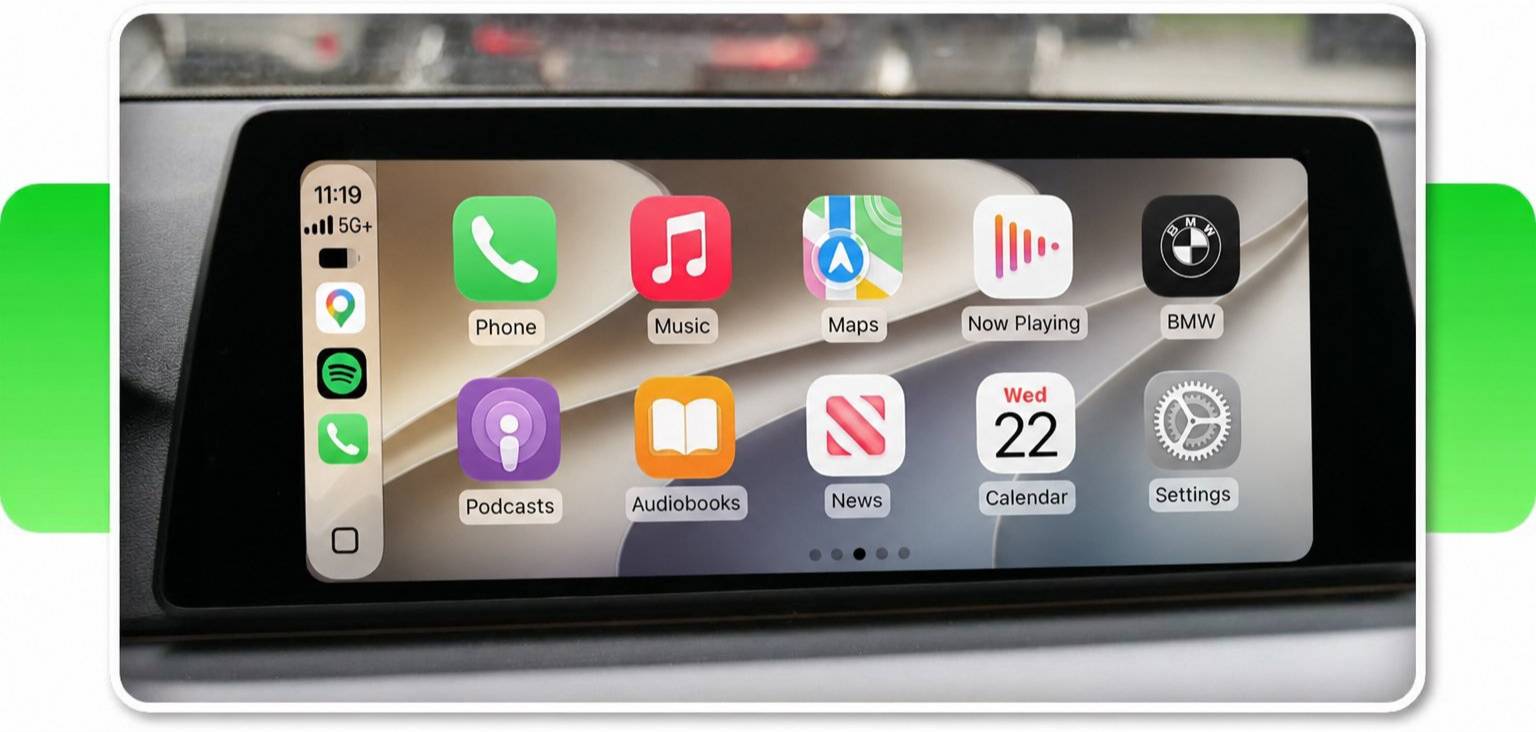
Integration With Front & Rear View Cameras
The MMI module makes it easy to add a front and reversing cameras to your order for a much lower price. The front view camera can be activated by holding the Option button for 2 seconds. To exit the camera mode, just press Back. It can also be set up to appear automatically on the screen for up to 20 seconds when the gear is shifted from Reverse to Drive.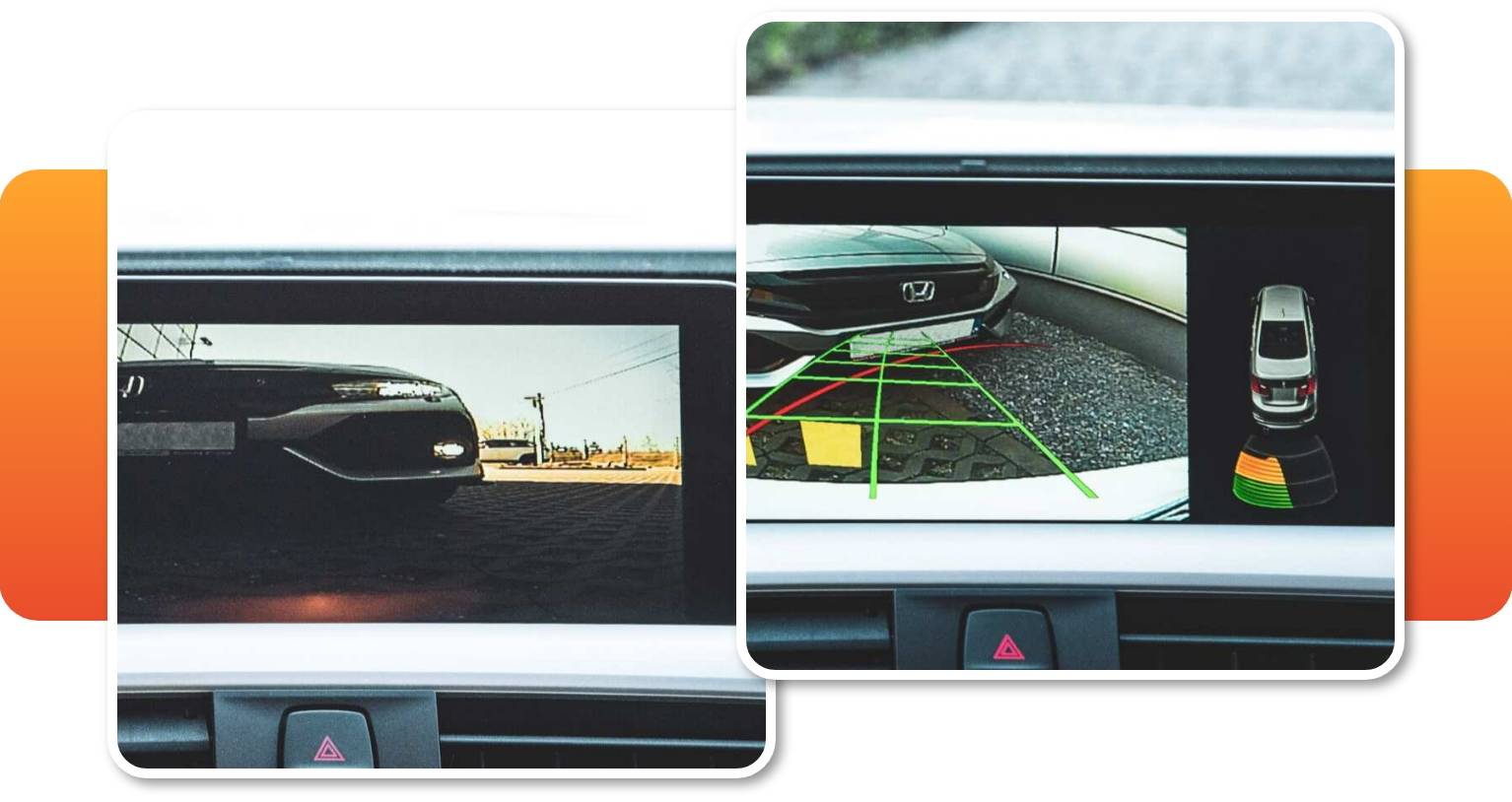
High-quality Audio With An Equalizer
The audio output circuit in the Android Auto MMI Prime has been specifically selected to squeeze all the quality we can out of the iDrive AUX input, providing great audio quality for music and streaming. Something that’s also upgraded in our MMI Prime for CIC is the enhanced quality of phone calls — we’ve managed to reduce reverberation for the comfort of clear and undisturbed conversations. 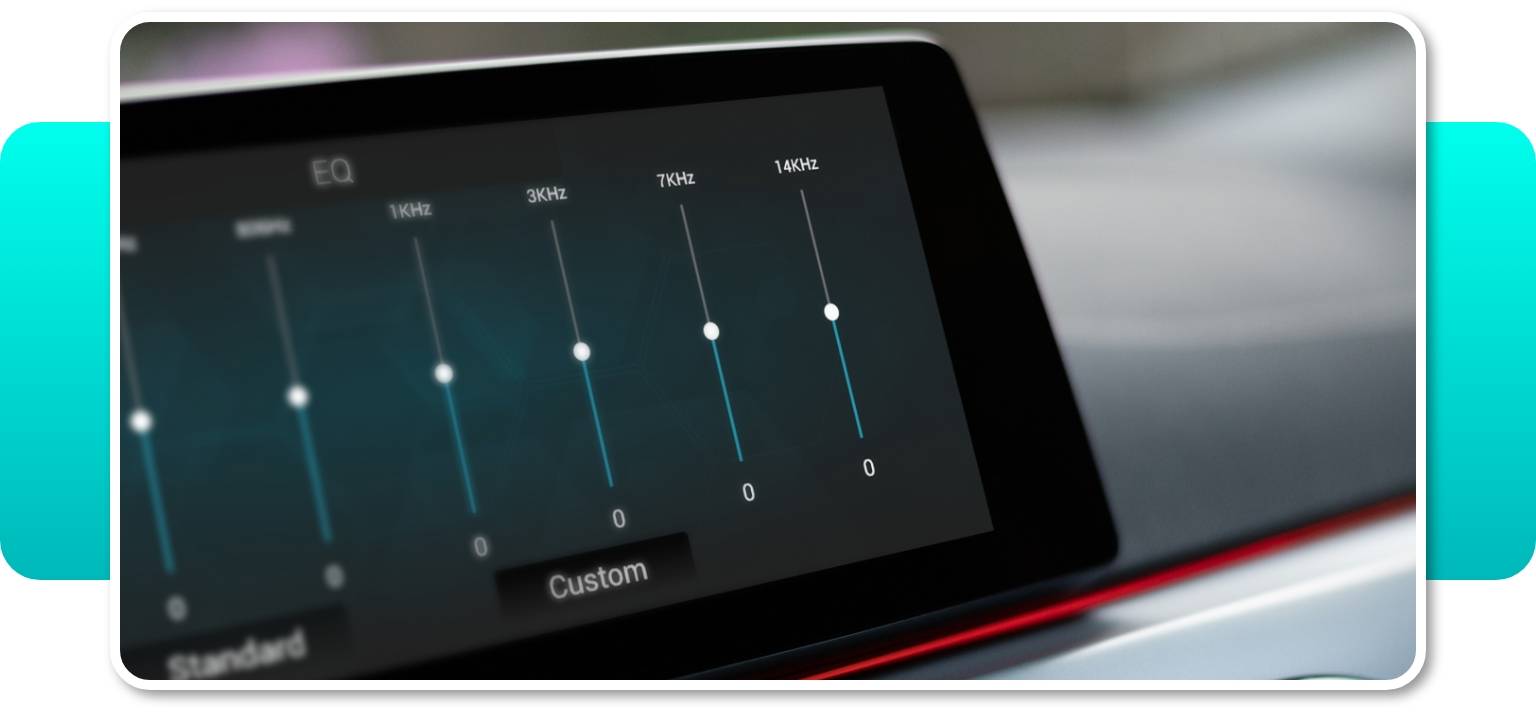
The MMI also features a built-in 8-band equalizer allowing you to adjust the sound to your musical preferences. Whether you like more bass and less treble, or the other way around, you can easily set it up in the MMI menu. It is a great feature especially if you don't have a multi-band Equalizer in your BMW iDrive system.
Please note that the MMI equalizer works only for audio transmitted via AUX. When using Bluetooth, use the EQ in your phone or iDrive (if applicable).
Read more about Android Auto.
Android Auto MMI Prime Software Update
We’re always working on improving our Android Auto MMI Prime, with regular software updates to unlock new features. Updating your software is easy, and can be done through the included USB port.
Click here to check the latest software available for your MMI.
Installation
Easy Plug & Play Installation
BMW Android Auto upgrade is fully plug & play and takes 2–4h, doesn’t require any permanent modifications to your vehicle and thus is completely lease-friendly. It shouldn’t void your warranty either – yet this is contingent on local regulations and warranty clauses. The install is 100% reversible.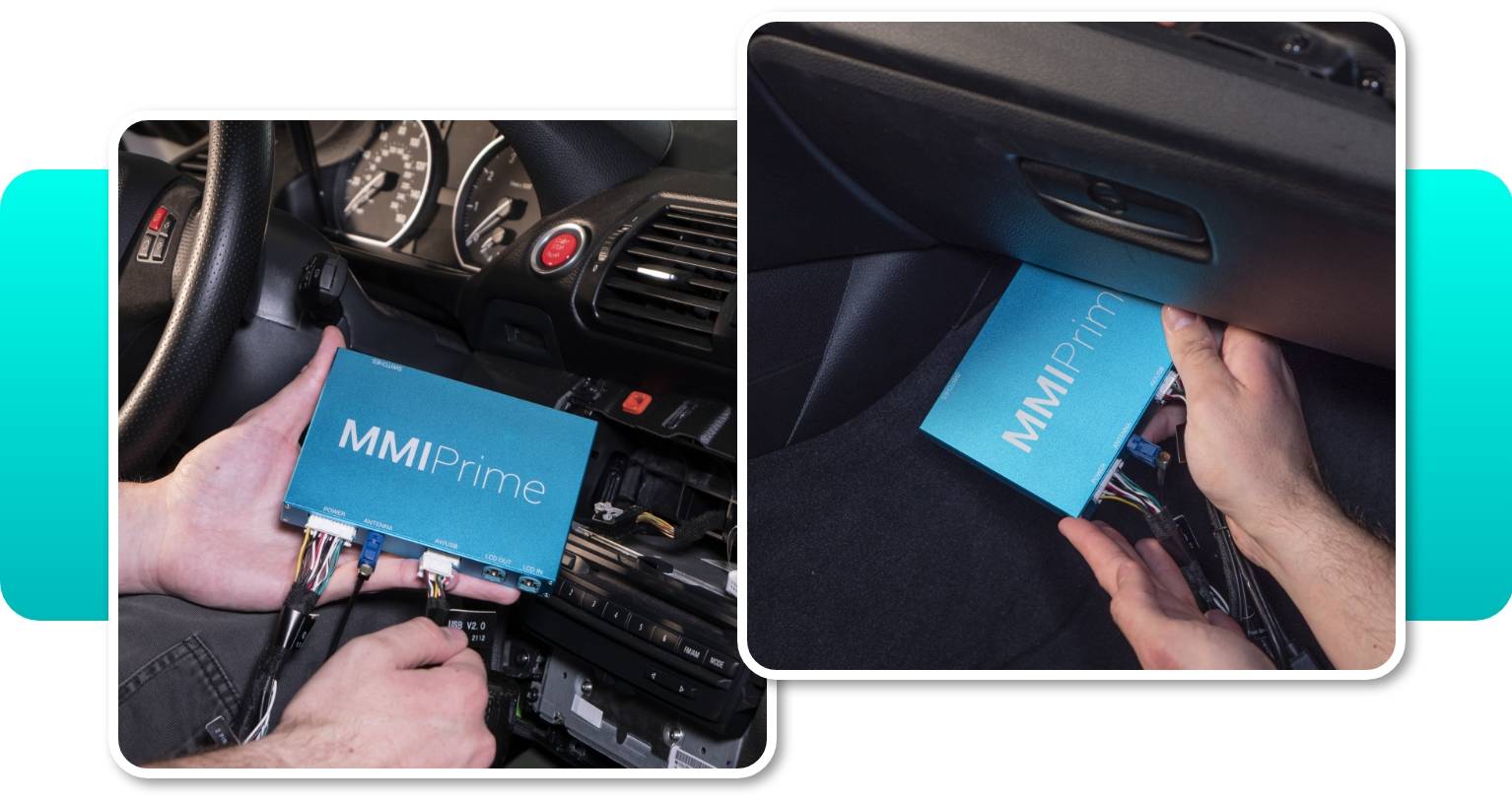
When adding Android Auto MMI Prime to the CIC head unit there are no additional coding or permanent modifications required, however the installation process itself might be a bit tricky for an inexperienced DIY’er. Therefore, if you’d need a helping hand, here’s a list of our installers who will manage this process for you.
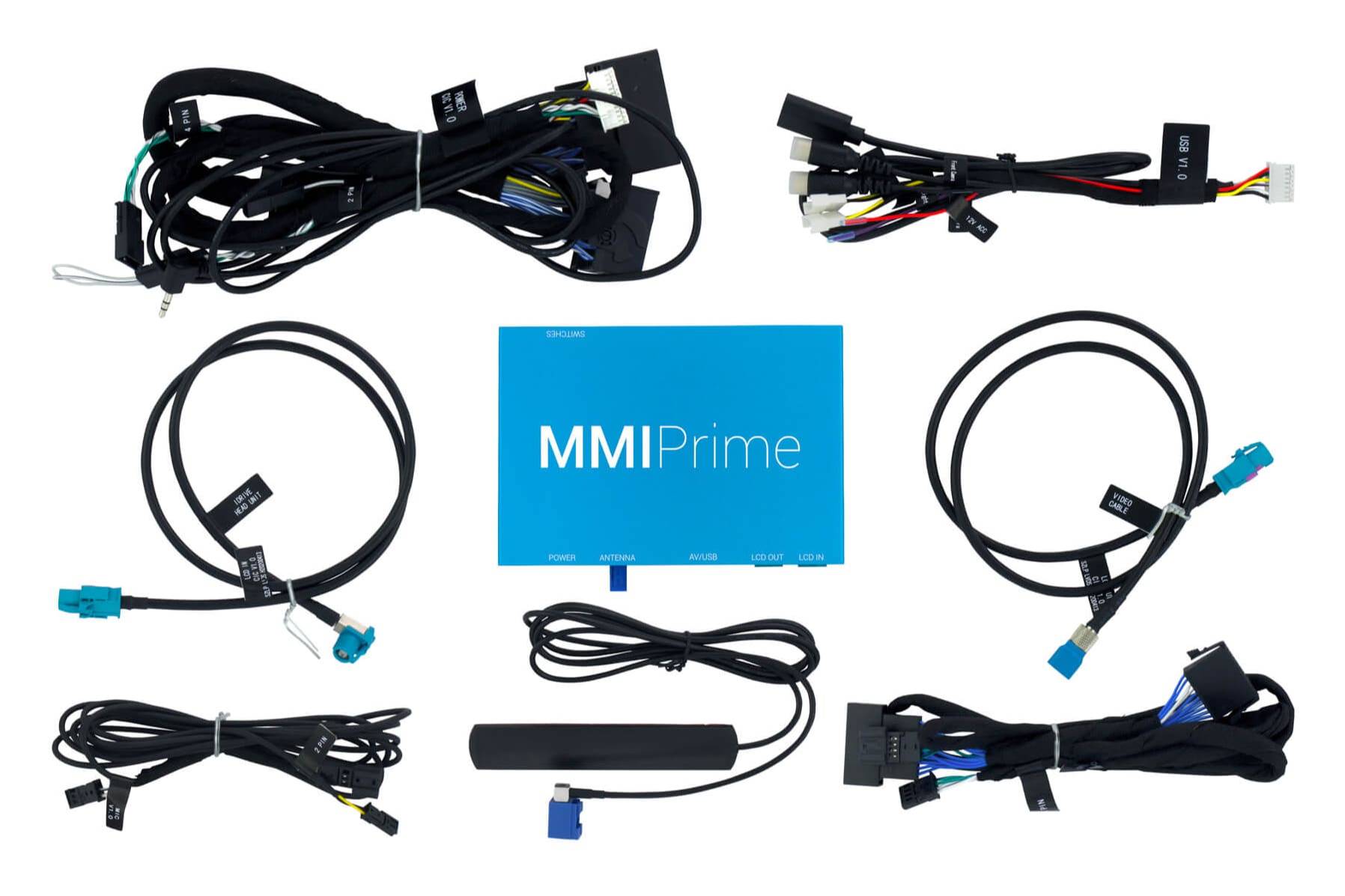
The kit includes
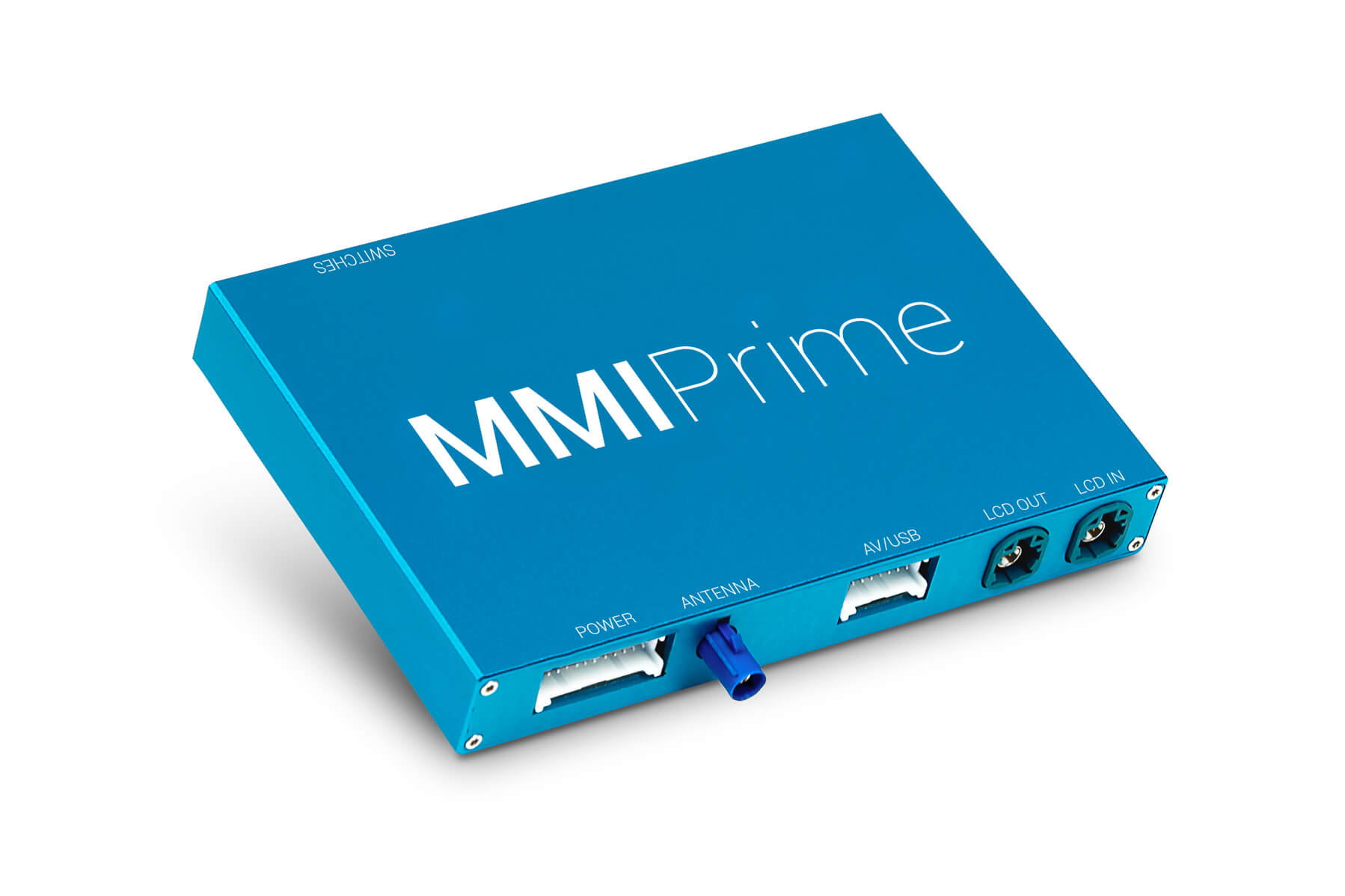
The kit includes all parts necessary for a complete installation:
- MMI module
- Wiring harness
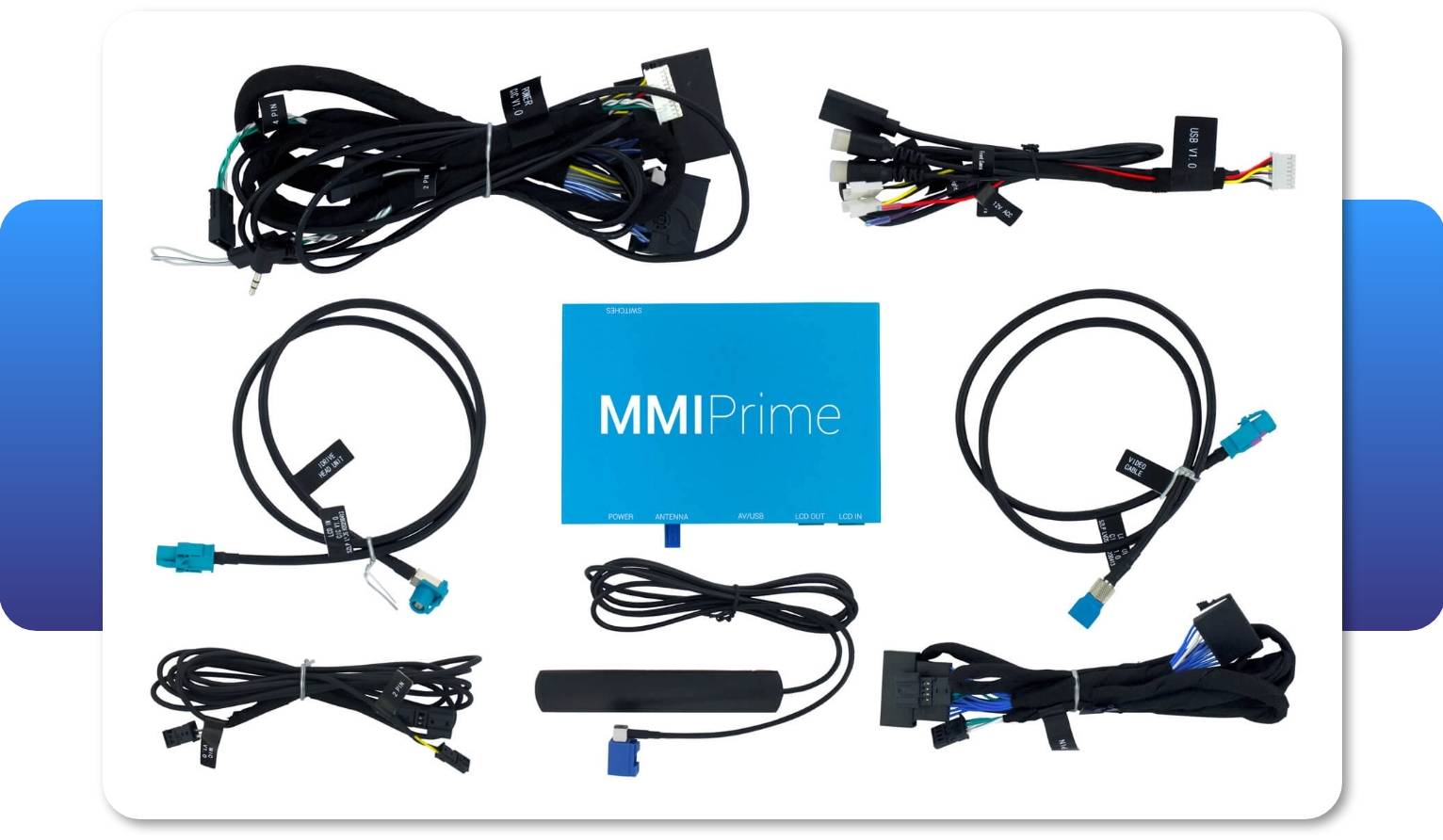
Keep in mind, the screen is NOT included in the Android Auto MMI Prime kit.
Comments(0)
No data found


* Only by entering your VIN can you be 100% sure
you get theright version of the product for your vehicle.
Where to find your VIN?