


Android Auto MMI Lite Retrofit for BMWs and MINIs
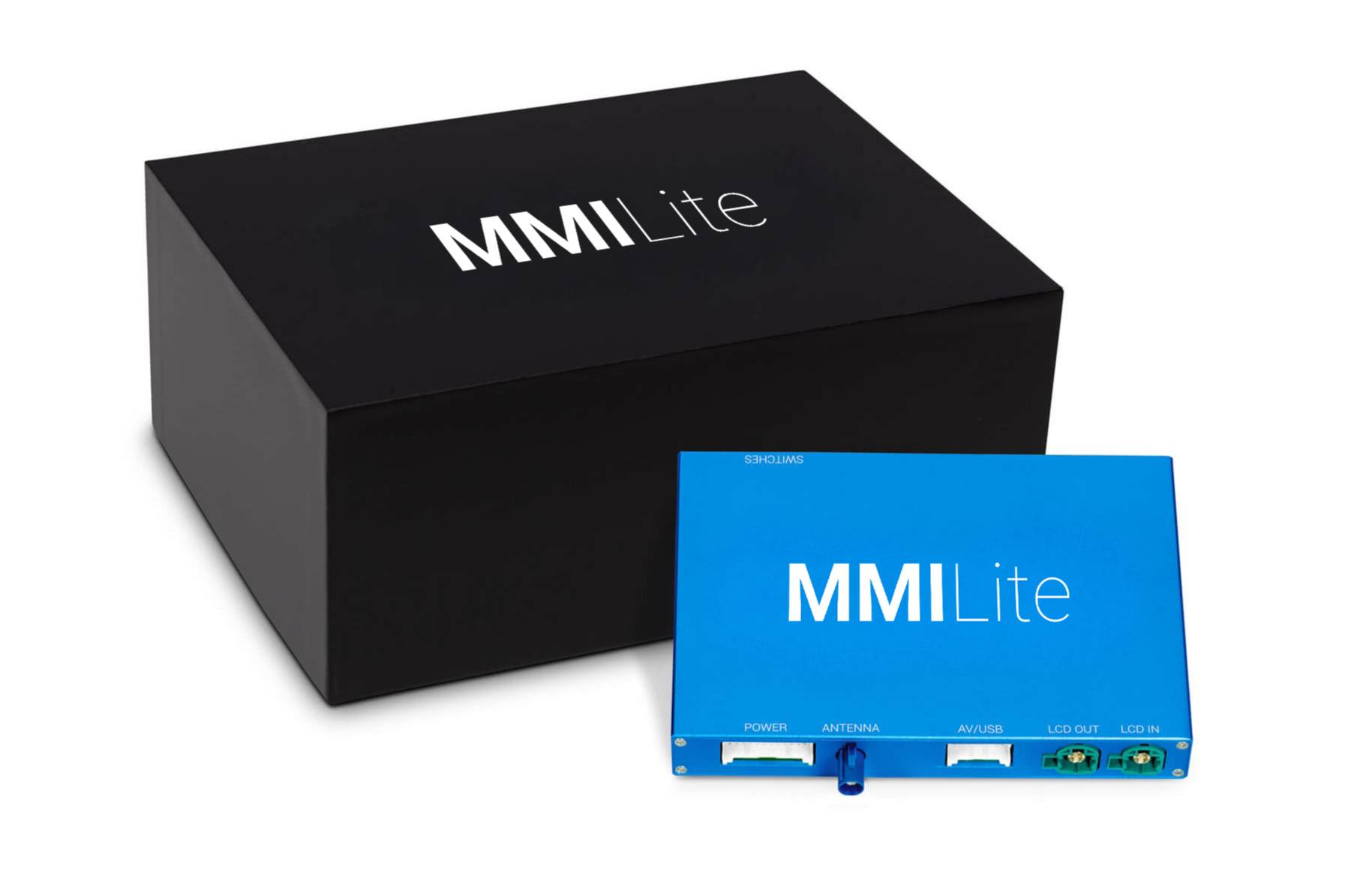
Features
- Available with digital Bluetooth audio (Combox module required for older cars)
- Wireless and USB connection for Android Auto
- Supports wireless and USB CarPlay for iPhones
- USB multimedia
- Full-Screen Mode and easy control with iDrive
- Supports Front and Rear View Camera retrofits
- High-quality audio with an equalizer (AUX in MMI, Bluetooth in iDrive)
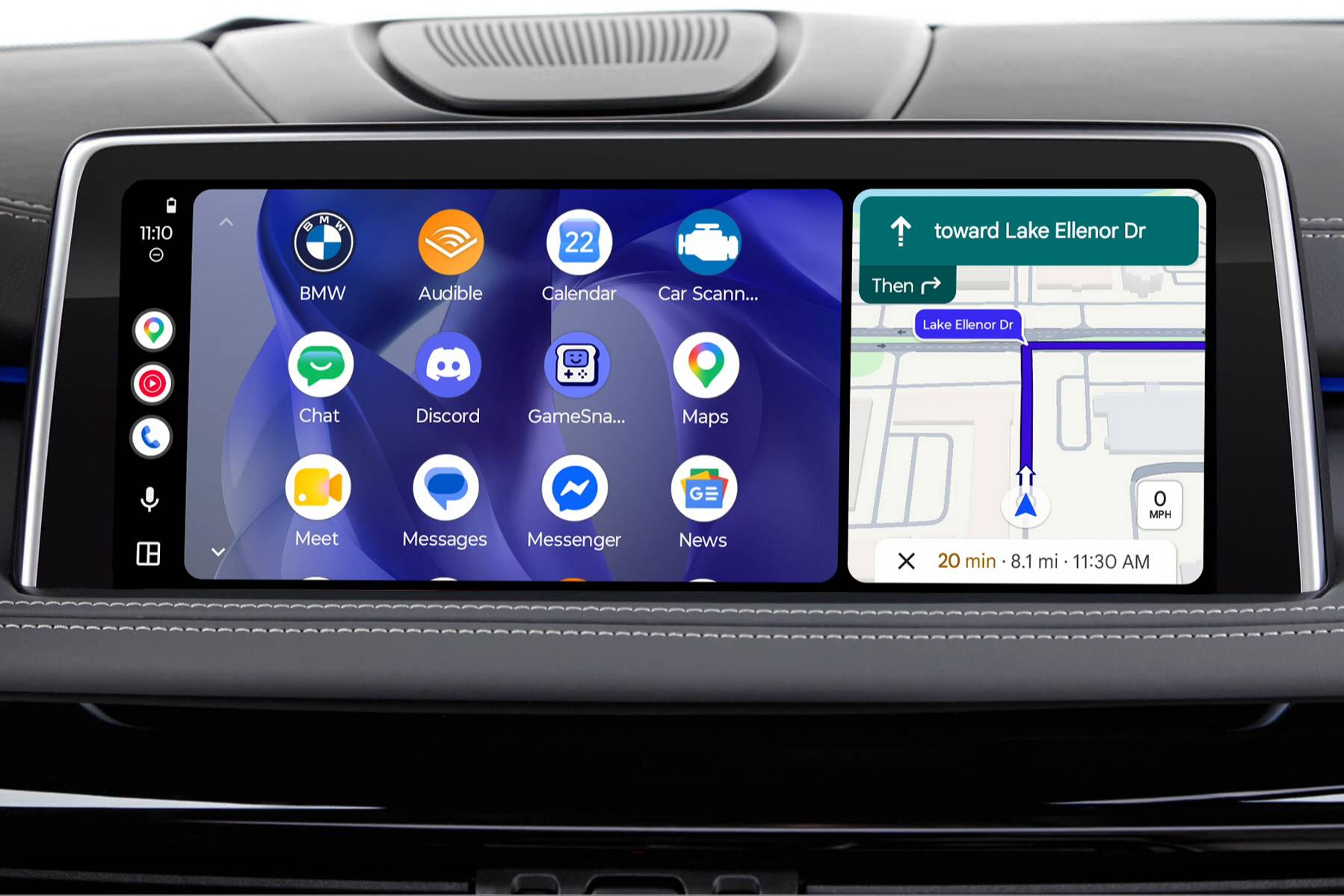
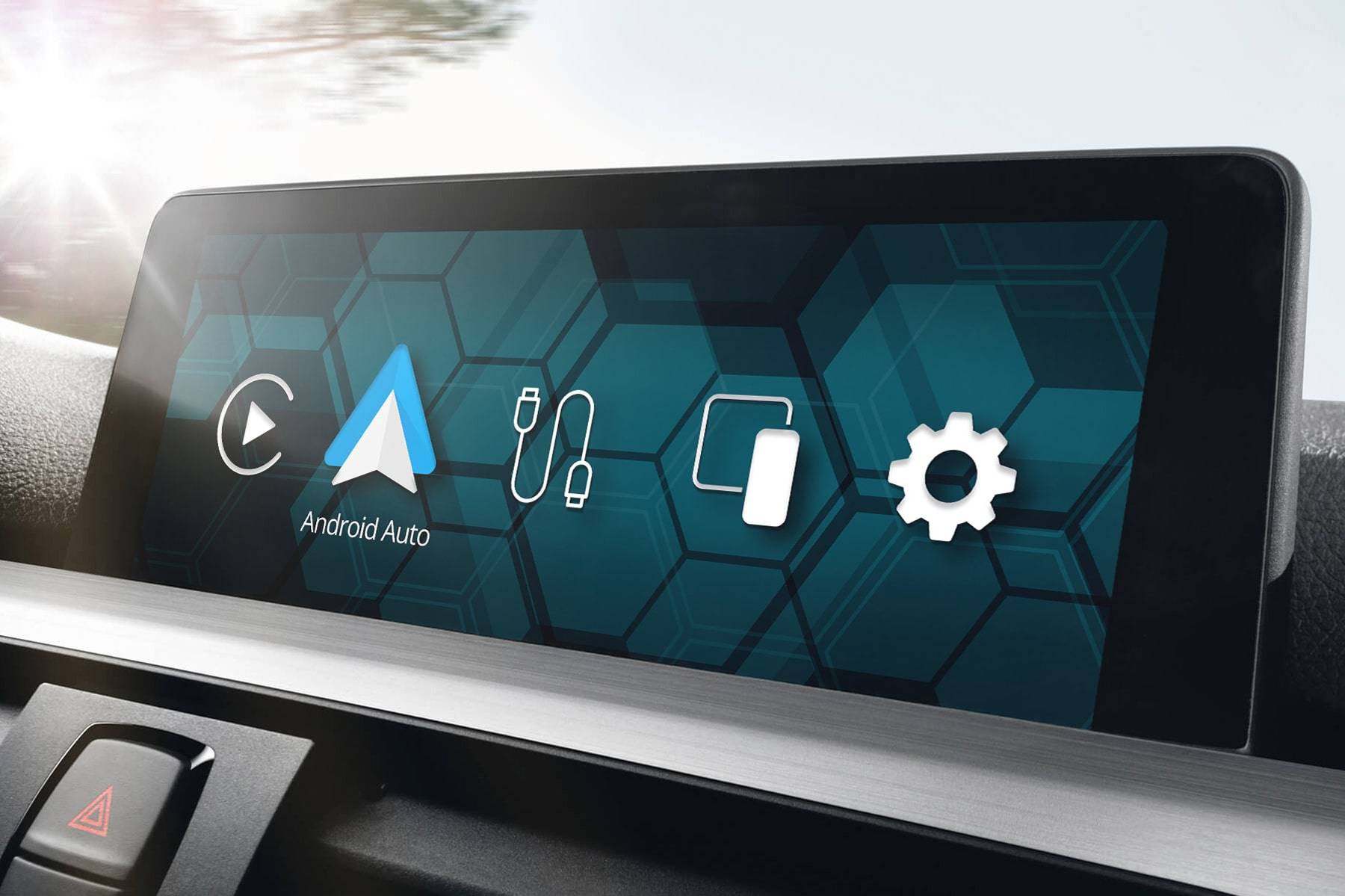
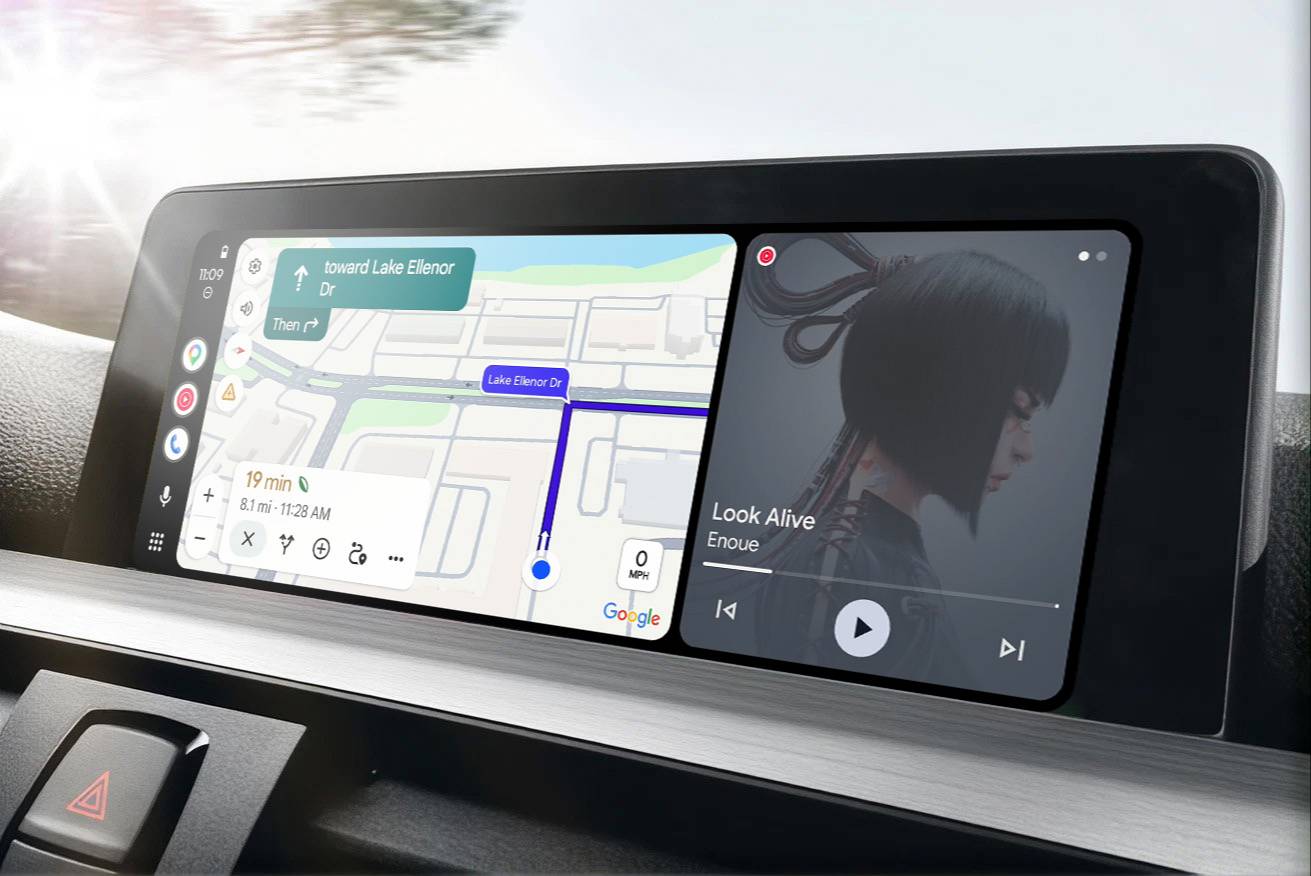
- Works with your existing iDrive screen (screen pictures for illustrative purposes only)
Properties


* Only by entering your VIN can you be 100% sure
you get theright version of the product for your vehicle.
Where to find your VIN?
Or select your version by yourself:
select a version for pricing

Delivery time: 7-10 business days
Depending on the product version price may change
Description
If you want an easy way for improving your infotainment experience, our Android Auto MMI Lite Retrofit might be the right thing for you! With a host of just the necessary features and no needless extras, it’s the essential upgrade for improving the way you connect your phone to your BMW or MINI. So you can be certain it won’t overwhelm you – instead, it will overhaul the smartphone integration capabilities of your car.
But what exactly is the MMI Lite Retrofit?
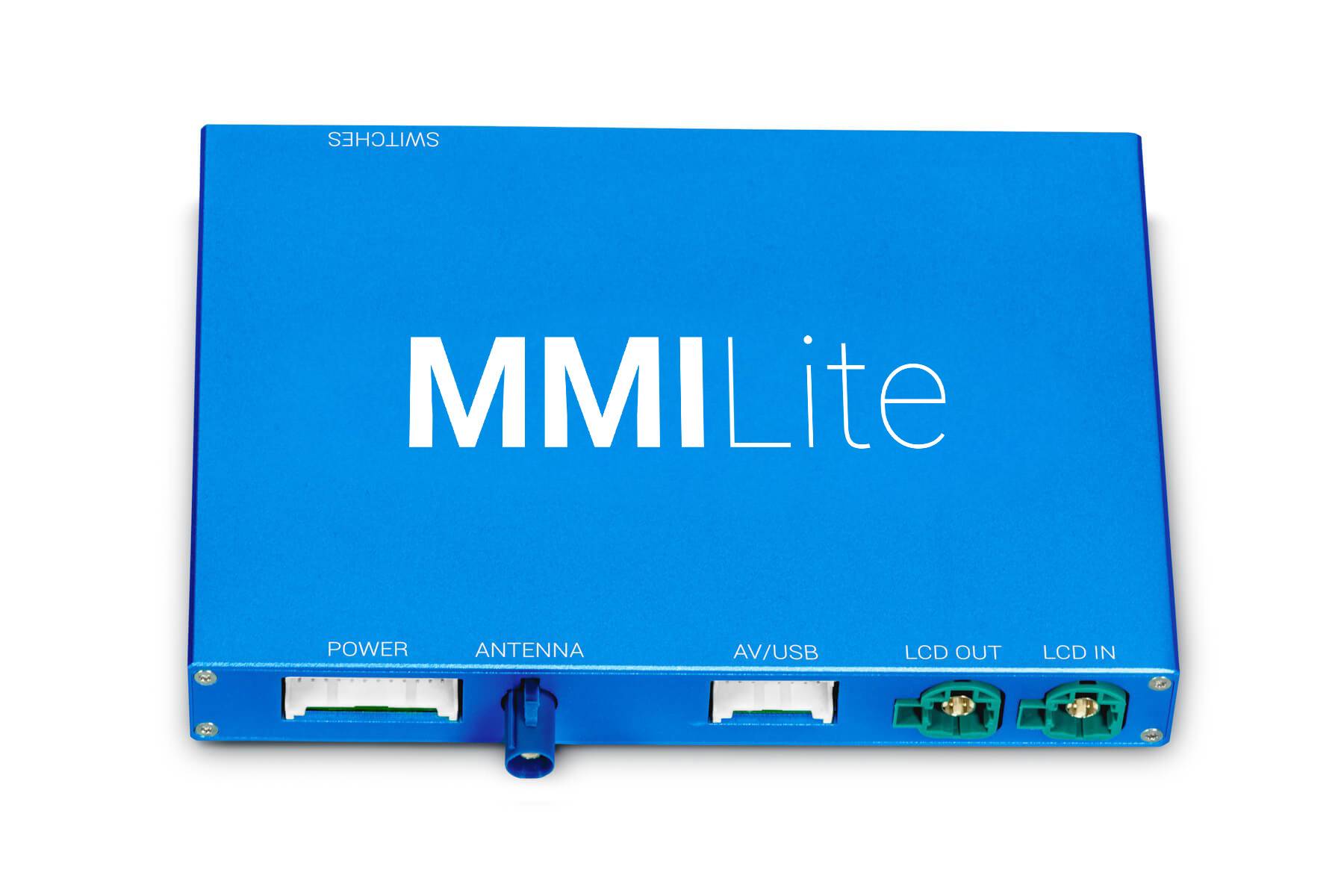
It’s the entry version of our proven Android Auto and CarPlay implementation solution for older BMWs and MINIs with the same essential features at a much lower cost. Seamlessly integrated with the native iDrive display (the screen is NOT included in the MMI Lite kit) and controller, it feels and works like an OEM option. All with even smoother software and a user-friendly interface.
With the MMI Lite, you’ll have a host of apps at hand, enabling you to:
- Listen to your favorite music or podcasts from Spotify, Apple Music, YouTube Music, etc.
- Safely stay in touch with your family via WhatsApp or Messages.
- Find the quickest routes to your destination via Google Maps, Apple Maps, or Waze.
To control all these functions you can use the iDrive controller, Siri, or steering wheel buttons (only in compatible vehicles). The touch function of the display is not supported. Please note that it is not possible to play audio from Android Auto and CarPlay apps and audio from native iDrive apps (including radio) at the same time.
BimmerTech's Android Auto MMI Lite upgrade is compatible with 95% of BMWs produced after 2008, including E-Series, F-Series, G-Series BMWs and MINIs with newer or older iDrive generations (e.g. CIC, ENTRY, ENTRYNAV, ENAVEVO, CHAMP2, NBT, NBT EVO ID4, NBT EVO ID5/ID6 etc.).
| Features | MMI Lite | MMI Prime | MMI PRO |
| HDMI for Google Chromecast, Amazon Fire TV stick, or other players | X | X | ✔ |
| Adjustable screen aspect ratio for video playback | X | X | ✔ |
| Screen mirroring | X | ✔ | ✔ |
| Future software update support | X | ✔ | ✔ |
| Optional extended warranty | X | ✔ | ✔ |
| Standard warranty | 3 months | 1 year | 1 year |
| USB multimedia | ✔ | ✔ | ✔ |
| Full-Screen Mode | ✔ | ✔ | ✔ |
| Easy control with iDrive | ✔ | ✔ | ✔ |
| Front and Rear View Camera retrofit support | ✔ | ✔ | ✔ |
| High-quality audio with an equalizer | ✔ | ✔ | ✔ |
| Utilizes iDrive screen | ✔ | ✔ | ✔ |
Android Auto MMI Lite 2025 LCI Upgrade
Now available as an optional early-access upgrade (check the add-ons section) is a refreshed version of our true and tested Android Auto MMI Lite – the 2025 LCI! That’s right, a Life Cycle Impulse. It’s got all the features our users already came to enjoy, but it also brings some additional improvements in terms of UI and phone connectivity (CarPlay, Android Auto, and Screen Mirroring).
To make the new MMI LCI upgrade units future-ready for any potential upgrade add-ons or peripheral devices, we’ve also introduced a couple of hardware changes, such as:
- Faster CPU
- More RAM (128 MB vs. 4 GB)
- Bluetooth 5.x chipset – quicker and with better connectivity
- New DSP audio chip – for even higher sound quality!
- Extra antenna (separate Wi-Fi and Bluetooth antennae, instead of a shared one)
- Improved GPU (supporting 60 FPS instead of 30 FPS)
Don’t worry – this doesn’t mean the pre-LCI version is now outdated! We will still keep supporting it with new Software Updates in the future and you can always count on our Customer Service. All of these changes were just a part of our natural R&D process, futureproofing our bestselling product for years to come and making it even stronger for the most demanding tech geeks.
| MMI version | MMI Lite (pre-LCI) | MMI Lite (LCI upgrade) |
| CPU | Single CPU | Dual CPU |
| RAM | 128 MB | 4 GB |
| GPU | Supports 30 FPS | Supports 60 FPS |
| Connectivity | 1 shared antenna for Wi-Fi & Bluetooth | 2 antenna – 1 x Wi-Fi, 1 x Bluetooth |
Digital Bluetooth Audio
With our Android Auto MMI upgrade, no middlemen are needed when it comes to audio signal transmission. By enabling the Digital Bluetooth Audio option, sounds from your mobile device will skip the physical AUX connection and go straight to your BMW’s head unit. Or any other audio output you decide to pair it to – this feature allows you to play sound through external speakers without disconnecting the MMI and turning off Android Auto or CarPlay.
Direct link is beneficial not only for listening to the music – it also provides OEM quality phone calls. Please note that for the direct connection to work with older BMWs, our Combox Media Retrofit may be required.
Access Phone Apps
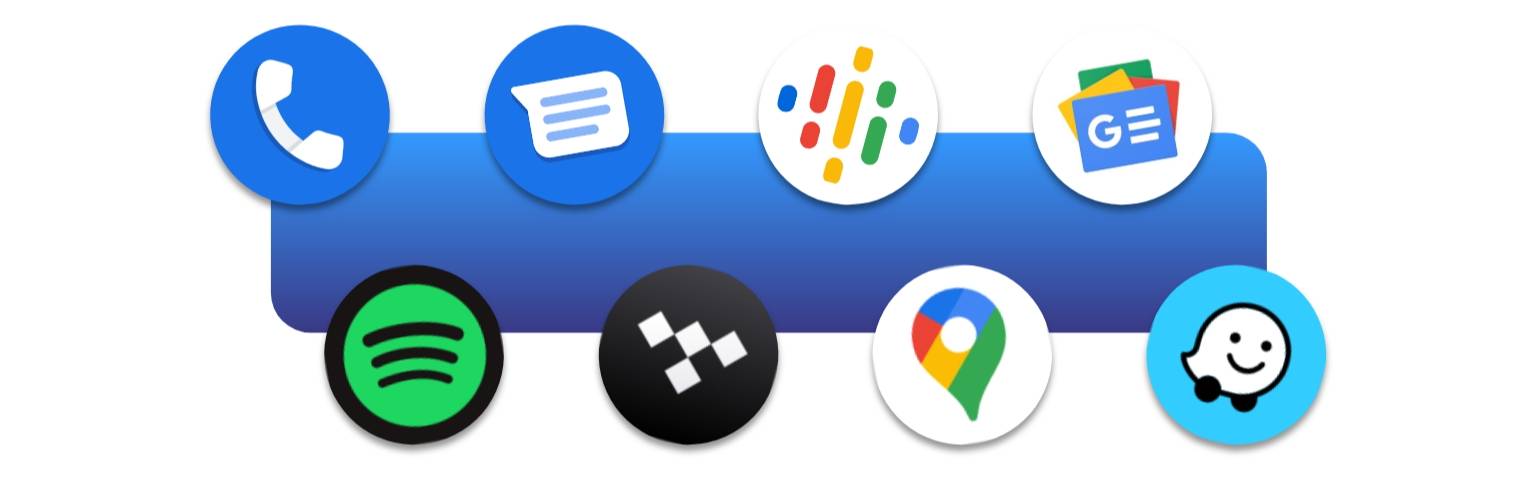
The Android Auto retrofit for BMWs and MINIs gives you direct access to a host of your smartphone’s driver-focused apps including navigation, messaging, music, podcast and others.
Android Auto Navigation Apps
Since you want your maps to be kept accurate to the smallest detail, there’s no easier way to do it than with apps to which being up-to-date is second nature. Android’s Auto Google Maps, Waze, TomTom, Spot Hero, MapFactor or many others will show you the fastest and safest routes wherever you are in the world. At times, with no internet connection!
Android Auto Parking & EV Apps
Once you reach your destination, dedicated apps make it easier to find a convenient spot to park up or charge your electric vehicle. With solutions such as EasyPark or RingGo you’ll quickly reach the closest available carpark when you’re in a pinch. And using apps like PlugShare or ChargePoint always know where to head to charge up and at what cost.
Android Auto Music Apps
If you’re strongly attached to your favorite Spotify or YouTube music playlists, or an audiophile who respects nothing less than high-quality HiFi tunes from Tidal, Android Auto will let you carry over what used to be a smartphone convenience into your BMW. And if music isn’t enough for longer tours, a bunch of good podcasts from Audible or Stitcher may help you pass the time.
Android Auto Communication Apps
Undeniably, you’re on the slippery slope when texting on the highway, but thanks to Android Auto’s built-in Google Assistant support you can use your favorite messaging apps such as WhatsApp, Messenger or WeChat to send and receive messages without taking your eyes off the road… Or even lead conference calls on apps such as ICQ if you’re one of those high-flying executive types.
Wireless Capability
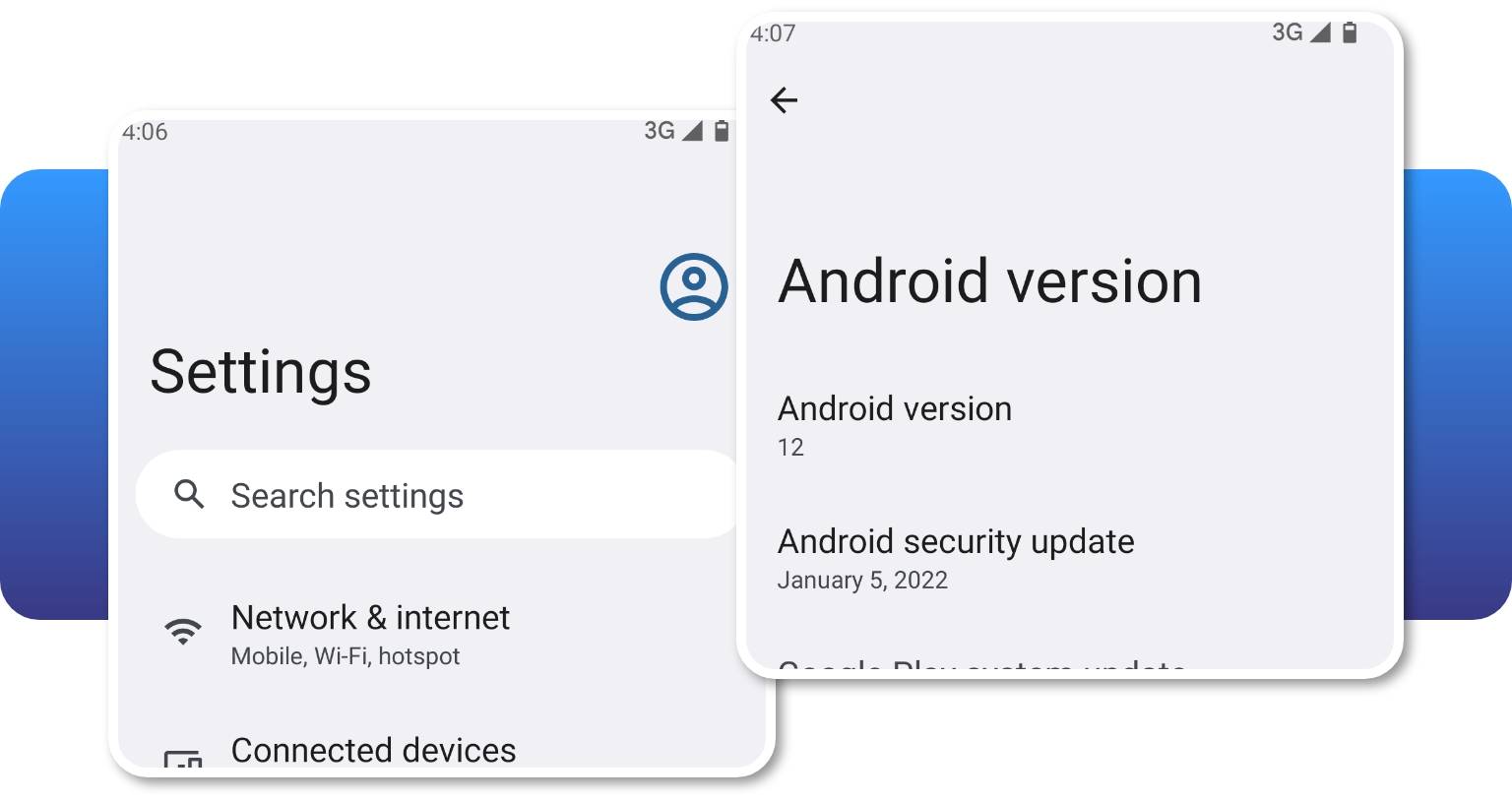
Simply connect your Android phone either wirelessly or with the use of USB cable to our MMI Lite and start using Android Auto. To enjoy Android Auto wirelessly your phone has to support the wireless Android Auto. If it doesn't, you'll still be able to use the Android Auto via USB - just make sure you have the Android Auto app installed.
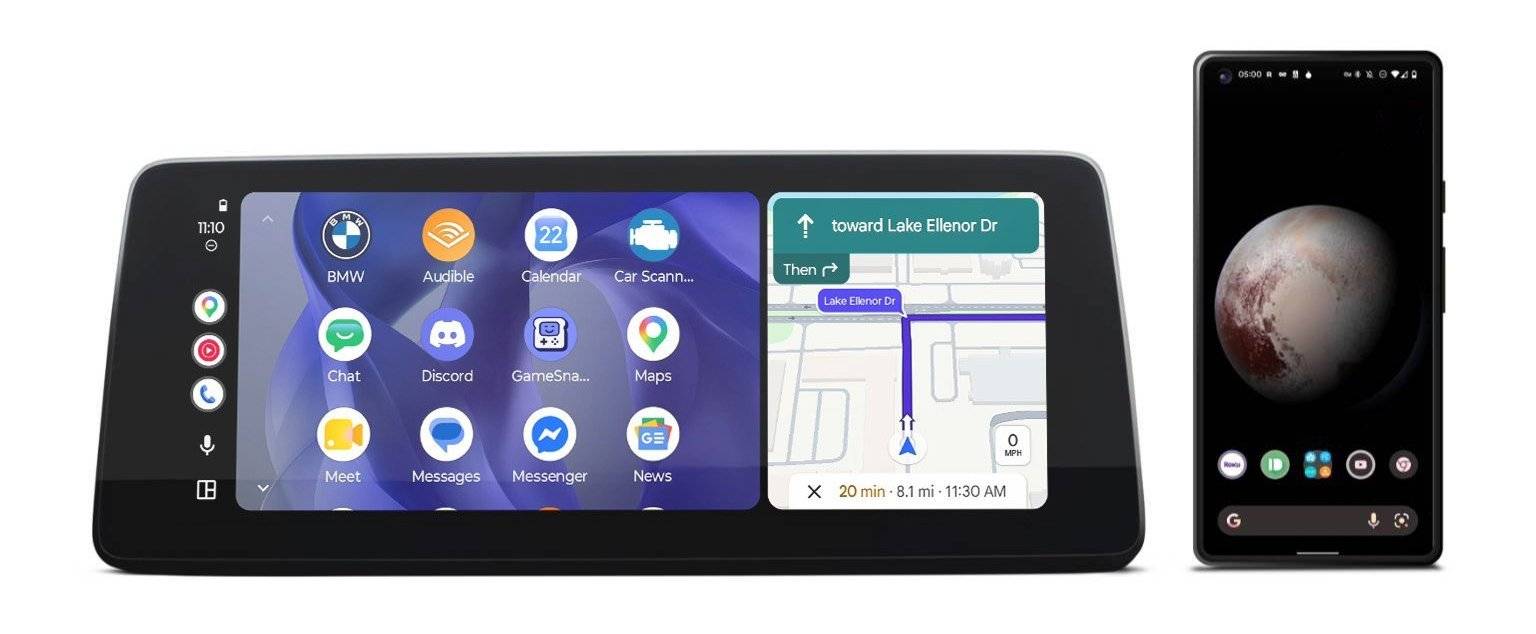
It's possible to use Android Auto wirelessly with any Android OS phones (some of the Chinese phones might not work with Android Auto).
Phone Compatibility
Our Android Auto MMI Lite retrofit is compatible with all Android smartphones that support Android Auto app. You can check the compatibility here: Android Auto.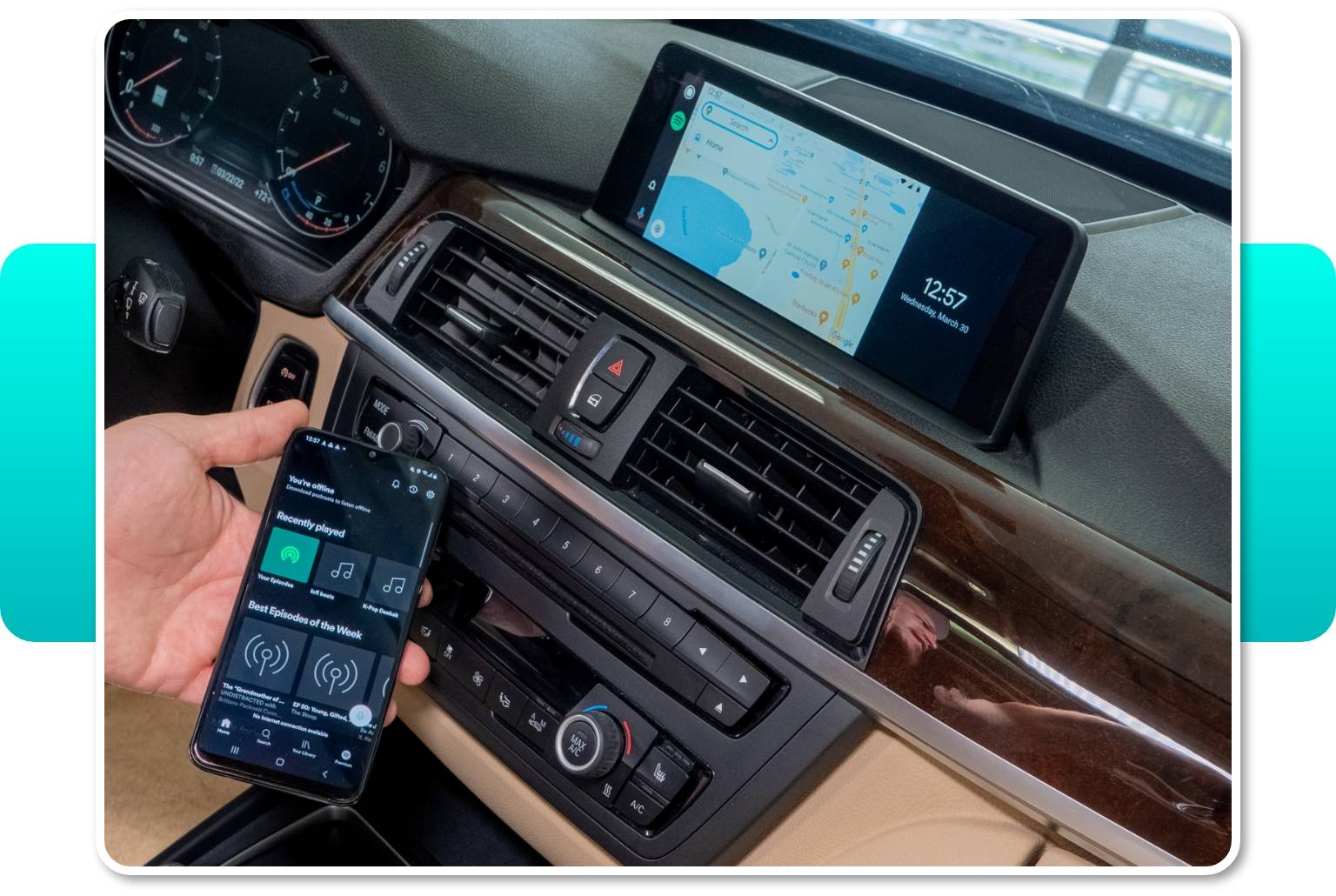
If the Android Auto app isn't available in your Google Play account due to the regional limitations, you can download the .apk file from an alternative source, such as Android Auto APKs, which is the main website containing all Android Auto app versions. Check if the Android Auto app is available for your region here.
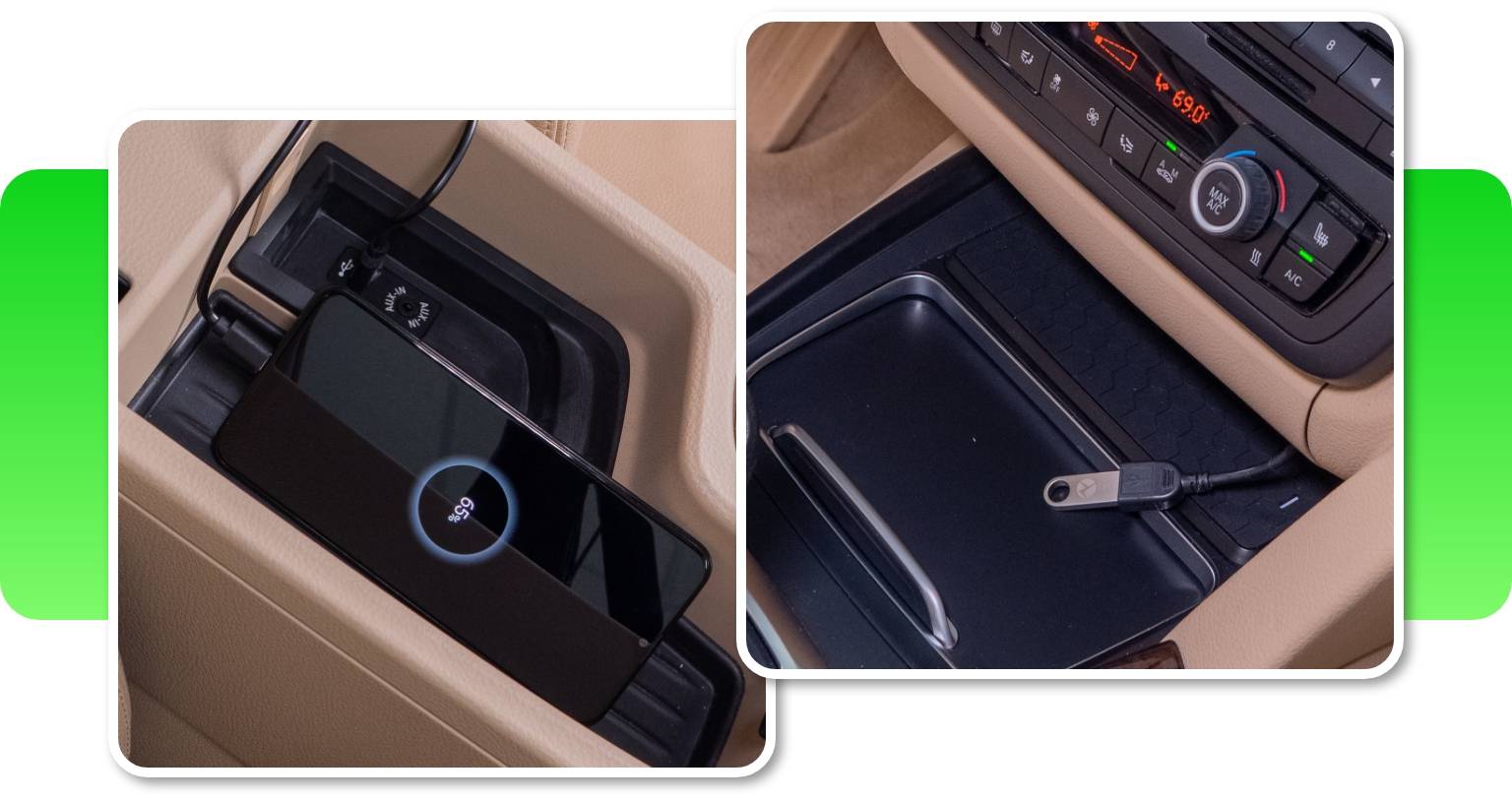
USB Multimedia
Our BMW Android Auto upgrade comes with a USB port. It lets you use it for playing videos and music files on your BMW iDrive screen from a USB thumb drive.
BMW Android Auto Full Screen Mode
Android Auto MMI Lite lets you use your favorite Android Auto apps on the original BMW display in full-screen. The retrofit's 1440x540 (10.25”), 1280x480 (10.25” and 8.8”) resolutions for big screens and 800x480 (6.5”) resolution for small screens look just great on all screen sizes.
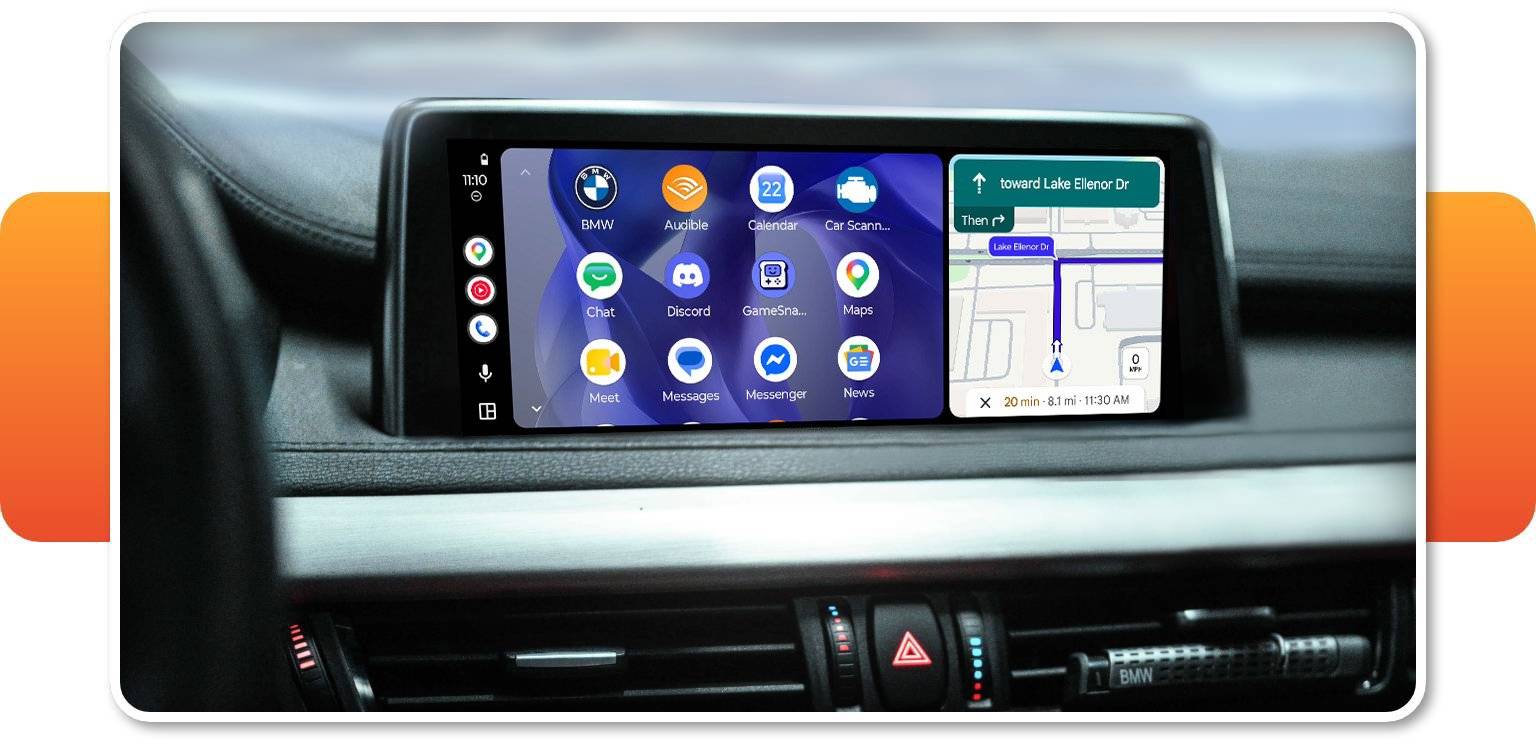
Note that in MINIs with a rounded screen, a small part of each corner of the Android Auto interface will be obscured when using full-screen mode (it is possible to adjust the screen size manually in MMI screen settings).
Easy Control With iDrive
To navigate the Android Auto apps, you can use your iDrive controller or factory microphone (if present) for Google Assistant. In some vehicles there's also the option of control with steering wheel buttons, but keep in mind that it is dependent on your head unit version. Decode your VIN to see whether it will be enabled for your car.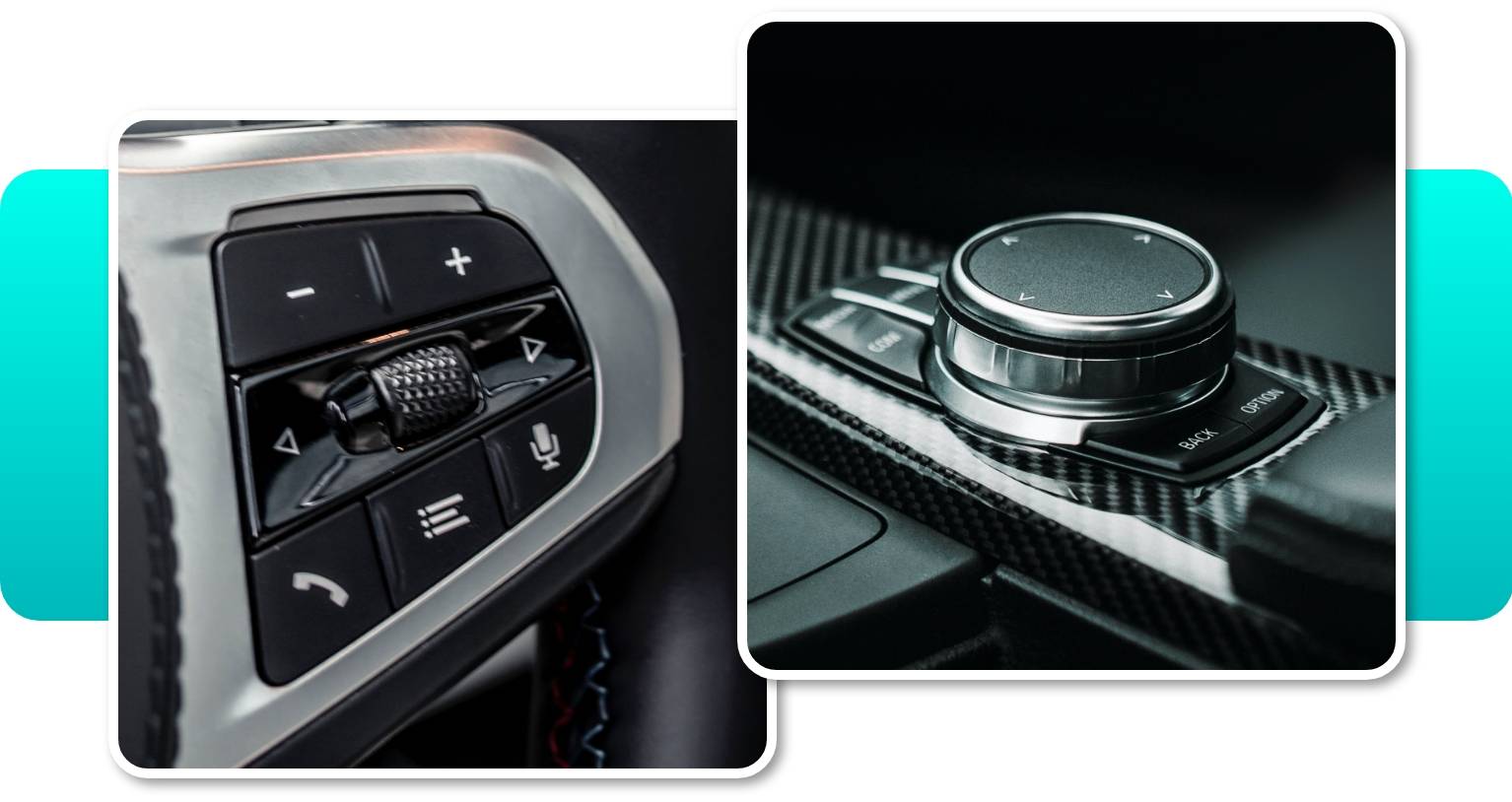
The Android Auto system also requires Bluetooth or Voice Control features to allow you for a hand-free control.
Android Auto MMI Lite isn’t compatible with touch function, however you can safely control the device with the steering wheel buttons, iDrive controller and Siri/Google Assistant. In the case of the iDrive controller, we’ve also implemented special shortcut and control features for the following buttons:
- MEDIA – open the music app.
- NAV – open the navigation app.
- TEL – open the phone book.
- MENU – open the apps menu.
Additionally, the roller button can function for either scroll selection or forward/backward music selection.
Wireless CarPlay Support
The kit contains a Multimedia Interface (MMI) — a module that also adds CarPlay to your BMW or MINI. So if you have family members or friends with iPhones, connecting their devices will be a breeze too! Following their preferences, they'll be able to connect their iPhones with the use of USB or wirelessly.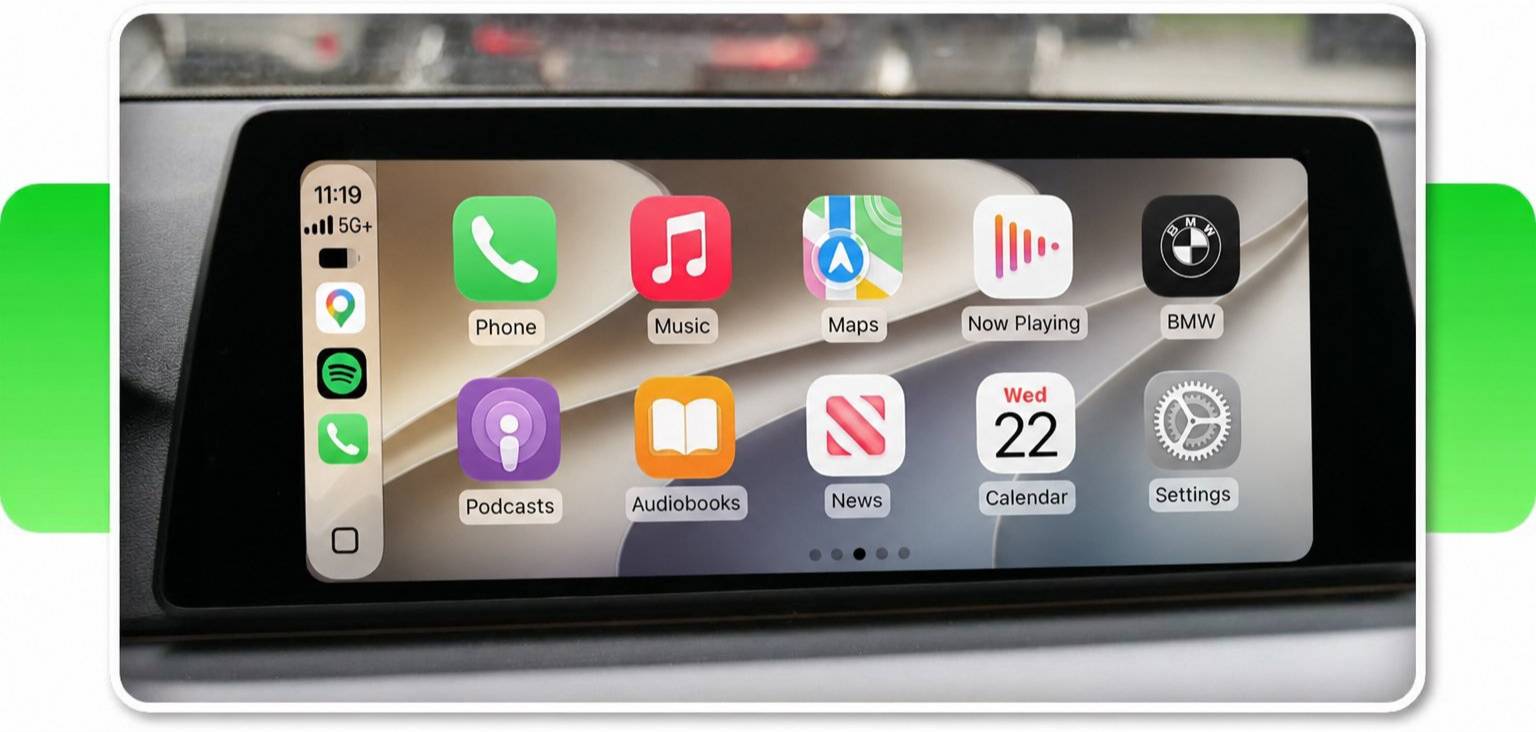
Integration With Front & Rear View Cameras
The MMI module makes it easy to add a front and reversing cameras to your order for a much lower price. The front view camera can be activated by holding the Option button for 2 seconds. To exit the camera mode, just press Back. It can also be set up to appear automatically on the screen for up to 20 seconds when the gear is shifted from Reverse to Drive.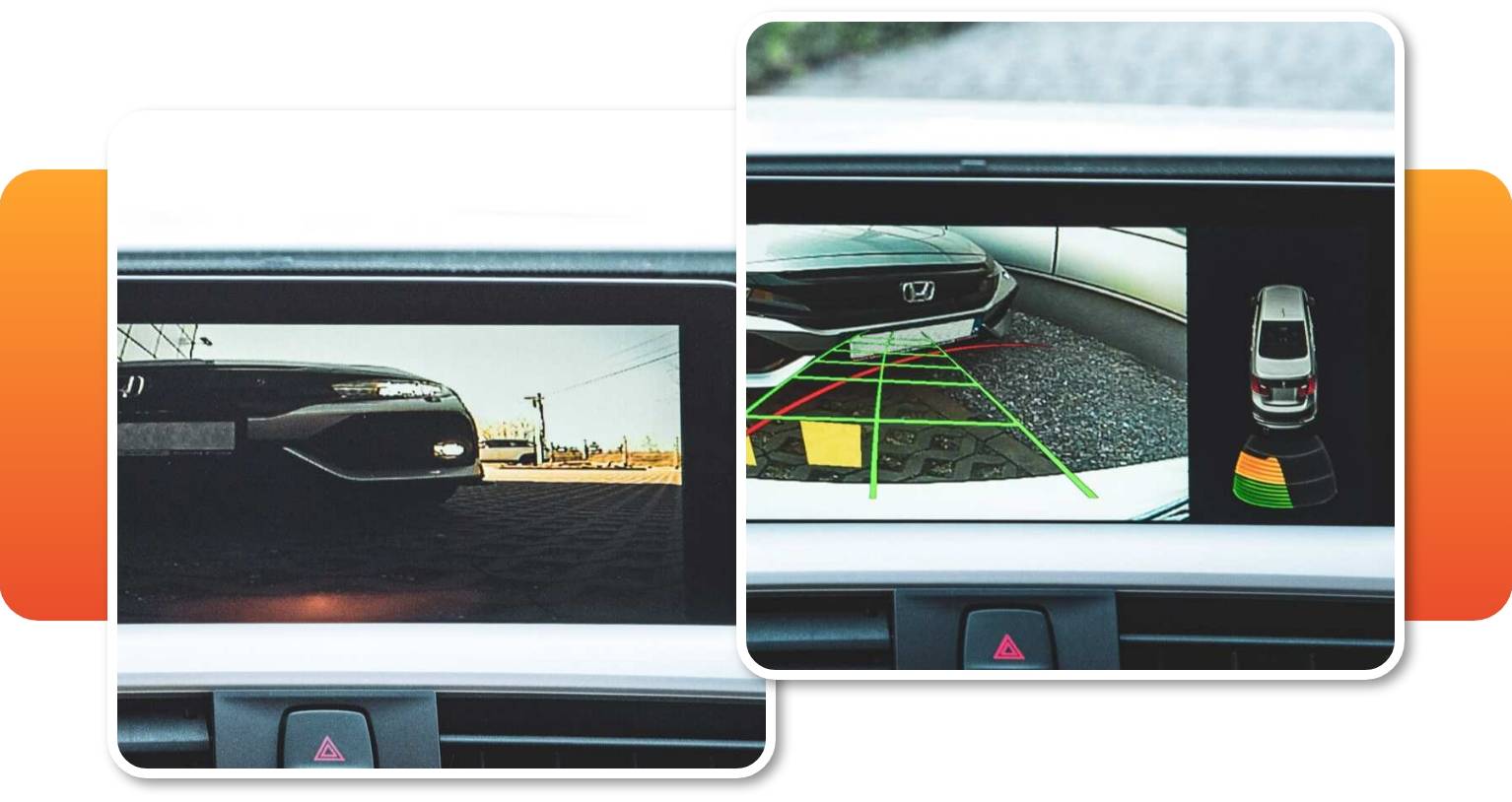
High-quality Audio With An Equalizer
The audio output circuit in the Android Auto MMI Lite has been specifically selected to squeeze all the quality we can out of the iDrive AUX input, providing great audio quality for music and video. If your vehicle is not equipped with an AUX input in Media/Radio, we’ll have to code it. Enter your VIN for more details.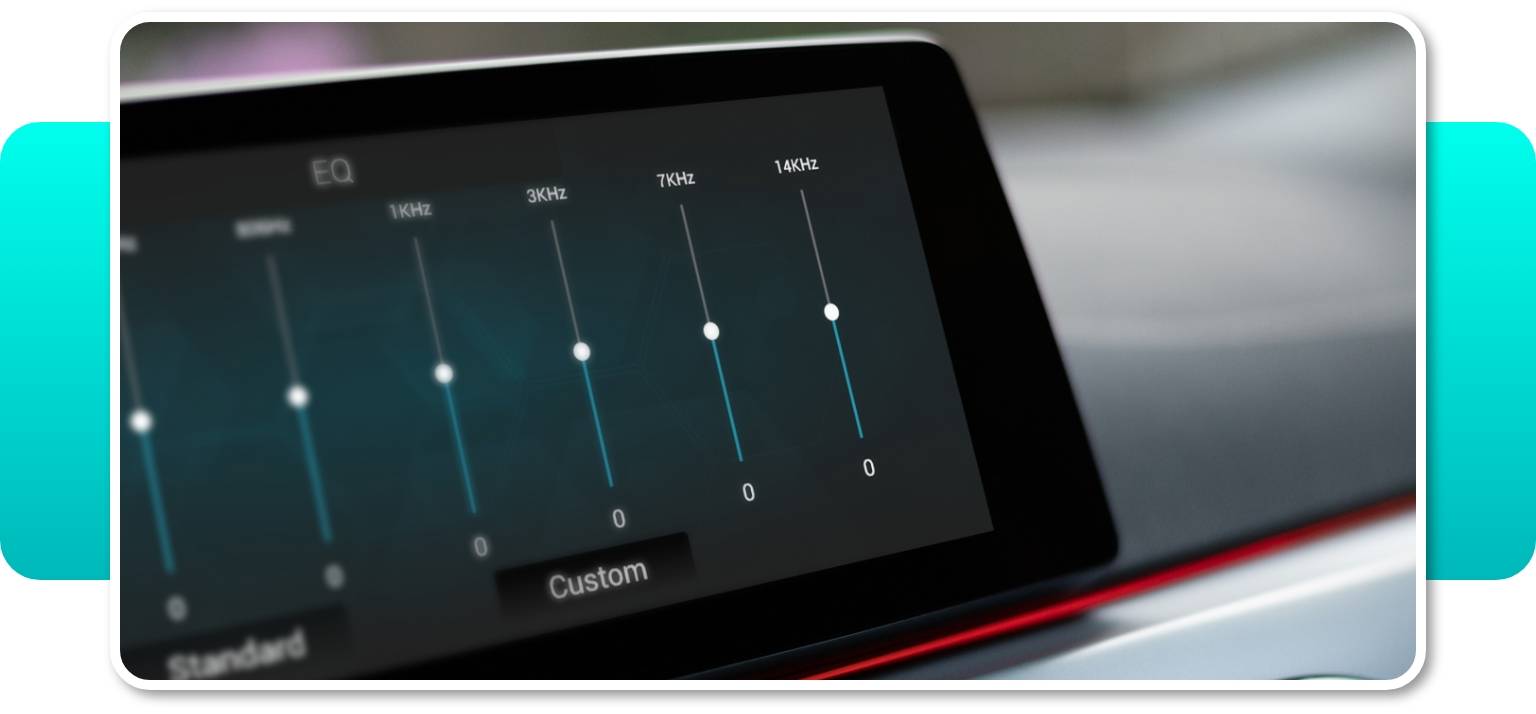
The MMI also features a built-in 8-band equalizer allowing you to adjust the sound to your musical preferences. Whether you like more bass and less treble, or the other way around, you can easily set it up in the MMI menu. It is a great feature especially if you don't have a multi-band Equalizer in your BMW iDrive system or MINI Connected.
Please note that the MMI equalizer works only for audio transmitted via AUX. When using Bluetooth, use the EQ in your phone or iDrive (if applicable).
MINI Cooper Android Auto
If you own a MINI that lacks the original Android Auto and Apple CarPlay features, our MINI Cooper Android Auto upgrade will equip even your 2011 (or newer) model with these functions. Enter your VIN to check compatibility.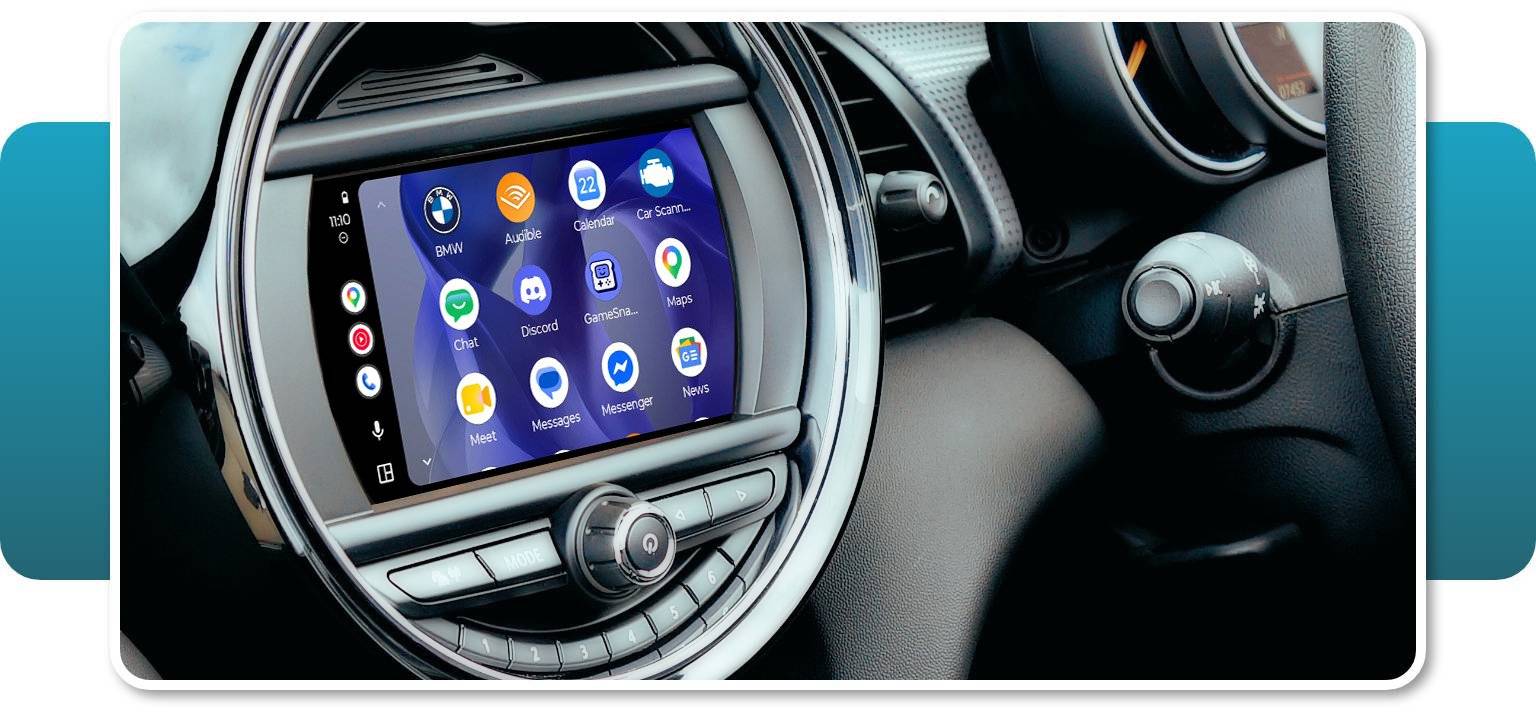
Read more about Android Auto.
Installation
Easy Plug & Play Installation
Android Auto MMI Lite retrofit for BMW and MINI Cooper is customized for each model individually due to the different configuration of every vehicle. However, no matter your car specifications, our BMW Android Auto MMI Lite upgrade is always fully plug & play, doesn’t require any permanent modifications to your vehicle and thus is completely lease-friendly. It shouldn’t void your warranty either – yet this is contingent on local regulations and warranty clauses.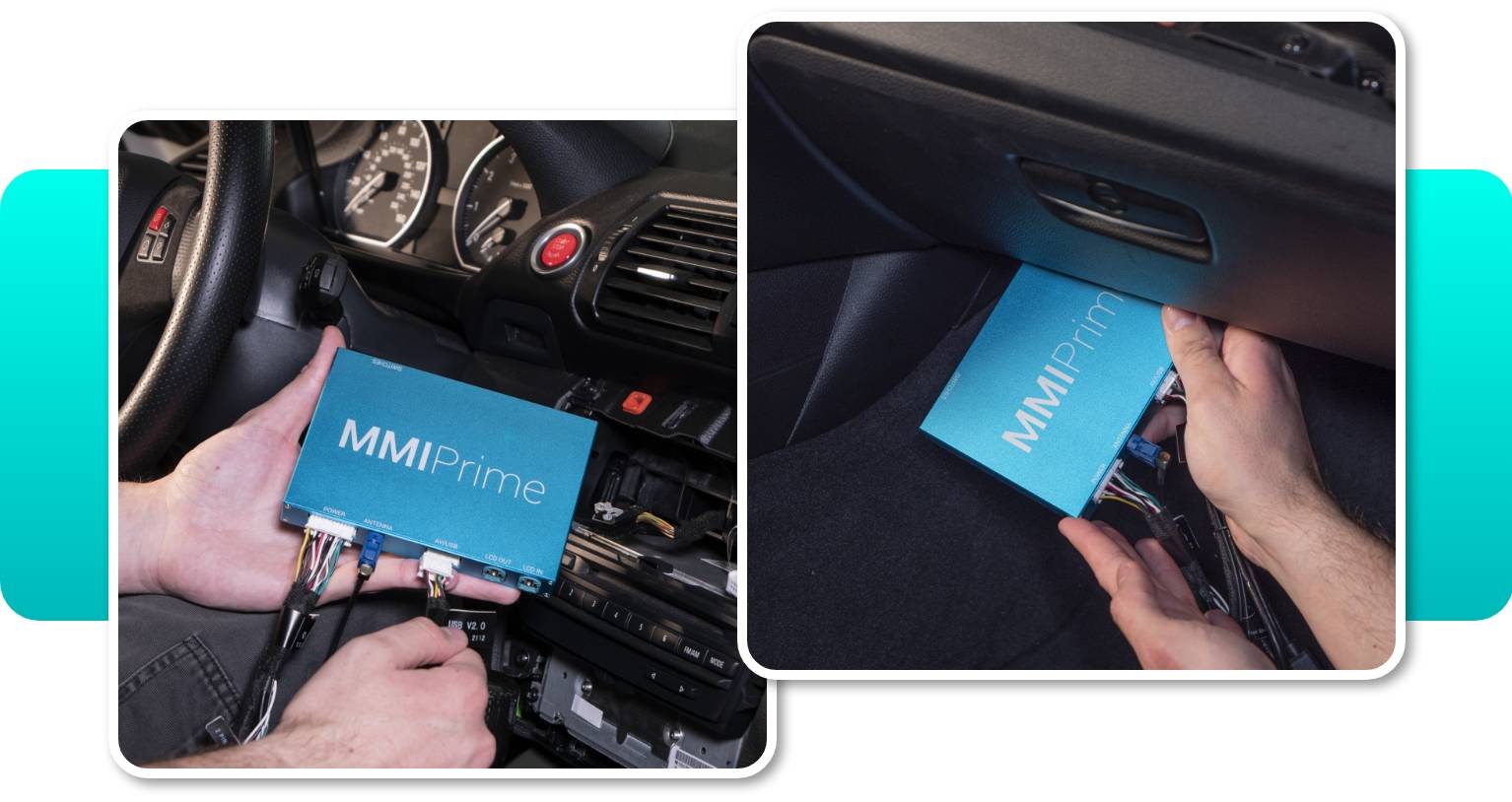
Depending on your vehicle specifications the installation of the kit may take from 2h up to 4h. It is 100% reversible.
You can also choose to install the upgrade by yourself or hand it to professional installers.
Step-by-step Instructions
Our precise PDF instructions, videos and dedicated tech support will make it easy for you to follow the process if you decide to DIY. The PDF installation instructions appear in the personal account within 72 hours after the purchased product is shipped.
If you wish to read the full Android Auto MMI Lite description and know more about Android Auto compatibility for your exact vehicle, type in your VIN.
Professional Support
In case you decide to proceed with a DIY process remember – you won’t be left alone in this! Our technical support team is always ready to help you out with any issue you might have. Just email our experts at [email protected] and expect a reply within 24h.
Comments(0)
No data found


* Only by entering your VIN can you be 100% sure
you get theright version of the product for your vehicle.
Where to find your VIN?