


Radoslaw Zbroinski
Nov-16-2026
How to Play GTA 6 Early in Your Car?
Thirteen years. That's how long it's been since GTA V came out, and the wait for Grand Theft Auto VI is finally almost over. So naturally, the internet is full of people asking how to play GTA 6 early – and just as many "tricks" promising exactly that. But we've seen every trick in the book.
Let's get the bad news out of the way: there is no legit way to play GTA 6 before November 19, 2026. However, there is a way to get a head start, and – if you drive a BMW – a slightly unusual way to play GTA on your iDrive screen.
In this article, you'll find out what you can (and can't) do before the launch, how to turn a BMW into a mobile gaming setup, and what Jason and Lucia could do with our products. It's for gamers who drive BMWs, BMW owners who game, and anyone who just can't wait any longer.
Coming up:
- Can you play GTA 6 early?
- How to preload GTA 6 and start playing at midnight
- How to play GTA (and other games) on BMW iDrive
- How BimmerTech products would help Jason & Lucia
- BMWs in previous Grand Theft Auto games
Let's dive in!
How to Play GTA 6 Early?
Short answer: you can't. Not legally, anyway.
Every big release attracts "early access" downloads, leaked builds and shady links promising you can play GTA 6 a week before everyone else. We strongly advise against downloading any of them. Apart from being straight-up theft that infringes on Rockstar's rights, files like these are a classic way to spread malware. In the best case, you'll get a fake. In the worst case, you'll hand someone access to your device, your banking accounts and your data.
So, what can you do? Download the game early – and be ready to play the second it unlocks.
Here's how the launch is planned, as confirmed by Rockstar:
| PlayStation 5 | Xbox Series X/S | |
| Preload starts | November 10, 2026, at midnight local time | November 10, 2026, at 12 a.m. GMT (Nov 9 in the evening in the USA) |
| Physical (code-in-box) copies | Available from November 12 | Available from November 12 |
| Release | November 19, 2026, at midnight local time | November 19, 2026, at midnight local time |
A few things to keep in mind:
- Only digital pre-orders can preload right away
 – if you purchase the game in Sony's PS Store or the Microsoft Store, you can start downloading as soon as preloading opens; just sign in to the same account you pre-ordered with. Code-in-box editions need to be redeemed first.
- Make room on your console – over 200 GB is a lot, so it makes sense to clear some space before the download starts.
- The release follows midnight around the world – since the game becomes playable at midnight local time, New Zealand will be one of the first places to start playing. If your country is further west, like the USA, you'll have to wait a few more hours. Sorry!
- It's console-only, at least for now – GTA 6 launches on PlayStation 5 and Xbox consoles of the current generation (Series X/S). At this point, there's no confirmed PC release date, but it should come sooner or later.
So, preload the game, charge your PlayStation controller, and clear your calendar for the evening of November 19. That's as early as it gets.
How to Play GTA 6 on BMW iDrive?
Now for the "in your car" part.
First, the important bit, which we hope goes without saying: never play video games while the vehicle is moving, even as a passenger. Any gaming setup in a car should be strictly for when you're parked, as it’s too distracting for the driver.
Remember people putting a PS2 and a TV into the trunks of their cars back in the early 2000s? Well, modern BMWs already have a screen and a decent set of speakers. So we wondered: what would it take to put a PS5 in our 2015 BMW F30 and transmit the video onto the iDrive display?

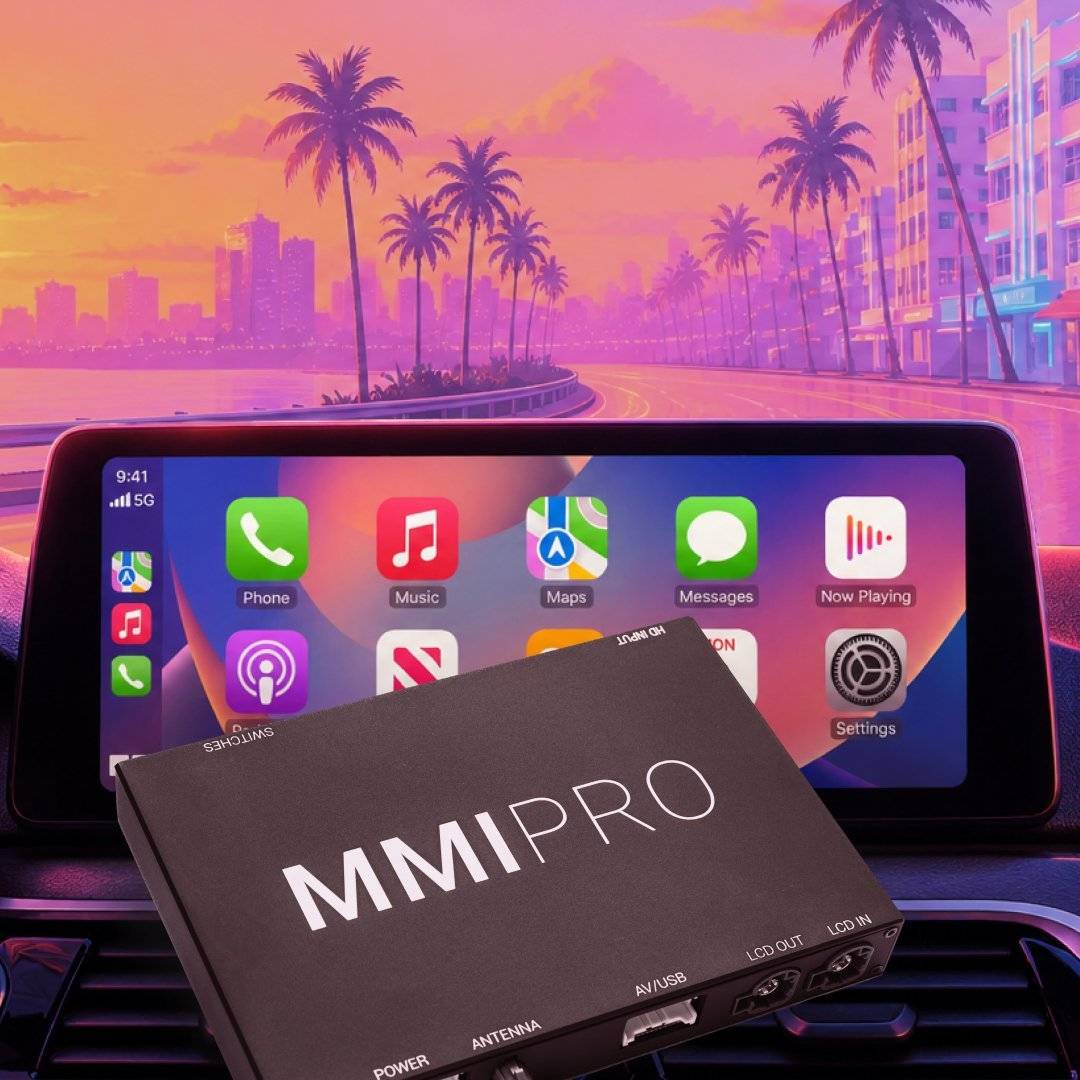
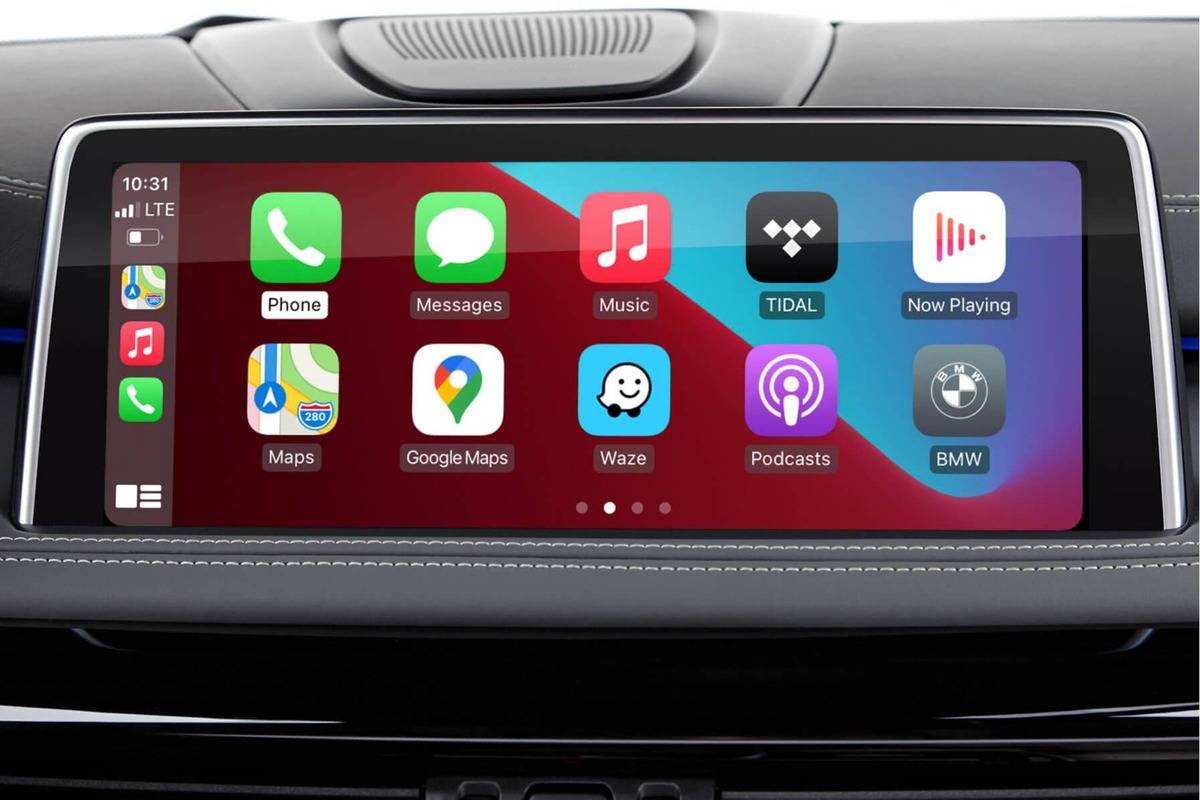
The answer was our CarPlay MMI PRO Retrofit. Apart from features like wireless and wired Apple CarPlay and Android Auto, camera integration and USB video and audio playback, it has a built-in HDMI port. Connect any device with an HDMI output – a Chromecast, a laptop or a console – and the iDrive screen becomes its display.
We did exactly that and played some GTA 3 on our F30's screen. You can read about the whole process in our PS5 in BMW Car Gaming Setup blog or watch it on YouTube:
Prefer reading? Here's how to create such a DIY car gaming setup, in short.
- Step 1 – Install the MMI PRO
The MMI PRO is a plug-and-play retrofit that connects to your BMW's head unit. Once it's installed, the HDMI input becomes available as a source in iDrive. - Step 2 – Sort out the power
This is the tricky part. A PS5 draws a lot of power at its peak, so plugging an inverter into one of the 12 V sockets will most likely just blow a fuse. The inverter needs to be connected directly to the car's battery. In the F30, the battery sits in the trunk, so we mounted the inverter behind a trunk panel – horizontally, so that its power switch stays easy to reach. - Step 3 – Run the HDMI cable
Since the console goes in the trunk, you'll need a long HDMI cable running all the way to the MMI PRO up front. Our tip: test the cable before you route it through the whole interior. As expected (well, not by us), ours turned out to be faulty, and we only found out after it was neatly hidden under the trim. You can probably guess how much fun it was to do it twice. - Step 4 – Mount the console
The safest option is not to mount the console at all – just keep it in a padded case or bag and connect it only when you're about to play. If you do want a permanent setup, make sure it's a secure mounting: we used metal brackets covered with plasti dip and gaff tape (so they don't scratch the console), bolted to the trunk floor with wing nuts, so that the PS5 can still be taken out. And if you're planning to drill: measure twice.
CAUTION! There are things under your BMW's trunk floor you don't want to drill into. - Step 5 – Connect and play
Start the engine (otherwise, the PS5 will drain the battery in no time), switch iDrive to the HDMI input, turn on the console and grab your controller. And please, only do it outdoors – never run the engine in a closed garage.
As for the cost: on top of the MMI PRO, expect around $400 for a digital PS5 Slim and roughly $100 for the inverter, cable and mounting accessories.
Is it gimmicky? Of course. Do we recommend making it your daily setup? Not really. But it shows that with the MMI PRO's HDMI port, almost anything you can plug in can show up on your iDrive screen – a streaming stick, a laptop, or, if you insist, GTA 6 from your console.
How Would BimmerTech Products Help Jason & Lucia?
GTA 6 is going to be the biggest video game release in history, so we couldn't resist having a little fun with it. We took our BMW F30 for a ride through our own sunny Vice City (a.k.a. Miami) and asked ourselves: how would our products help Jason and Lucia in their day-to-day… activities?
Here's the list we came up with:
- CarPlay & Android Auto MMI Prime/PRO – navigation to the next "job", music on the way there, and an HDMI port to keep Jason entertained while he waits for Lucia.
- Soft Close Door Retrofit
 – for when slamming the doors isn't exactly the sneakiest option.
- Power Trunk Retrofit – since the weapon wheel is gone, you'll need to grab your tools from the trunk; now with ease, even if your hands are full.
- Awaken Performance Engine Tuning & Quartz Frost intercooler – for a quick getaway, should anyone ask questions.
- Rear View Camera Retrofits – for backing out of a dead end with the police on your tail.
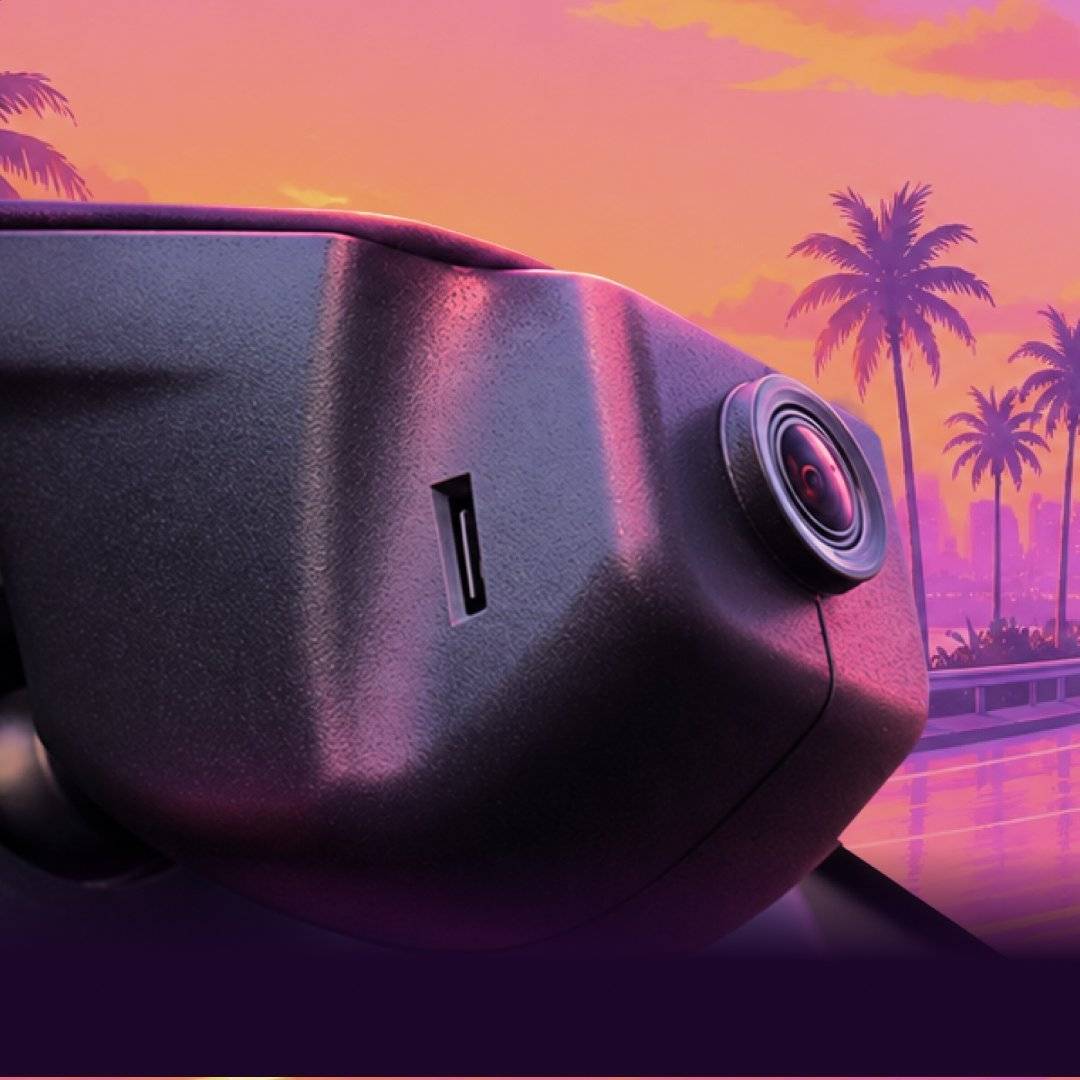
- Dashcam Retrofit – for law-abiding citizens, a 4K witness to whatever happens on the road.
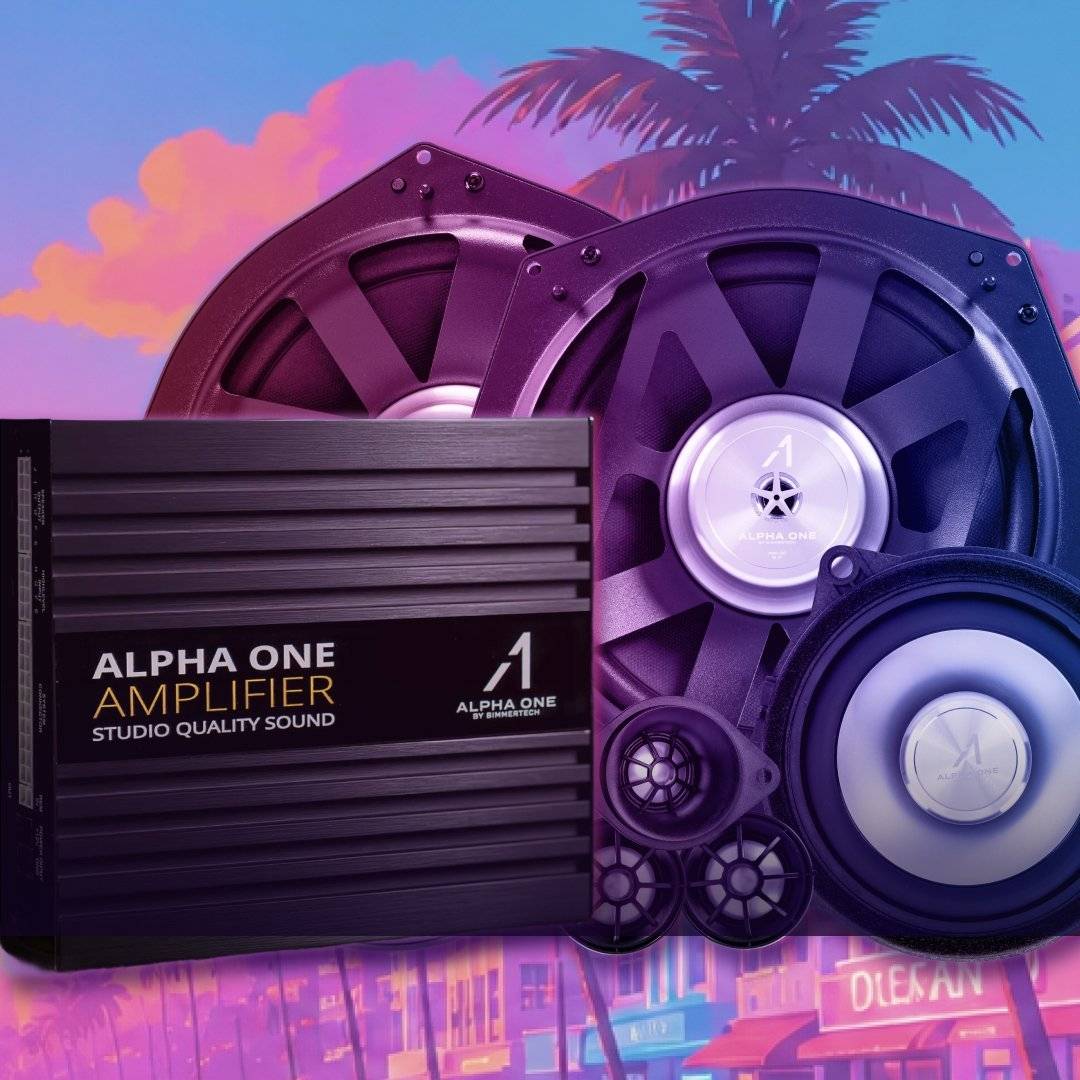
- Alpha One sound system upgrades – iconic '80s tunes deserve better than factory speakers.
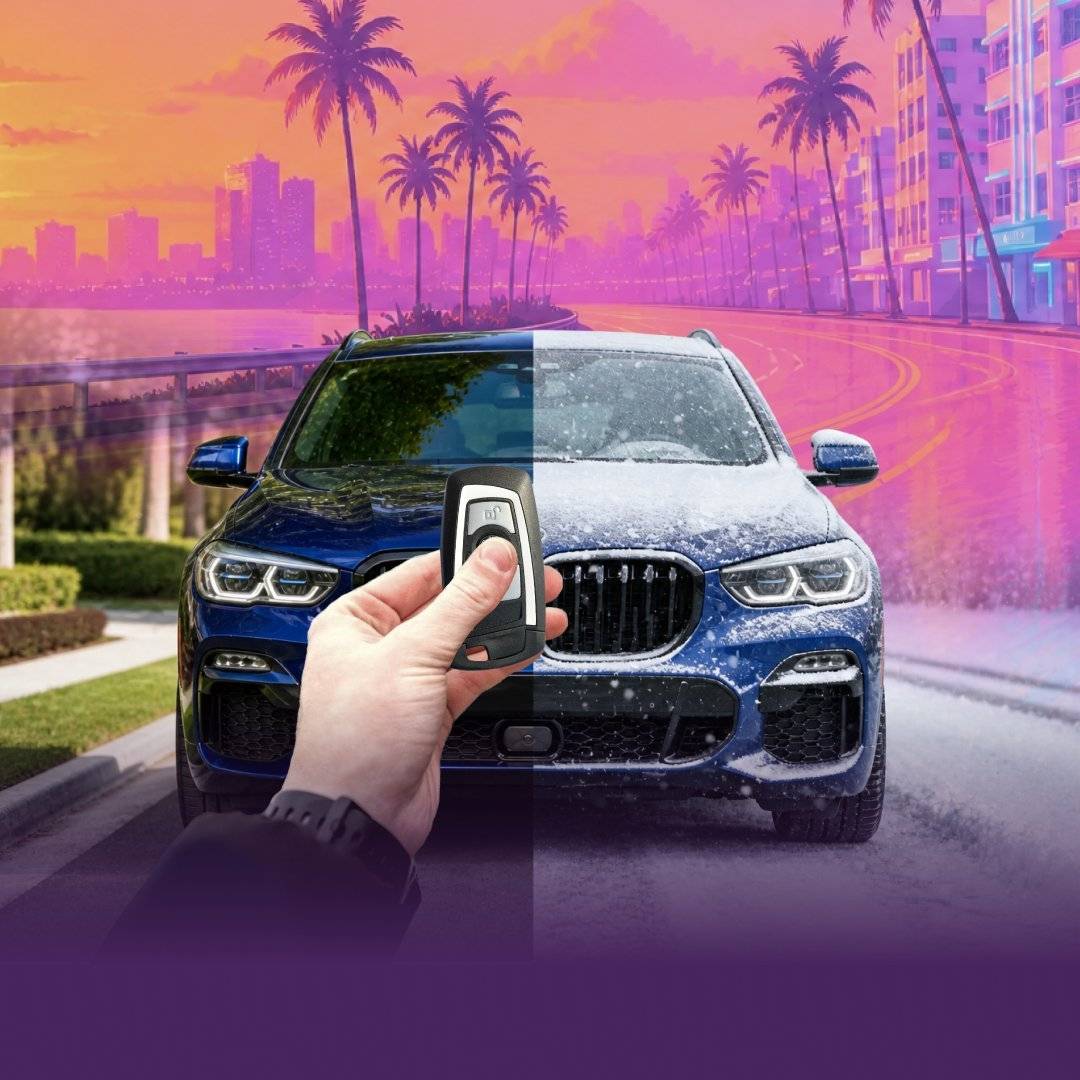
- Remote Start Retrofit – Florida is hot, and Lucia deserves a cool interior when she gets in (with optional MyBMW App control).
Obviously, we prefer our products to be used for upstanding-citizen activities. But imagining them in a video game is a fun way to see them in action – so give this video a watch!
IMPORTANT! It should go without saying, but BimmerTech FZE condones all criminal activities or breaking the law in any way, shape, or form. This video (and blog article) are strictly a reference to the virtual world of Grand Theft Auto games, NOT an encouragement to break the law.
BMWs in Previous Grand Theft Auto Games
You might not know that, but BMW and GTA go back a long way.
Of course, Rockstar can't use real brand names, so in the game world, BMW-like ones are called Übermacht – and many of its cars are easy to recognize. The Sentinel takes after the E46 M3, the Sentinel Classic after the legendary E30 M3, the Zion Classic after the E24 M6, and the Oracle after the F01 7 Series.
Anyway, we've picked the top 10 cars from the GTA series based on real-life BMWs in one of our videos – check it out and see how many you guessed right:
And if the trailers are anything to go by, the Leonida map won't be short of Übermachts, either.
Summary
There's no legit way to play GTA 6 early – and any download that promises otherwise is a risk that's not worth taking. What you can do is preload the game from November 10 and start playing at midnight local time on November 19.
And if you'd like to play GTA (or anything else) in your car, our CarPlay MMI PRO Retrofit and its HDMI port make it possible – as long as you're parked, have a proper power source and don't mind a little DIY. Bonus: the release falls in the middle of our Black Friday sale, so until November 30, the MMI PRO is 15% off.
Want to see more ideas like that? Subscribe to our YouTube channel and keep an eye on our post feed – there's plenty more where that came from.
FAQ
Comments(0)
All ratings
Popular posts:



and get to know all compatible products for your BMW or MINI
Where to find your VIN?


