
























[[post.title]]
We're changing for you!
Check out our new website 
We're changing for you!
Check out our new website
BMW Original Parts
Search by VIN
Search by VIN
Dec 19, 2025
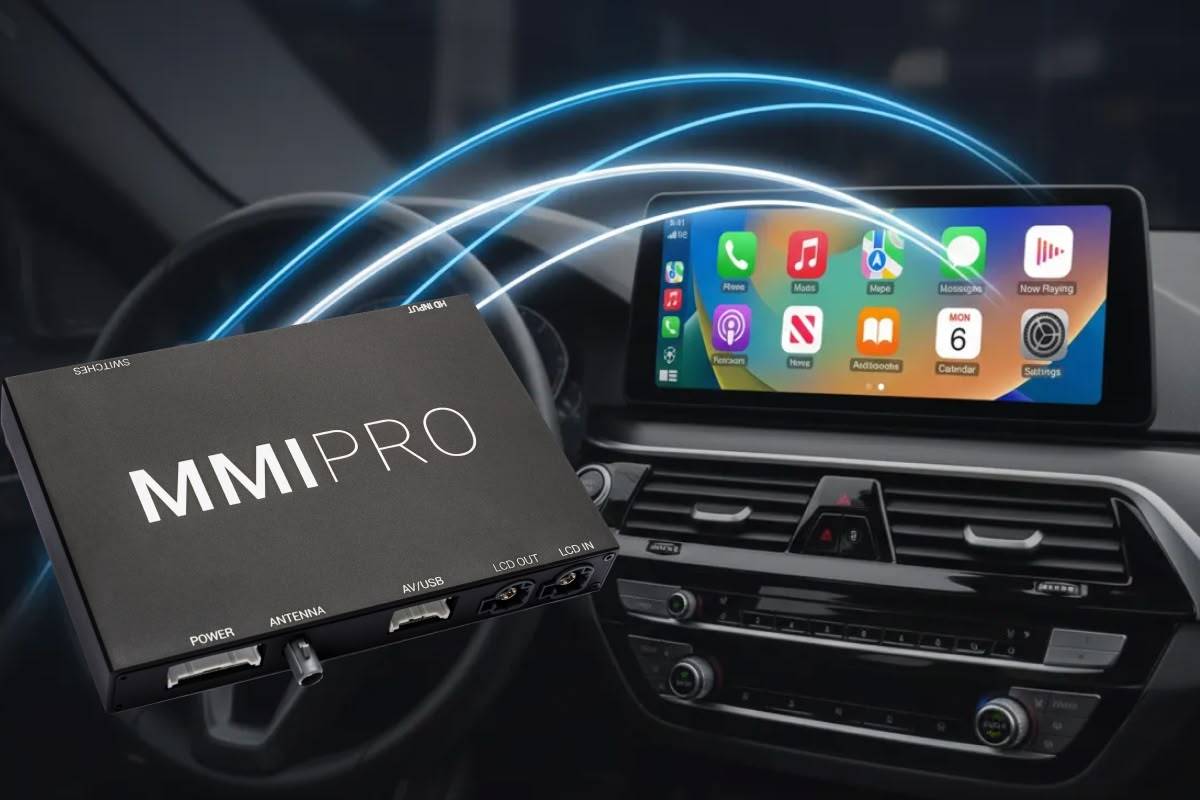
Let’s make it clear right away: by the “next big thing” we don’t mean the NBT head unit, which—coincidentally—is how you expand that acronym. No, the next big thing we’re talking about here is the 2025 LCI Upgrade Pack for our CarPlay and Android Auto MMI Retrofit family. It’s a major refresh of the MMIs, which brought improvements such as faster CPU, more powerful GPU, more RAM, and significant software optimizations.
Coming up, you’ll learn:
Without further ado – let’s get to know one of our products better.
If you are into BMWs or other BMW Group cars (MINIs, for example) you can probably guess what this upgrade is all about. Just like in the case of their vehicles, the MMI’s LCI means Life Cycle Impulse – or a facelift, if you will. While our CarPlay retrofit modules didn’t get new front and rear bumpers, they sure did receive plenty of internal enhancements.
Before we get into all the details, here’s a brief reminder as to what the MMI actually is.
BimmerTech’s CarPlay MMI Retrofit is a plug-and-play module which adds Apple CarPlay (duh!) and Android Auto capabilities to BMWs and MINIs that didn’t get it from the factory. While some cars had this feature hidden in their head units and could have it unlocked via BMW Apple CarPlay Activation coding, older ones just weren’t equipped to handle it.
Apart from enabling wireless and wired smartphone integration, CarPlay MMI offers high-quality audio (thanks to its built-in DSP) and supports Front and Rear View Camera retrofits. Oh, and one of the other key things about it is the fact that it integrates with the iDrive seamlessly, providing an OEM-like feel.
Currently, our MMIs are compatible with CIC, NBT, and NBT Evo head units – if you don’t know what all these acronyms mean, check out the guide linked above. However, as far as compatibility or any other technicalities go, you don’t have any expert knowledge. Our Sales Team will gladly assist you in choosing the right product for you and we always require your car’s VIN to verify if what you’re getting will make a perfect match.
Anyway, that covers the basics. Let’s get back to explaining the MMI 2025 LCI Upgrade…

Since its introduction, the CarPlay MMI Retrofit has been one of our bestselling items. People loved the capabilities it brought to their dated, but beloved older Bimmers – after all, you just can’t replace these more analogue ultimate driving machines ;) That being said, even the most hardcore oldschool fans missed the comfort of modern infotainment systems.
As it is with many things though, the best can always get better, so to keep up with the times and future-proof the MMI, we had to modernize it. Taking into account feedback from our customers, our R&D team took the module back to the drawing board and focused on one question: “How can we improve upon this design?”. And they came up with the ultimate answer.
Enter the CarPlay MMI 2025 LCI Upgrade Pack.
It’s faster. It’s smoother. It’s more powerful. And it sounds even better than before. These things are the result of the following changes:
If you’ve already bought our Android Auto or CarPlay MMI Retrofit prior to September 2025, you don’t need to worry about your pre-LCI version being outdated. It’s still the same proven design that we’ll still keep supporting with new Software Updates and our excellent Customer Service in the future. The LCI modifications were just a part of the natural R&D process, futureproofing our product and making it even stronger for the most demanding tech geeks.
It’s actually pretty easy. When shopping for your CarPlay MMI Retrofit, simply choose the LCI Upgrade Pack add-on by ticking the appropriate box on the product page, right before proceeding to the checkout. Please note that this will increase the total price by $75.
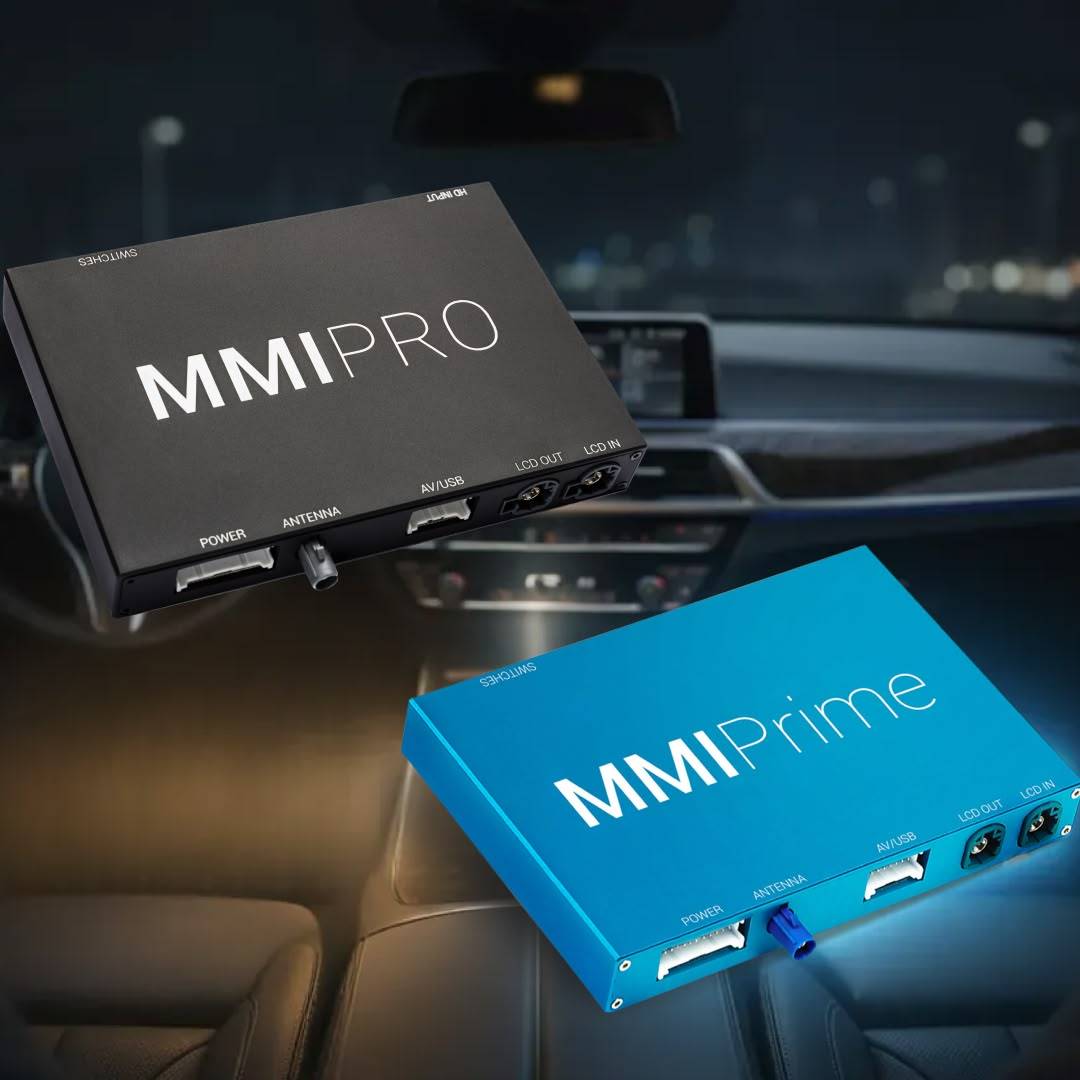 Apple CarPlay or Android Auto? Lite, Prime, or PRO? A retrofit or an upgrade…?
While some of the naming conventions related to this product might seem a little confusing at first, they aren’t really that difficult to decode. And since you already know everything about the LCI, you’ll get to know their meaning in no time – we are certain of that!
In our store, you can currently find the following MMI Retrofit items:
Let’s get it out of the way: the CarPlay and Android Auto denomination DOES NOT affect the functionality of each module in any way. We’ve included that part in the product names only for the sake of simplifying the search for our customers. The CarPlay MMIs support Android Auto, the Android Auto MMIs support CarPlay – within each tier, both are the same.
Now, Lite, Prime, and PRO is where the differences actually lie. We already talked about that in detail in the article about our CarPlay and Android Auto MMI Retrofit family, so be sure to check it out for an in-depth comparison. To sum it up though: first, there is the MMI Lite, which is the entry option. It’s the cheapest, but doesn’t come with future software updates support and has a 3-month warranty that cannot be extended.
Next, we’ve got the MMI Prime (our core version) and the MMI PRO (top tier, with HDMI port). Both of them come standard with 1-year warranty that can be optionally extended to 2 or 3 years for an additional fee as well as comprehensive software update support. Along with the HDMI port, the PRO variant gets some necessary software modifications to accommodate it.
For a quick visual comparison, here’s our reference cheat-sheet:
| Features | MMI Lite | MMI Prime | MMI PRO |
| HDMI for video playback (Google Chromecast, Amazon Fire TV stick, or other devices) | X | X | ✔ |
| Adjustable screen aspect ratio for video playback | X | X | ✔ |
| Screen mirroring | X | ✔ | ✔ |
| Future software update support | X | ✔ | ✔ |
| Optional extended warranty | X | ✔ | ✔ |
| Standard warranty | 3 months | 1 year | 1 year |
| USB multimedia | ✔ | ✔ | ✔ |
| Full-Screen Mode | ✔ | ✔ | ✔ |
| Easy control with iDrive | ✔ | ✔ | ✔ |
| Front and Rear View Camera retrofit support | ✔ | ✔ | ✔ |
| High-quality audio with an equalizer | ✔ | ✔ | ✔ |
| Utilizes iDrive screen | ✔ | ✔ | ✔ |
Okay, but why would you ever need an HDMI port in your BMW? To watch Netflix and YouTube or… play PlayStation 5 on your iDrive screen, naturally! CAUTION: we strongly advise against using these features while driving*. They are an amazing way to pass time when waiting in a parking lot, but you should NEVER get distracted behind the wheel. Focus on the road and stay safe!
*BimmerTech does not condone reckless behavior on the road and is not responsible for any damages, injuries, or death caused by using our products unlawfully.
Yeesh, that’s a LOT of names to remember! Shall we go over everything once more? Sure thing!
We hope you enjoyed this quick dive into the world of our MMI Retrofits and can now better understand what’s what. If you have any questions that still remain unanswered, don’t hesitate to contact our Sales Team – we’ll gladly assist you in choosing the right CarPlay MMI Retrofit version for you.
 Customer Reviews
Comments
Rate the product
This email is already registered.
Please Log In to continue.
Categories:
[[cat.label]] ([[cat.data.length]])Popular posts:
Newsletter
Let us find
the right version for you
We'll confirm pricing, compatibility and product details for your car:
Enter your VIN Customer Reviews
Comments
Rate the product
This email is already registered.
Please Log In to continue.
[[comment.name]]
[[comment.text|raw]]
BimmerTech
Newsletter
[[comment.name]]
[[comment.text|raw]]
BimmerTech