


MMI Camera Module CarPlay & Android Auto Prime Upgrade
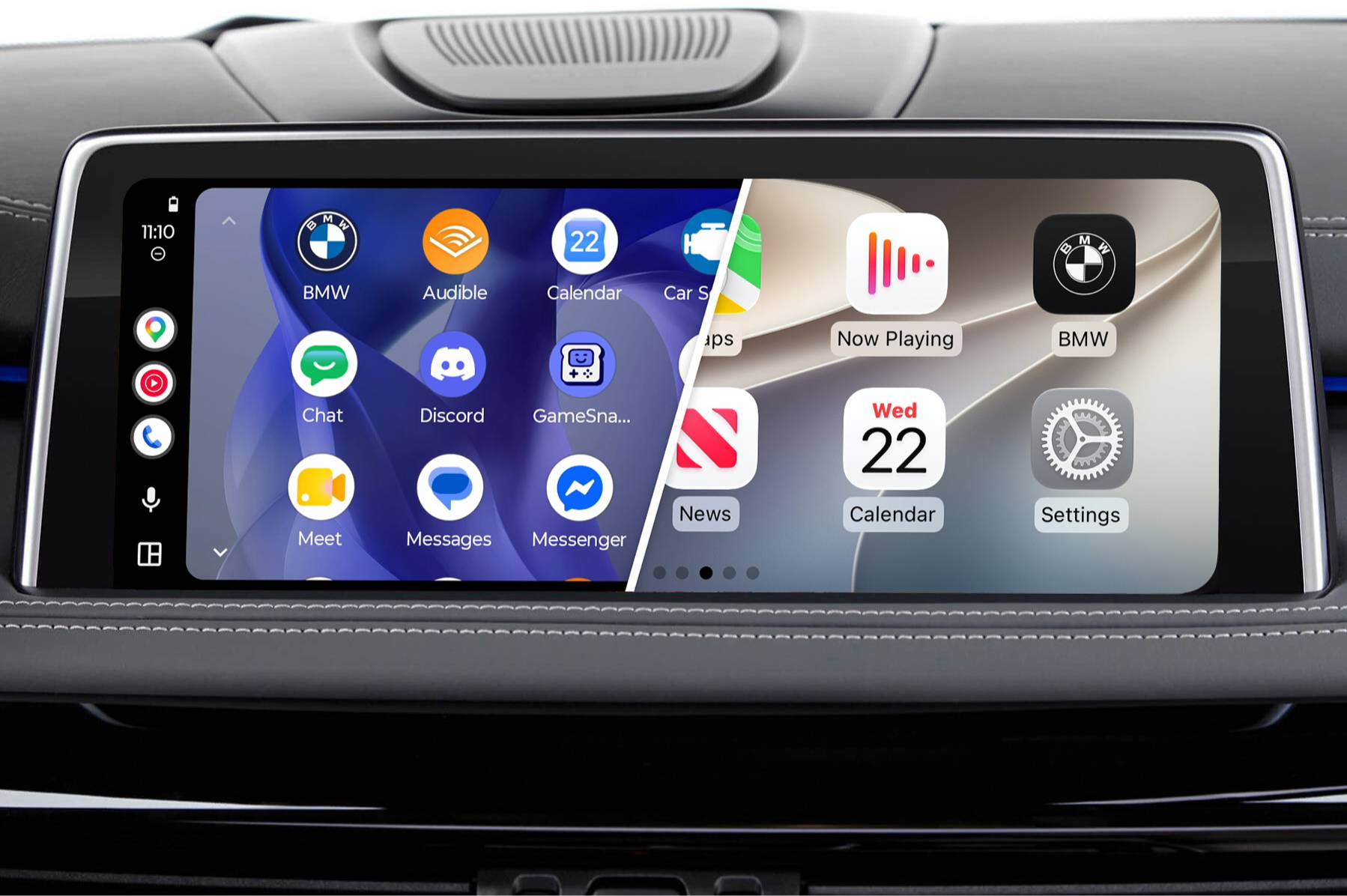
Features
- Lets you unlock the Prime capabilities in your MMI Camera Module
- Watch videos on your iDrive screen using streaming devices
- Compatible with 95% of BMWs produced since 2008
- Wireless Apple CarPlay
- USB multimedia port
- Full-Screen Mode
- Easy control with iDrive
- Wireless Android Auto support
- Supports Front and Rear View Camera retrofits
- High-quality audio with an equalizer and digital Bluetooth audio
- Displays content on your existing iDrive screen (doesn’t support touch function)
Properties


* Only by entering your VIN can you be 100% sure
you get theright version of the product for your vehicle.
Where to find your VIN?

Delivery time: 2-7 business days

Free shipping worldwide
Delivery time: 2-7 business days
Free shipping worldwide
Description
Do smartphone integration capabilities of your car feel lacking? Maybe you would like to be able to fully enjoy seamless Apple CarPlay or Android Auto experience? If you’ve already purchased BimmerTech’s MMI Rear View Camera Retrofit, now you can easily introduce them to your infotainment system.
A simple update is all it takes to unlock the capabilities of our CarPlay MMI Prime Retrofit for BMWs and MINIs. Thanks to the MMI module bridging multiple in-car technologies you’ll get to use your favorite phone apps in your vehicle.
While the contents are displayed on the iDrive screen, the CarPlay & Android Auto MMI Prime is not compatible with its touch function. However, you can still safely and conveniently control the device with the steering wheel buttons, iDrive controller, and Siri/Google Assistant.
Please note that this coding option is only available for the Rear View Camera Retrofits (MMI) sold from July 2025. To make sure if your MMI camera module is compatible, reach out to our Sales Team.
Installation
After purchasing your MMI Unlock Coding, we will send you an email with detailed installation instructions, but it is very straightforward:
- Send us a photo of your MMI Camera Module software version.
- You’ll then receive a specially generated key.
- Upload the key to a USB flash drive.
- Connect the flash drive to your MMI and let it automatically unlock.
That’s all there is to it – the whole process should not take you more than 30 minutes to complete.
Comments(0)
No data found


* Only by entering your VIN can you be 100% sure
you get theright version of the product for your vehicle.
Where to find your VIN?