


MGU Remote Software Activation
Features
- Allows you to have your BMW coded without you needing to leave your home
- Sets up your new or replacement MGU head unit specifically for your vehicle
Properties


* Only by entering your VIN can you be 100% sure
you get theright version of the product for your vehicle.
Where to find your VIN?
Required with this product
+$49.00
Addon
$190.00
+$125.00
$299.00
+$150.00
+$399.00
Cheaper in sets:
BMW Android Auto Activation
BMW Apple CarPlay Cable Activation

Delivery time: 2-7 business days

Free shipping worldwide
Delivery time: 2-7 business days
Free shipping worldwide
Description
Your MGU head unit stopped working and you decided to replace it? Your BMW navigation system replacement won’t be complete without professional and high-quality BMW coding to activate it. And with over a decade of experience, we know exactly how to do it right!
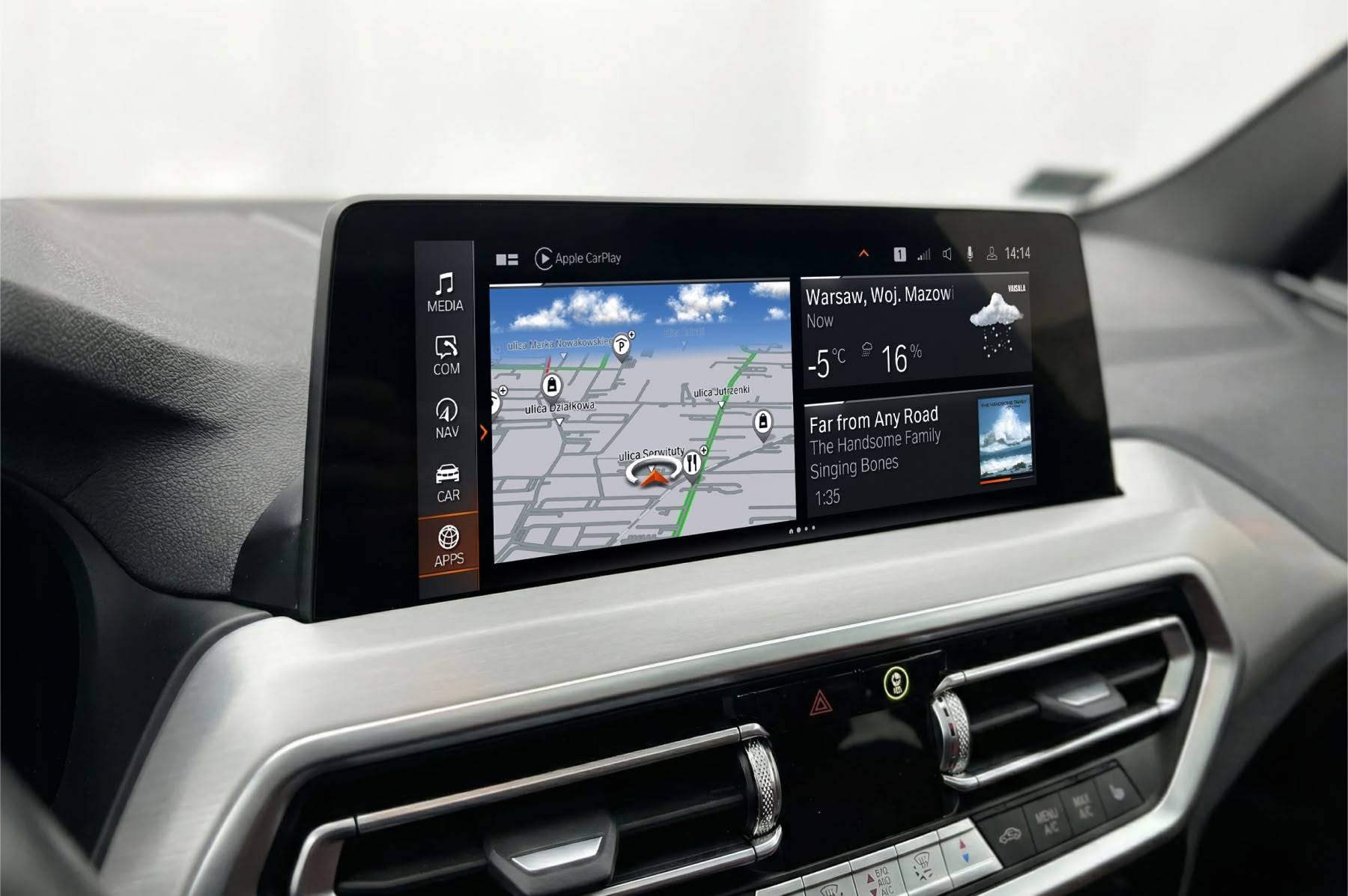
This MGU Remote Software Activation service is what you will need to finalize the MGU head unit upgrade or replacement. During your coding session, our expert technician will program your new BMW navigation to match the configuration of your vehicle and bring back all the features your car had from the factory, such as:
- BMW Navigation
- Connected Drive Services and BMW apps
- Apple CarPlay
- Android Auto
- ...and many more!
Moreover, if it didn’t come with Apple CarPlay or Android Auto stock, we can unlock these features for you via our special Activation Coding service (sold separately as an add-on). Want to get two birds with one stone? Save yourself some time: pick the BMW LIVE Navigation Map Update add-on at the top of this page before proceeding to checkout. Please note that in the case of replacement MGU head units from donor cars meant for a region different than yours, a Map Region Change may be required – contact us to learn more.
IMPORTANT: this is only for activating a newly installed MGU iDrive head unit. If you are not certain whether you have installed all the required components, please reach out to our support team. Please note that this product DOES NOT include any hardware.
Installation
Our MGU Remote Software Activation coding is a very straightforward process that should take around 1 hour to complete. The only items you will need are as follows:
- An ENET coding cable – if you don’t have one, add it to the cart with your coding.
- A computer running Windows OS natively – MacOS or any other OS will not work; if you don’t have access to a laptop with Windows OS, contact our support team.
During the session, a dedicated Coding Specialist will guide you through the activation process and the only thing you will need to do is plug in the cable and follow their instructions. It’s as simple as that! What exactly happens after you place your order?
- Read the coding preparation instructions, download and install all required software from the MGU software activation manual that we will send you.
- After your coding cable arrives, schedule a coding session at your earliest convenience.
- When the session time comes, start the coding chat following the instructions from the preparation manual.
- Follow the instructions from our technician.
To check out how easy it is, watch the video linked on your coding session preparation guide page.
Comments(0)
No data found


* Only by entering your VIN can you be 100% sure
you get theright version of the product for your vehicle.
Where to find your VIN?