


BMW Apple CarPlay USB Activation
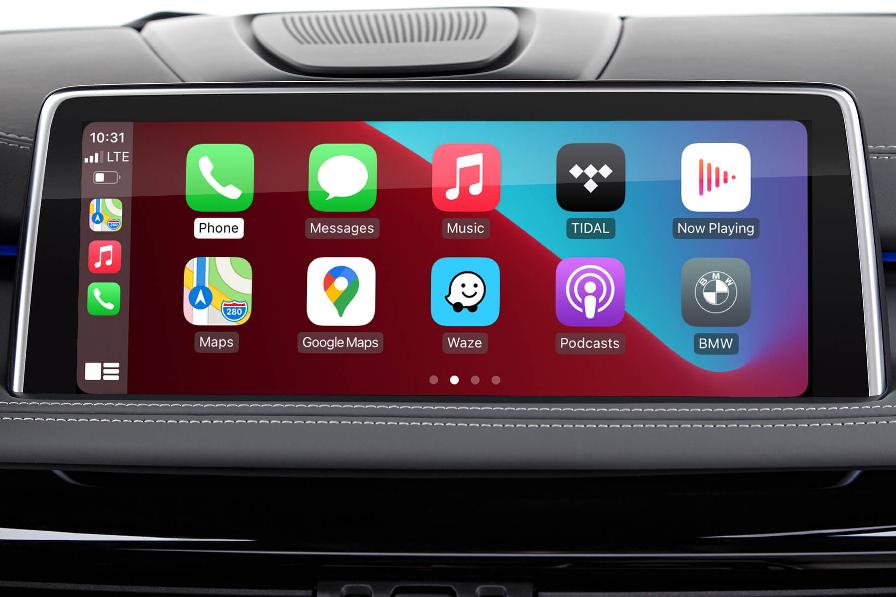
Features
- Activates Apple’s OEM CarPlay feature
- Lets you safely use iPhone apps on your native iDrive display
- Uses the factory car microphone to let Siri hear voice commands
- Connects your iPhone wirelessly to the BMW iDrive system
- Provides audio playback through your BMW's stereo system
- Fully integrated with iDrive controller and dashboard screen
Properties


* Only by entering your VIN can you be 100% sure
you get theright version of the product for your vehicle.
Where to find your VIN?
Required with this product
+$99.00

Delivery time: 1-2 business days

Free shipping worldwide
Delivery time: 2-7 business days
Free shipping worldwide
Description
Do you dream of using Apple Maps on your car screen or listening to Spotify through the BMW speakers? All this is possible with BMW CarPlay — an original Apple system that lets you use your iPhone’s navigation, messaging, music and other driver-focused apps on the iDrive display.
With plenty of apps at your fingertips you can choose whether you want to access your favorite music tracks via YouTube Music or Spotify, chat with your peers through WhatsApp or Messages, or take advantage of Google Maps and Waze while navigating through the city. Just pair up your iPhone wirelessly and you’re good to go!
To conveniently control and switch between the apps you can use your iDrive’s built-in controls, including iDrive controller, steering wheel buttons, Siri voice commands or touchscreen if your BMW features one.
The best part – all you gotta do to unlock BMW Apple CarPlay is spare max. 30 min of your free time for a simple USB coding procedure. No intricate installations, taking your car apart or advanced coding are needed. Everything’s done quickly from the comfort of your home.
BimmerTech's BMW Apple CarPlay activation is compatible with F-Series and G-Series BMWs with NBT EVO ID5/ID6 iDrive.
Access Phone Apps
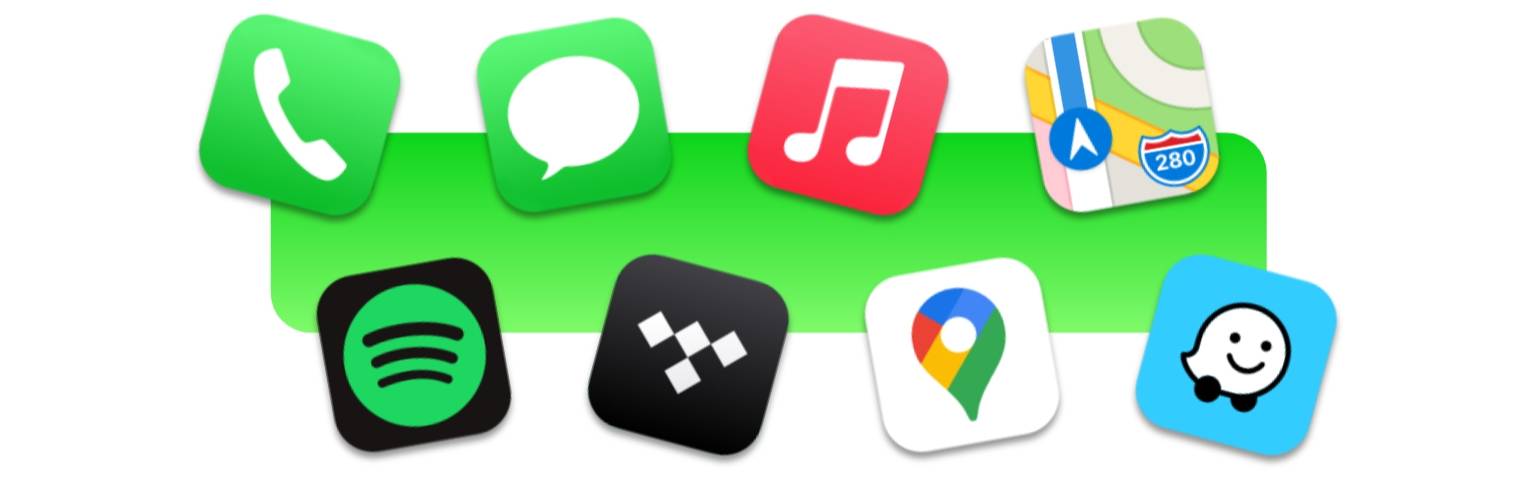
The OEM BMW Apple CarPlay grants direct access to a host of your iPhone’s navigation, messaging and music apps straight from your dashboard display. Alongside those, you’ll find other driver-focused apps in the categories of parking, EV charging, or quick food-ordering.
Apple CarPlay Navigation Apps
If you want your maps to be accurate at all times without the hassle of performing periodic updates and spending extra money, there isn’t a better choice than BMW Apple CarPlay navigation apps, such as Google Maps, Apple Maps, Waze or TomTom.
Being up-to-date is second nature to them, which makes them a very natural first-pick for the fastest and safest navigation wherever you are in the world. At all times, without any Internet connection whatsoever!
Apple CarPlay Parking & EV Apps
But BMW CarPlay Apps are not only useful for navigating around the city – you can also find solutions, such as SpotHero or EasyPark, making it easier to park up in a convenient spot. Or use apps like PlugShare and ChargePoint for a quick charge up of your electric vehicle.
Apple CarPlay Music Apps
If you can’t go anywhere without your favorite Spotify or YouTube music playlists, or being a true audiophile, respect nothing less than high-quality HiFi tracks from your Tidal app, BMW Apple CarPlay will allow you to carry over what used to be a phone-exclusive experience into your car.
And should you find music apps not enough for your hourly trips to work, a bunch of great podcasts from Audible or Stitcher may help you pass the time quicker.
Apple CarPlay Communication Apps
Texting while driving is not the best idea as anyone can tell – especially when you’re at high speeds. Yet thanks to BMW Apple CarPlay’s built-in Siri voice assistant you can use your preferred messaging apps such as WhatsApp, Messenger or Line to send and receive messages without taking your eyes off the road and hands off the wheel.
Staying in touch with your peers when driving couldn’t be safer than that.
To check the latest BMW Apple CarPlay apps lineup go to the official Apple CarPlay website.
Wireless Capability
Even though Apple CarPlay apps are displayed on your BMW screen, the apps themselves are still being run by your iPhone, which means CarPlay isn't a standalone system; it requires your iOS device to be connected to your vehicle at all times.
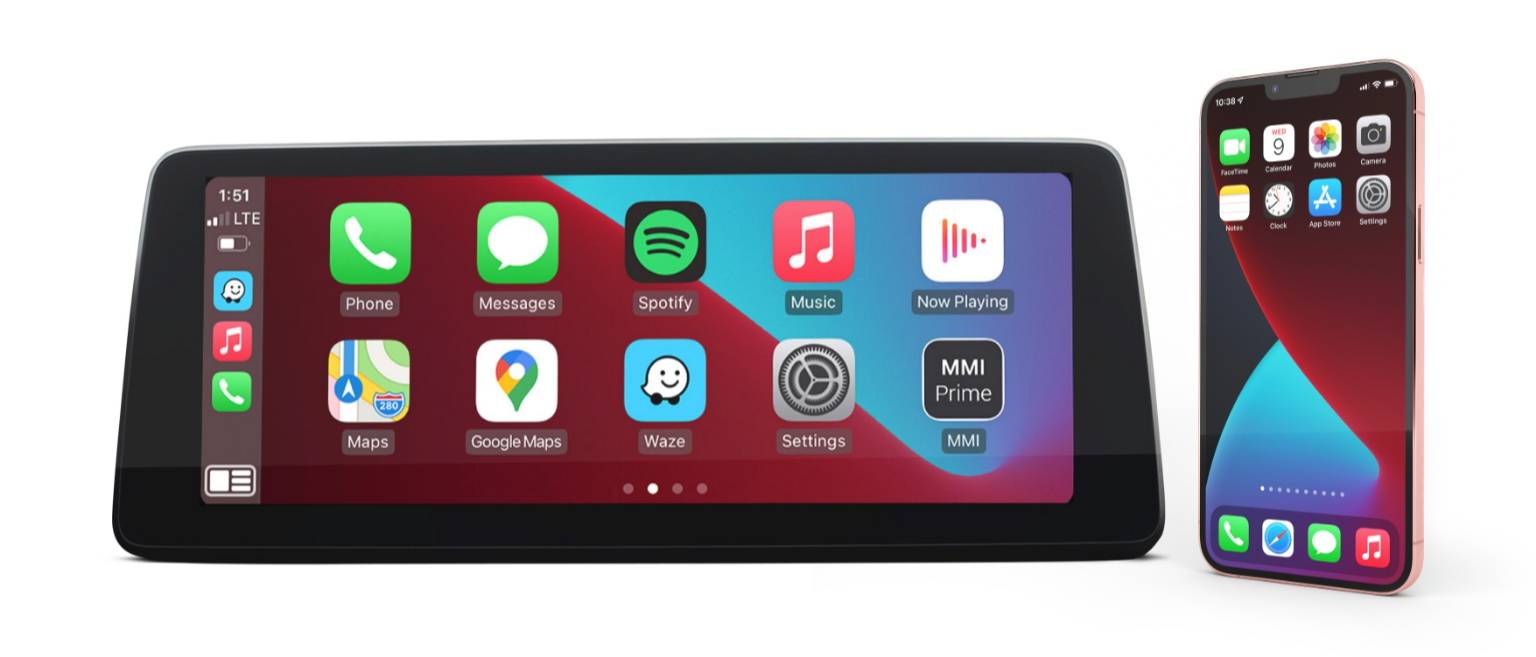
Fortunately, with this BMW Apple CarPlay upgrade you don’t need any cables; you wirelessly connect your iPhone to BMW CarPlay over WiFi. Just activate Bluetooth on your iPhone, and go to Settings > General > CarPlay on your iPhone to pair the two. Once you do, Carplay will connect automatically every time you start your engine.
Phone Compatibility
BMW CarPlay upgrade supports devices running iOS 9.3 or higher with active data transmission. However, it is with the newest versions that you get to enjoy new categories of apps, improved Siri feature, updates to Apple Maps and any other upcoming enhancements.
BMW Apple CarPlay Full Screen
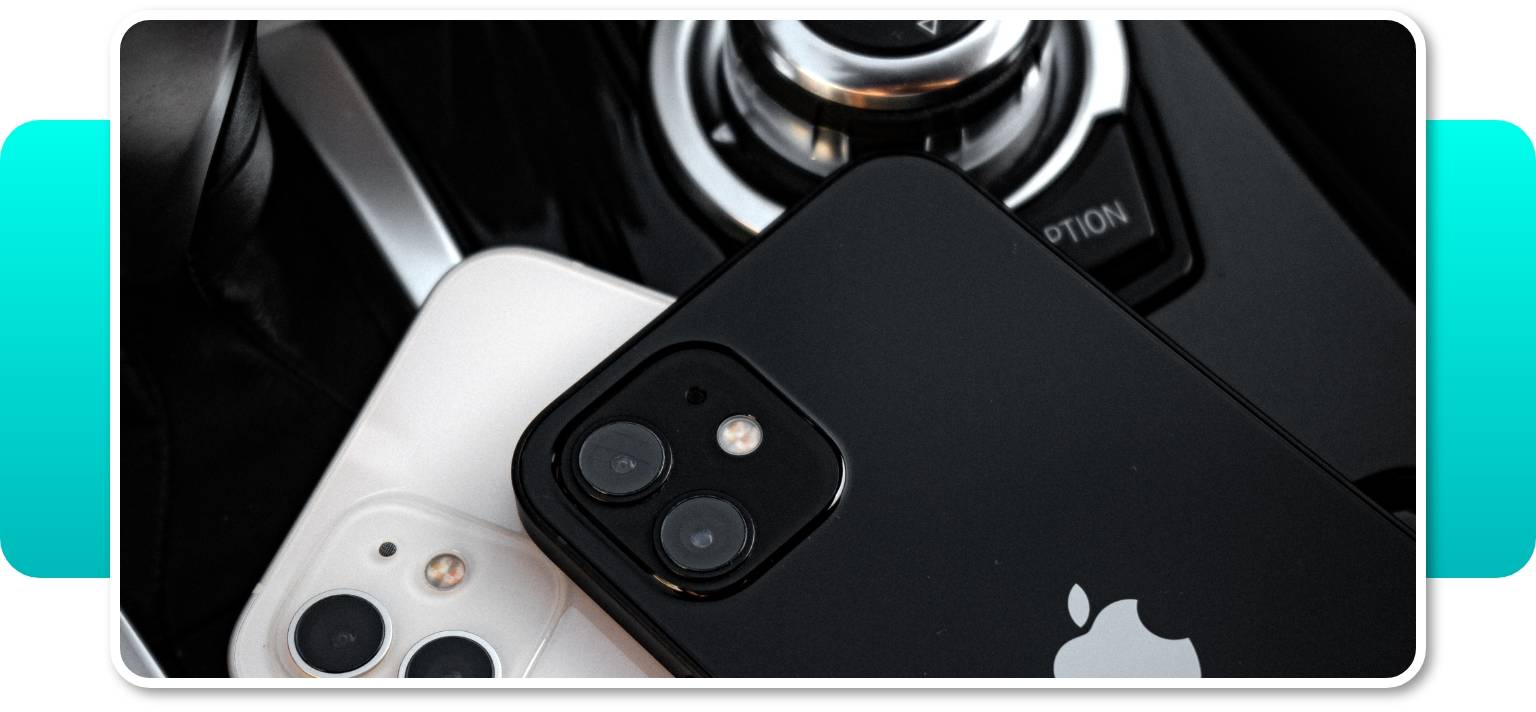
Your BMW is compatible with Apple CarPlay full-screen mode, which will let you display your running app on the whole screen width and have as many as ten apps per page.
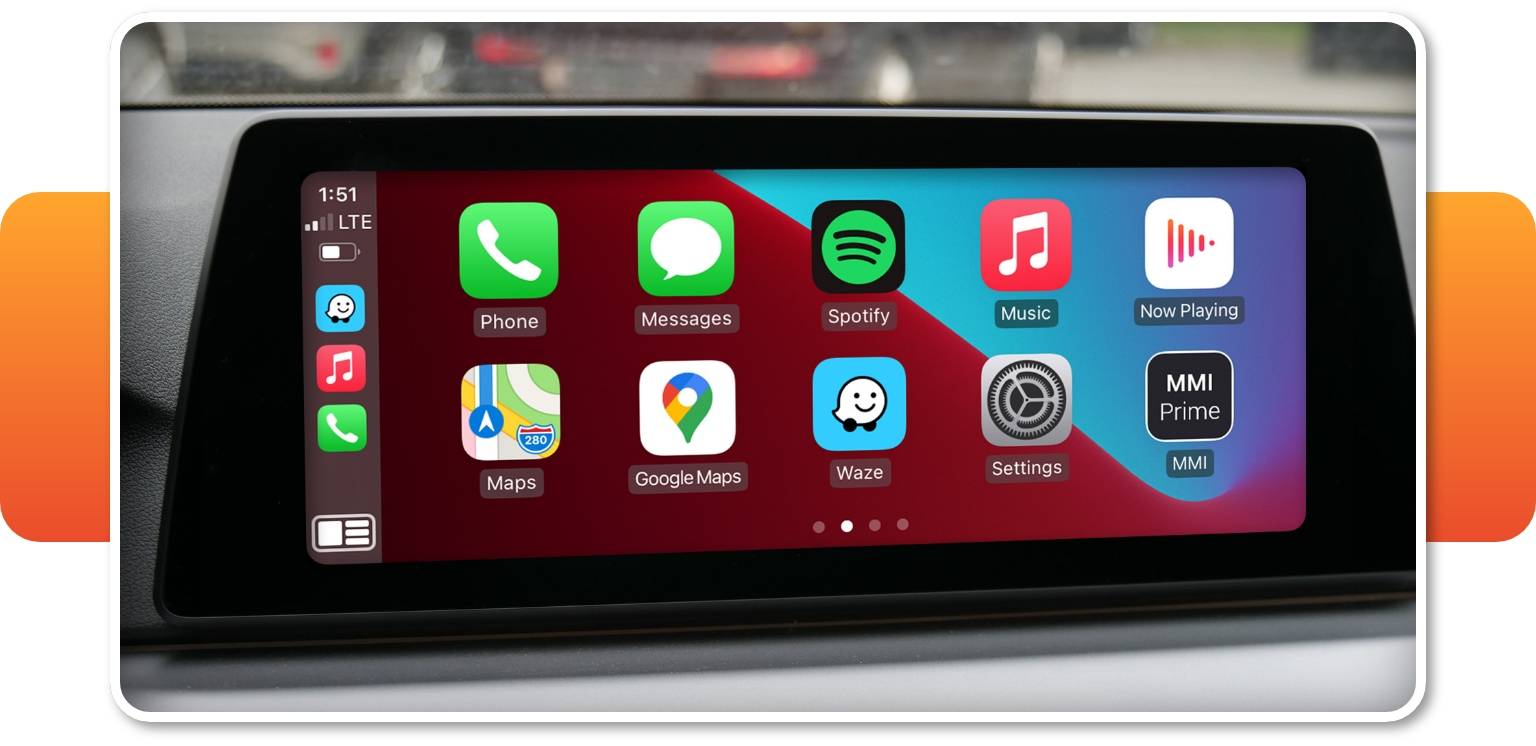
The file for Apple CarPlay full-screen mode activation will be included into the order for free by default.
Easy Control With iDrive
Navigating around the Apple CarPlay menu will come to you naturally, as it’s nothing different from using your OEM BMW iDrive system. You can simply use the iDrive controller to switch between the iDrive and CarPlay interfaces, and while in CarPlay mode, navigate the apps. If your BMW is fitted with a touchscreen you can tap the app you want to display just as you would on your iPhone. You can also use the steering wheel buttons when you feel like releasing the steering wheel isn’t the best idea.
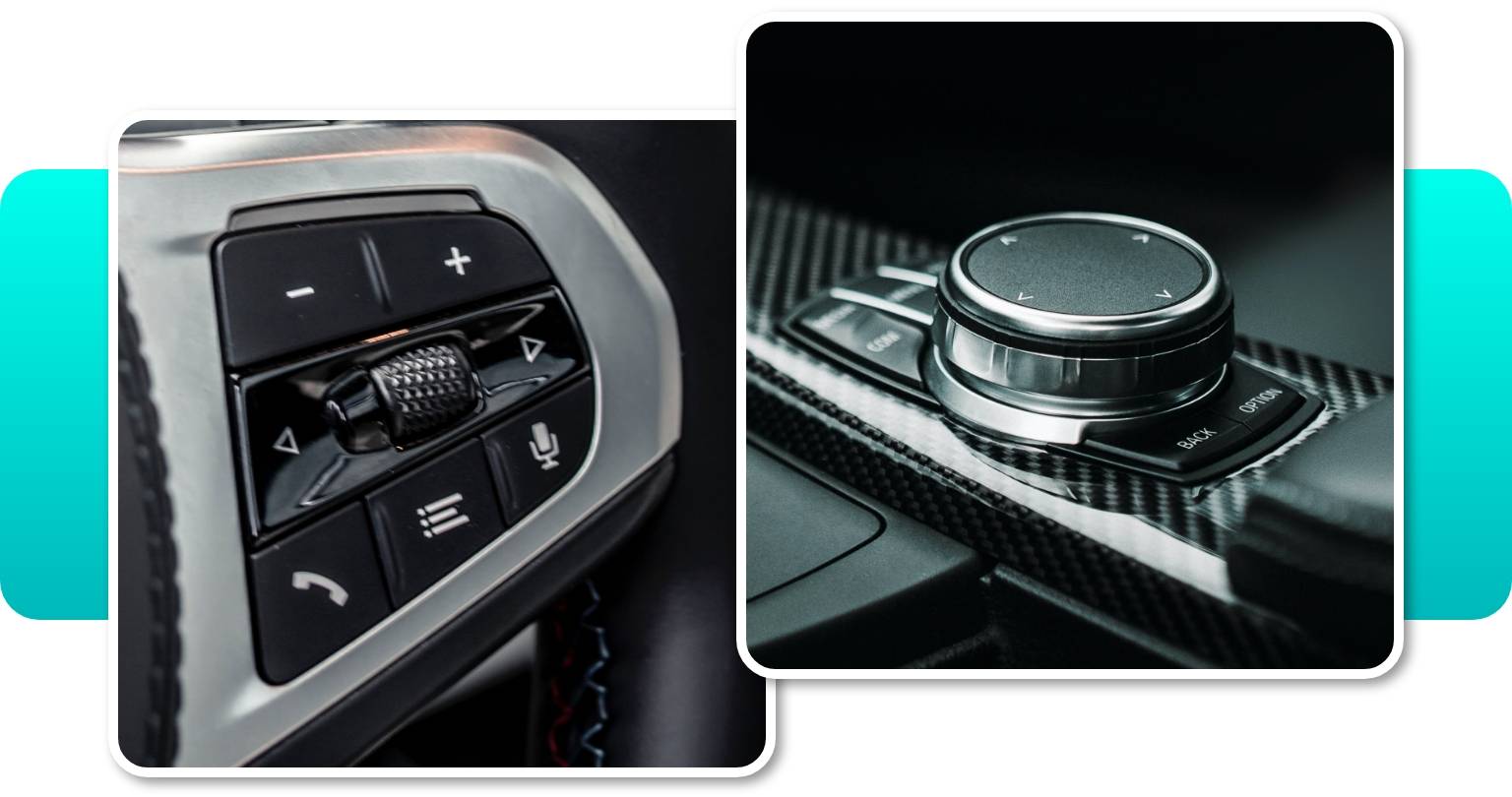
Voice control might also come in handy when you need to focus on the road. Just press the voice-control button on the steering wheel to summon Siri. The voice assistant will let you ask for directions, dictate messages, turn on a playlist and more.
Enjoy Apple CarPlay In Any Location
The availability of factory activated BMW Apple CarPlay can be limited by your location, however BimmerTech can perform the CarPlay setup in any country!
Installation
BMW Apple CarPlay activation is performed via easy USB coding. The process is very simple: all you need to do is to save the coding file (that we send to you in an email) to a USB stick and connect it to your car. After following some easy instructions, the software will be activated and CarPlay will be available on the iDrive screen.
You can also activate or deactivate the full-screen mode whenever you like. In order to do that, you just need to use the coding file for this feature with the same instructions.
WiFi Antenna
Please note that if you have a WiFi Antenna among available addons at the top Option section, it means that your car isn’t equipped with it. We recommend adding the WiFi Antenna to your order as CarPlay won’t work without it. Our WiFi antenna works exactly like a factory-original part, and — unlike many aftermarket antennas — will not cause any error codes in your vehicle.
The installation instructions will also be linked in an email. In case it is required to install the WiFi Antenna as well, the process will be quick and pretty straightforward. See it for yourself.
Will my coding still work if I update my iDrive system?
If your dealer upgrades or resets your iDrive system, the above coding (and any other custom modifications) will most likely be deleted. For USB coding options, it may be possible to reinstall the coding using the same file(s) as you used for initial installation. However, BimmerTech cannot guarantee that the coding file provided will work again after any factory software upgrade.
Comments(0)
No data found


* Only by entering your VIN can you be 100% sure
you get theright version of the product for your vehicle.
Where to find your VIN?