


Rear View Camera Retrofit (MMI) for BMWs and MINIs
Features
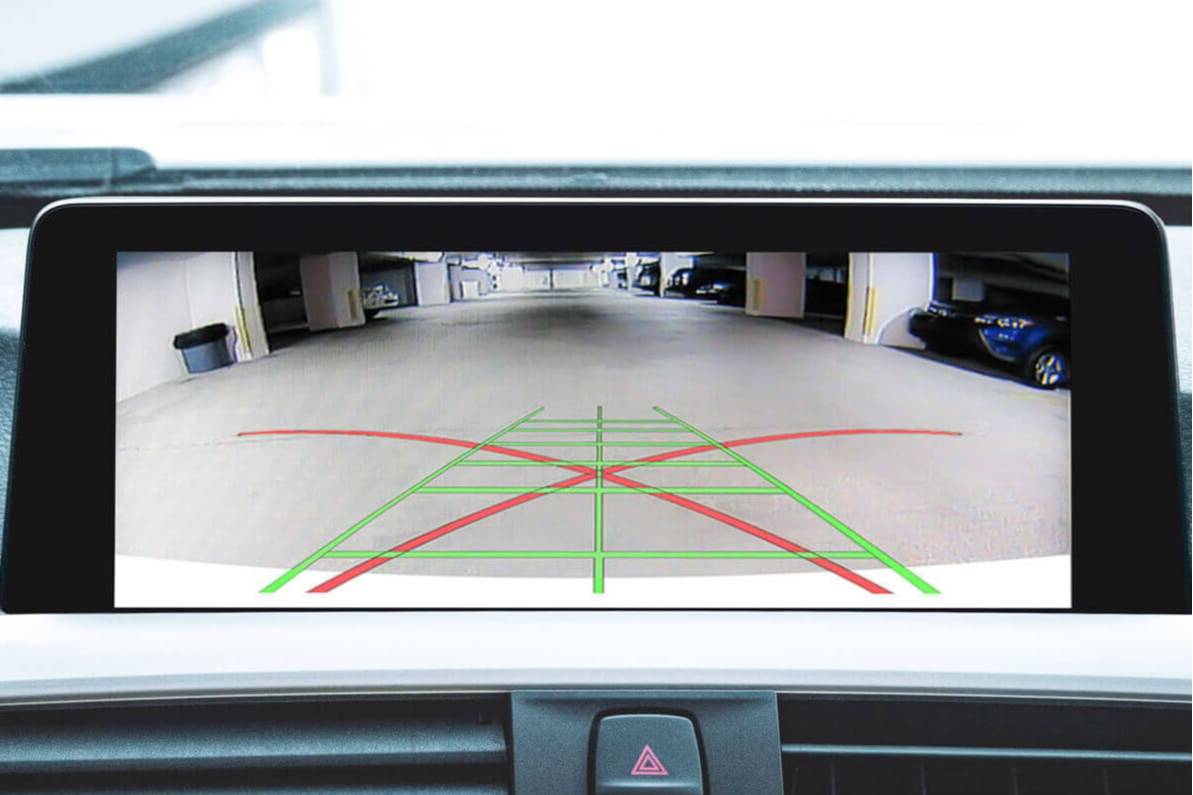
- Full-screen rear view camera image
- Compatible with all types of native iDrive screens
- Activates automatically when the car goes into reverse
- Allows adding a mirroring device or front view camera for a lower price
- Compatible with BMW CarPlay and Android Auto MMI Prime/PRO Retrofits
- Produces a high-quality image
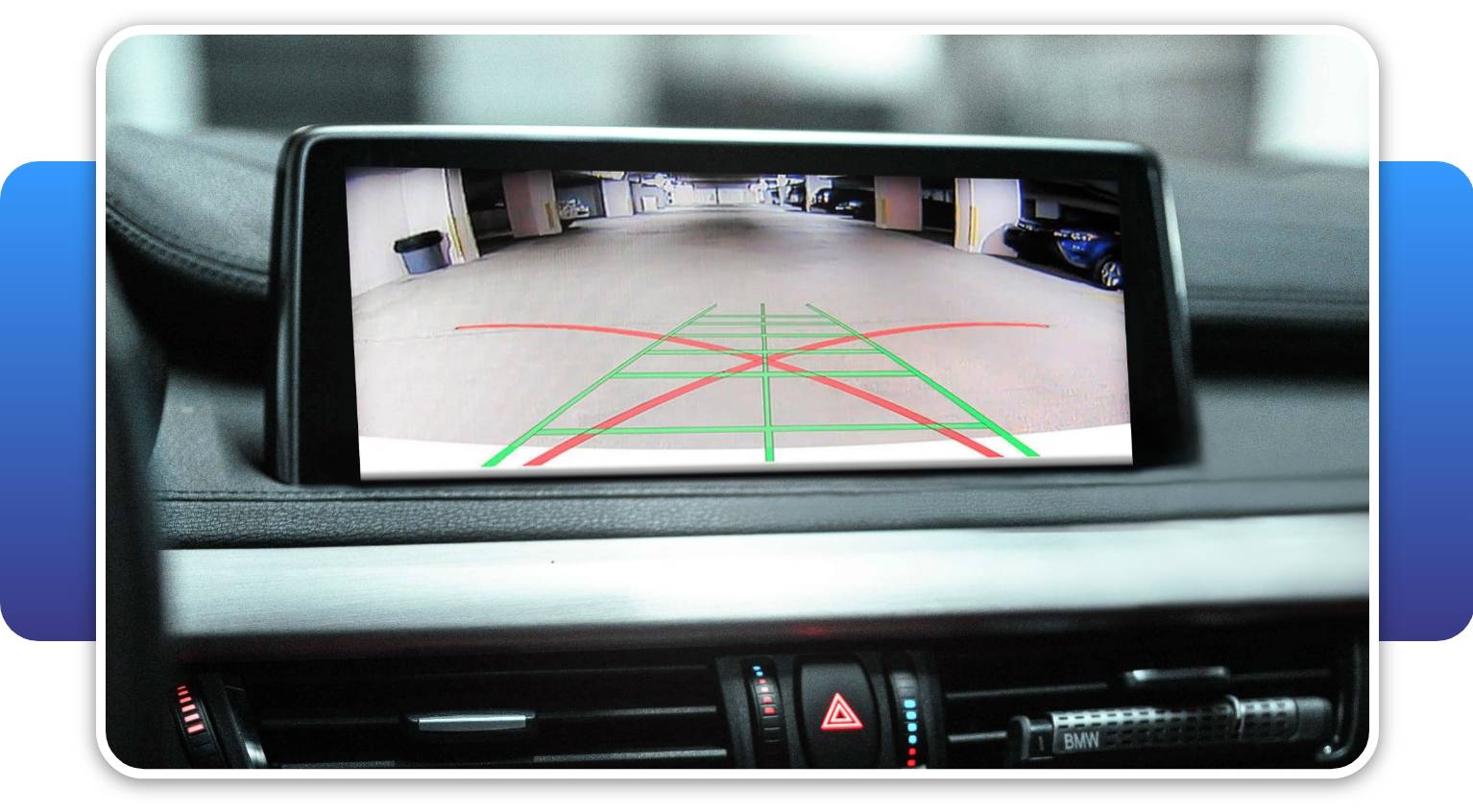
- Supports Dynamic Parking Lines
- Camera line opacity can be adjusted from 60% (semi-transparent) to 100% (solid)
- Lets you stretch the camera lines vertically and horizontally to perfectly match the camera perspective
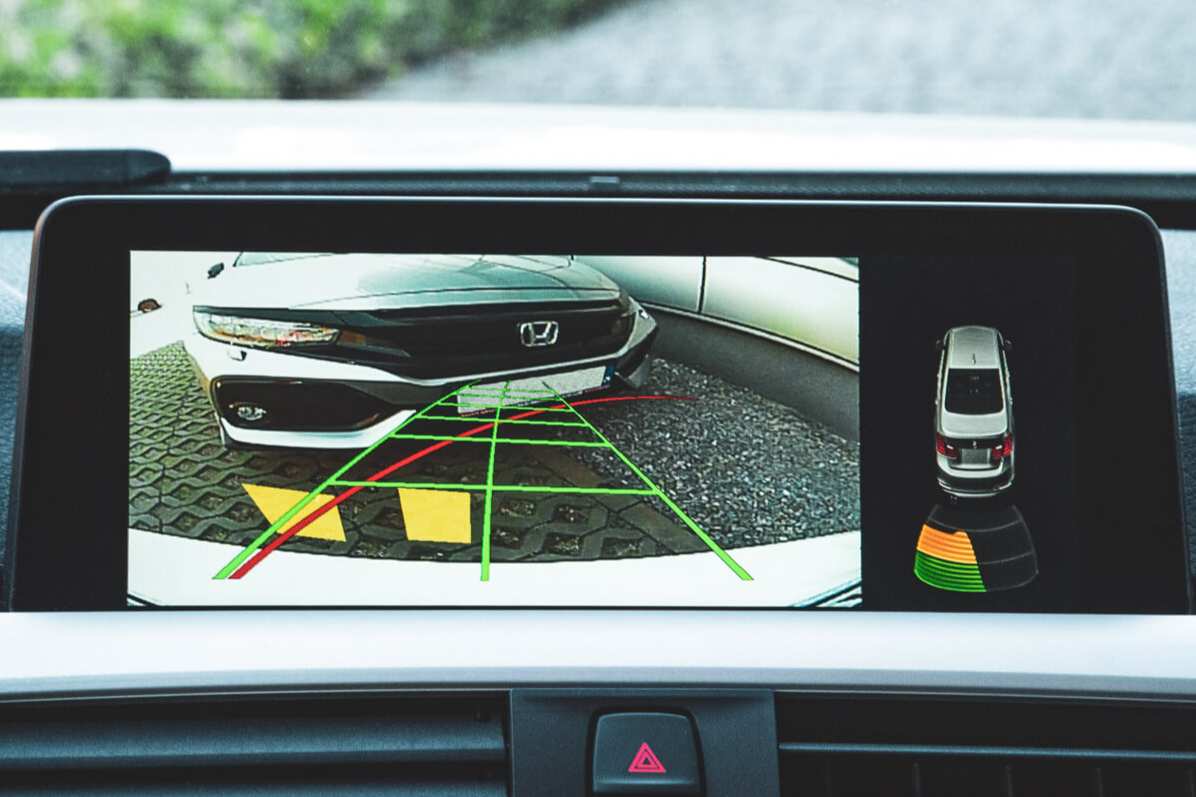
- Offers a choice of various car models for the PDC icon – F30, F15, F06, Supra, MINI, and more!
- Ready for the optional CarPlay and Android Auto functionality (sold separately)
Properties


* Only by entering your VIN can you be 100% sure
you get theright version of the product for your vehicle.
Where to find your VIN?
Installation accessories
+$49.99
$29.99
+$19.99
Cheaper in sets:
CarPlay / Android Auto MMI Prime
Front View Camera
SmartView HD ATV4
VividScreen
Warranty option:

Delivery time: 2-7 business days

Free shipping worldwide
Delivery time: 2-7 business days
Free shipping worldwide
Description
No matter how good of a driver you are, there always comes a time you need a little backup. And there’s no better support than BMW rear view cameras. They help you avoid unexpected damage, park straight to leave room for other drivers, and importantly make you feel confident. After all, they became an obligation on all 2018+ cars produced in the US for a reason.
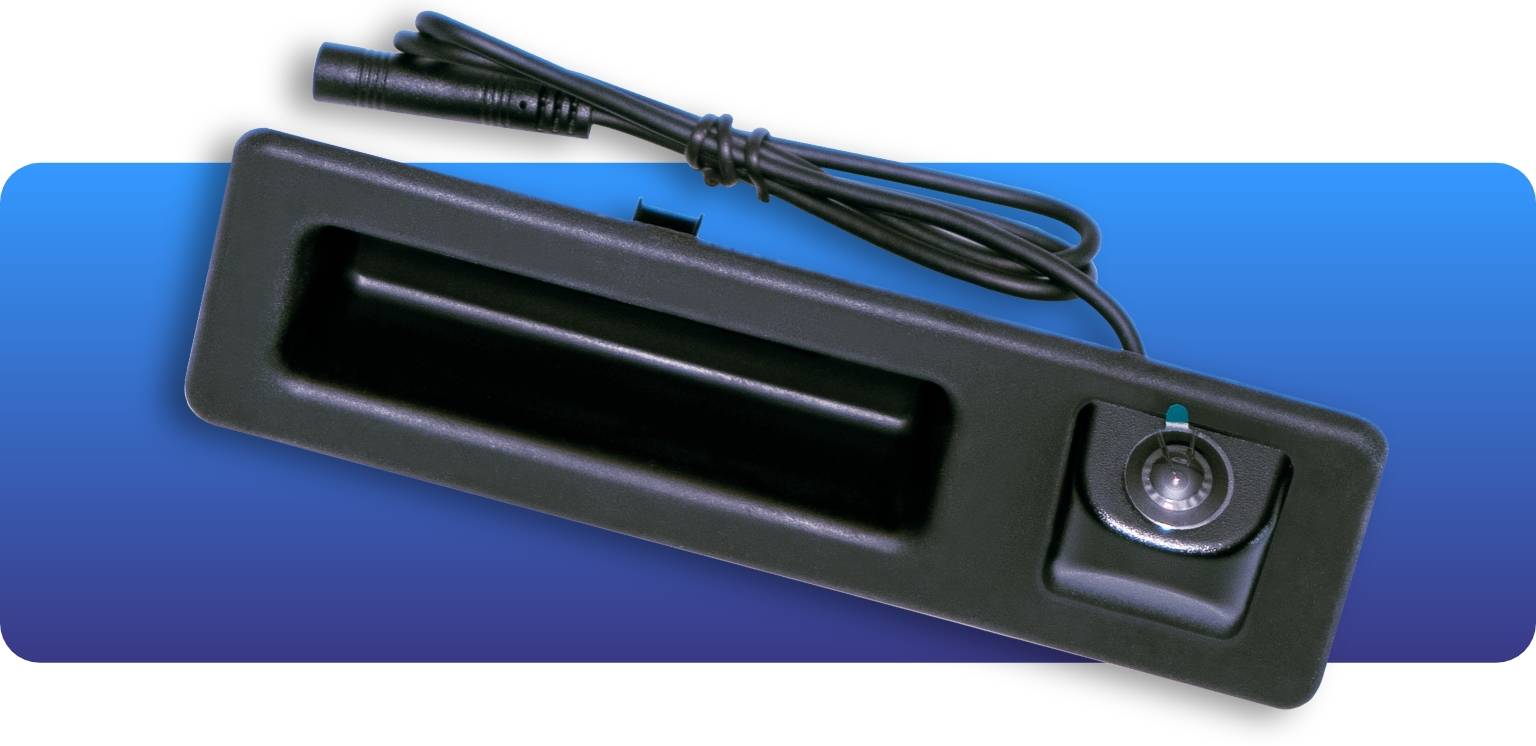
But the Rear View Camera (MMI) is not just another universal backup camera. It was created specifically for BMWs and MINIs guaranteeing the best integration with car electronics and iDrive systems.
It’s also a go-to option for those drivers who expect more than park assist functionality and want to be compatible with other technological upgrades, including a BMW CarPlay and Android Auto upgrade. Because the factory pre-set features are not the limit.
Image Displayed In Full-Screen
This BMW rear view camera doesn’t use the split-screen camera mode of your car. Instead, to improve your parking experience, its display overrides the iDrive screen when the car is put in reverse whether you have a manual or an automatic transmission. The reverse camera image takes up the full screen, giving a bigger and clearer picture of what’s behind you. When the car is also equipped with PDC, Park Distance Control is displayed on the right side of the screen taking up 1/3 of the camera view.
Dynamic Parking Lines & Camera Line Adjustment
With our Rear View Camera Retrofit you’re able to adjust a plethora of camera line options.
The module supports Dynamic Parking Lines that will let you see the safe trajectory of your BMW or MINI when you put it in reverse. Want to make the camera lines less obtrusive? Adjust their opacity to make them suit your needs better – you can make them semi-transparent at 60% opacity or solid at the 100% setting. Moreover, to perfectly match the camera lines to your camera perspective, the control module also lets you stretch them horizontal and vertically.
In short: you can set up your camera to fully utilize its potential.
PDC View Customization
The MMI module of the Rear View Camera Retrofit allows you to switch between various car models for the PDC icon, including: BMW F30/F32, BMW F15/G05, BMW F33, BMW F06, BMW F11 (Touring), Toyota J29 Supra, and MINI Cooper.
Multimedia Features
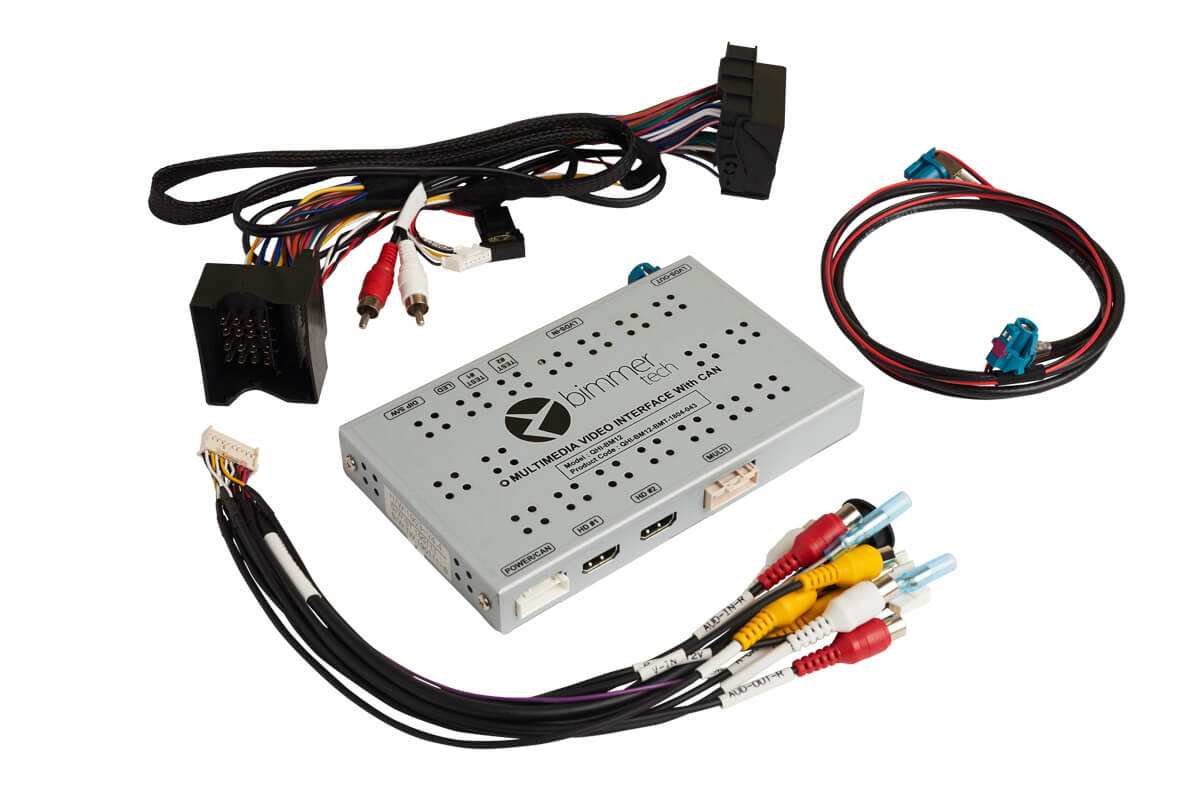
Our retrofit is ideal for drivers looking for a flexible park assist solution that leaves room for customizing and expanding your vehicle’s capabilities. The BMW backup camera kit comes with BimmerTech's original MMI Camera Module that not only makes it easy to add a front view camera, but also comes with some extra multimedia features.
As standard, you get access to:
- Screen mirroring.
- Music and video playback (via USB).
Want even more?
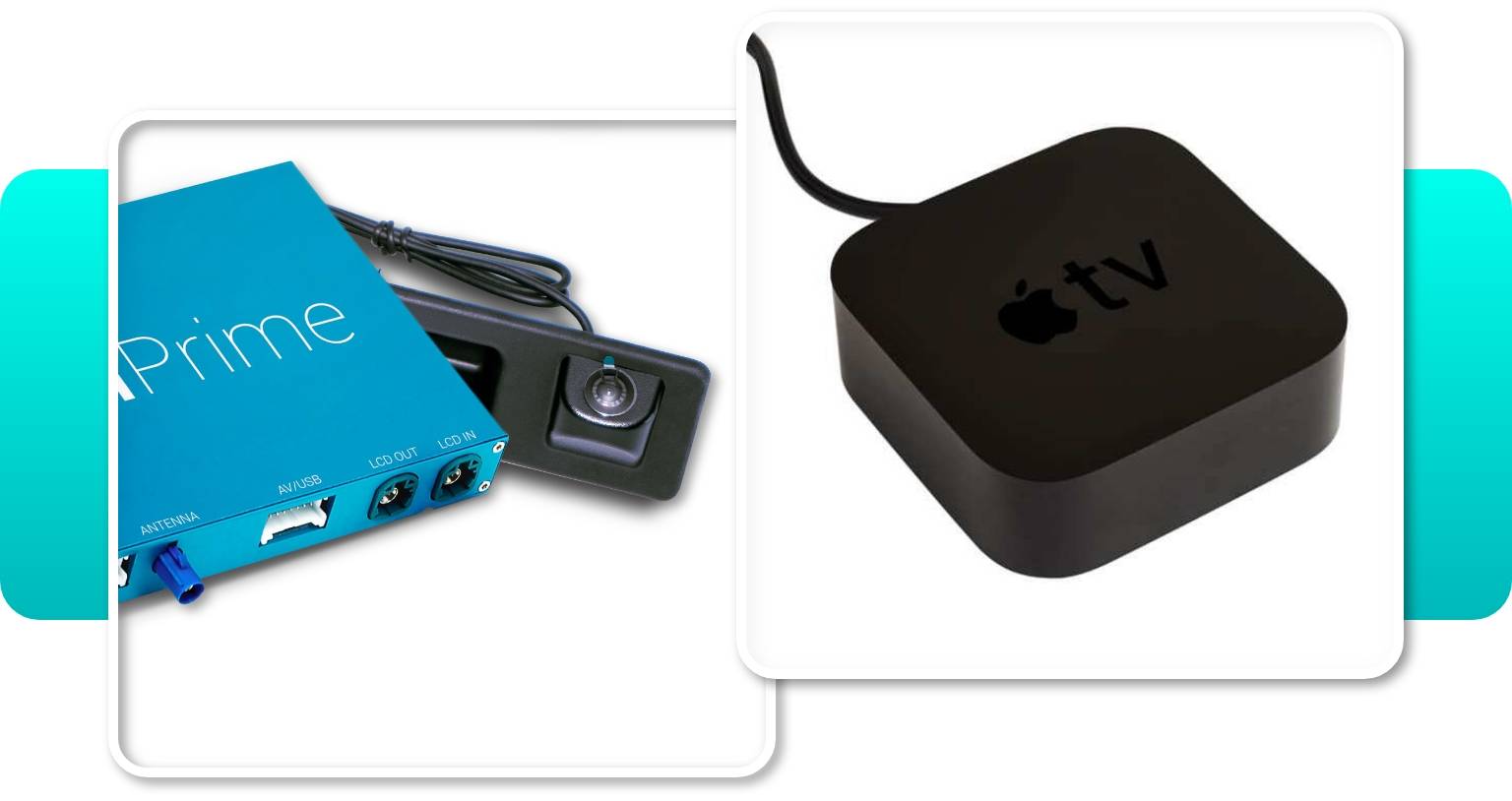
If you lack Apple CarPlay or Android Auto, this special module now lets you easily introduce them to your infotainment system. To unlock all the other functionalities of our CarPlay MMI Prime retrofit for BMWs and MINIs, simply add the appropriate option for your Rear View Camera (MMI) before proceeding to the checkout. Thanks to the MMI module bridging multiple in-car technologies you’ll not only get to use your phone apps in your vehicle, but also add the backup camera for a much lower price.
Not sure if smartphone integration is what you need right now? No worries! With our camera module you’ll be able to unlock it whenever you want. Just reach out to us if you decide to take your infotainment experience to the next level or check out the MMI Camera Module CarPlay & Android Auto Prime Unlock Coding.
Check our 3 types of backup cameras and choose the park assist kit that suits you.
To find out whether your vehicle is compatible with one, all or none of the upgrades, please provide your VIN.
| Rear View Camera Retrofit (OEM Integration) for BMW | Rear View Camera (OEM) | Rear View Camera Retrofit (MMI) for BMWs and MINIs | |
| Manufacture | BimmerTech | BMW OEM | BimmerTech |
| Camera mode | Native (with PDC view)* | Native (with PDC view) | Full-screen |
| Requirements | iDrive with Navigation Professional | iDrive with Navigation System Professional and PDC | Any model with factory screen |
| Features | The same look and feel as a factory installed cam. Automatic activation after shifting into reverse | The only camera that supports surround view, trailer hitch mode. Automatic activation after shifting into reverse | Overrides the iDrive camera screen with camera image full screen. Automatic activation after shifting into reverse |
| Coding | Required | Required | Not required |
| Vehicle integration | No changes to exterior/interior of your car | No changes to exterior/interior of your car | No changes to exterior/interior of your car |
| Installation time | 3–4 hours | 3–4 hours | 3–4 hours |
| Compatible add-ons | Dynamic Parking Lines, PDC | Dynamic Parking Lines , Obstacle Marking, Trailer Hitch Mode (included into the kit), Surround View | Static Parking Lines, SmartView HD ATV4, Front View Camera |
| Price | $699 | from $899 | $699 |
*PDC is not included in the Rear View Camera (OEM Integration) kit. You can buy it separately here. Without PDC, a static image of a car will be displayed on one side of the screen.
To learn more about the differences between the cameras, read our detailed blog post.
Installation
The installation of the Rear View Camera MMI is absolutely plug & play. It doesn’t require any remote coding and takes up to 3–4h. Moreover, no permanent modifications are needed, so the kit is completely lease-friendly.
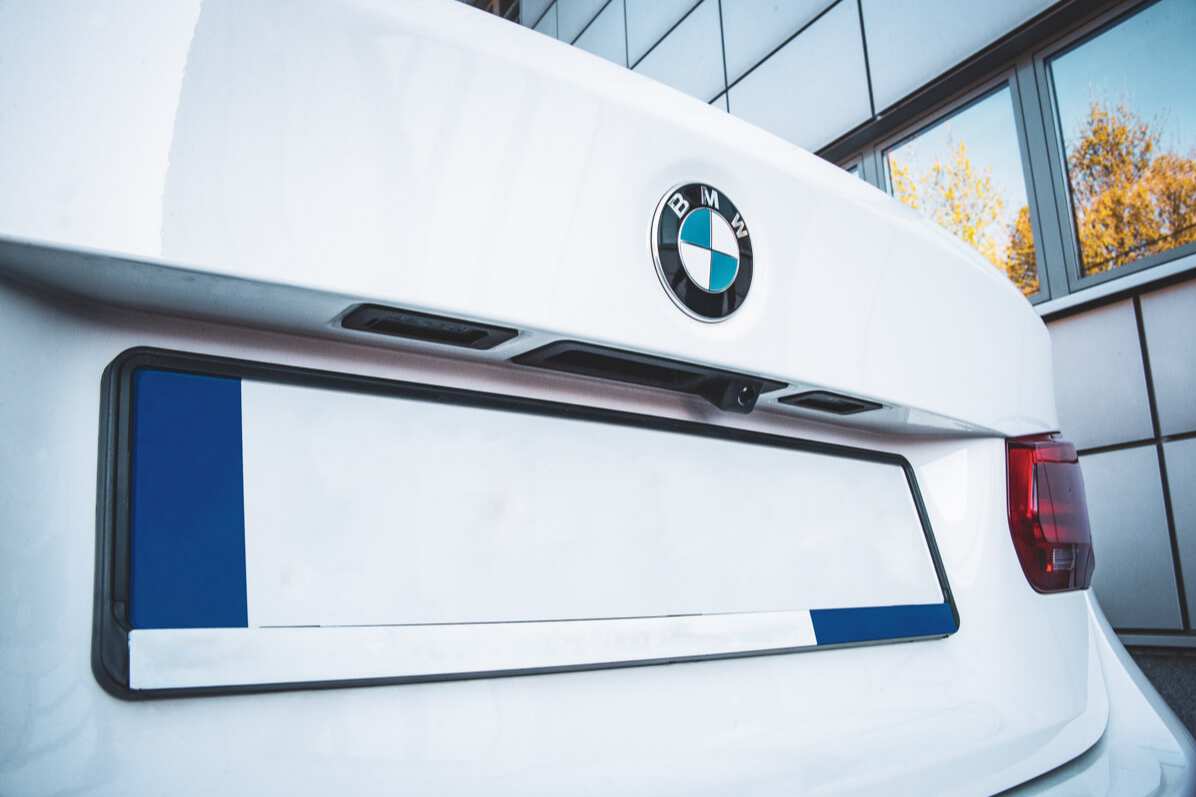
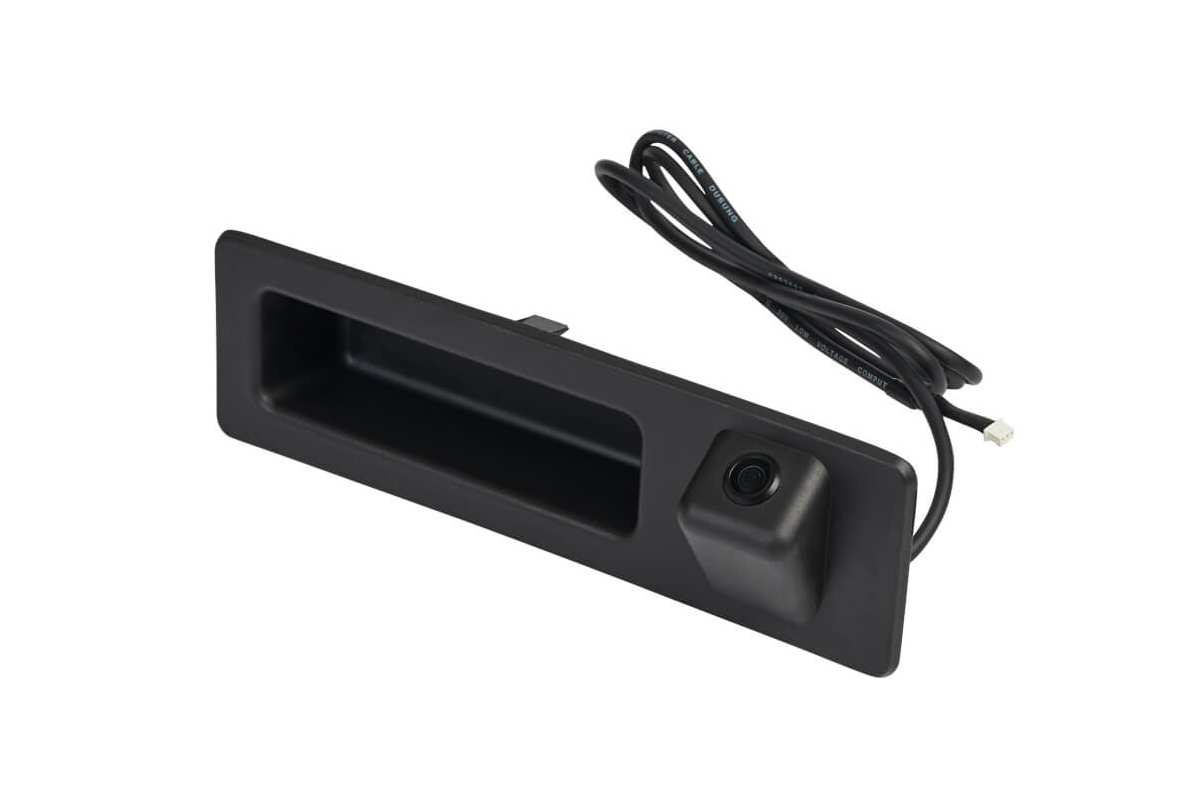
The installation involves fitting the new trunk handle with the camera instead of your original one and running the extension cable from the trunk to the front of the car (to connect it to the MMI). To make it look neat, you would want to hide the cable under the trim. In order to install the MMI, you will need to remove the trim that covers the head unit and pull it out to connect the multimedia module. The MMI can be mounted above or under the head unit, if there is enough space, or in the glove box compartment.
To learn more about the installation, watch this video:
The kit includes
The retrofit kit includes all parts necessary to add a rear view camera to your BMW:
- Trunk lid-mounted camera
- Multimedia interface (MMI)
- Wiring harness
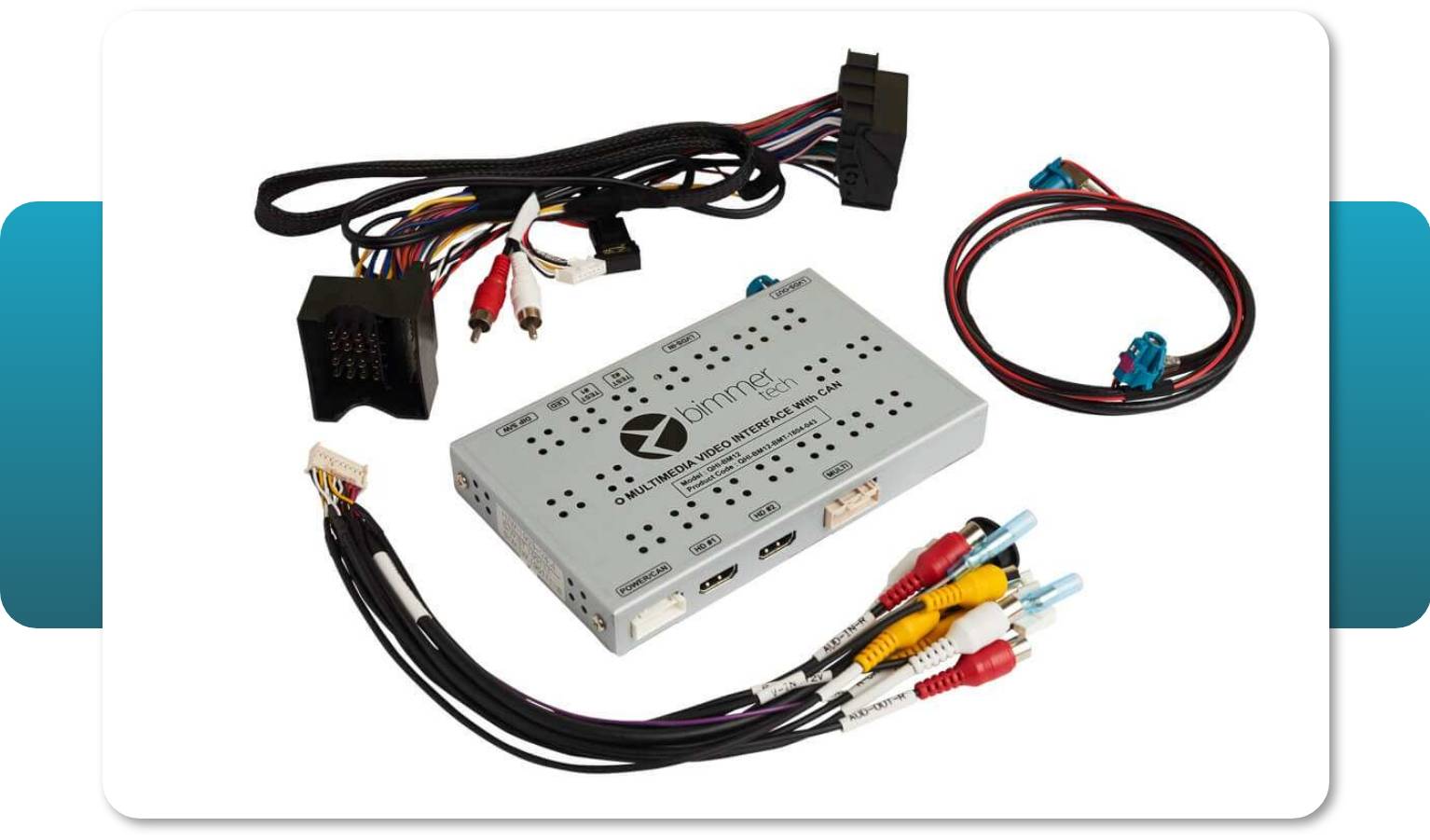
The manual for the installation will be added to your personal account within 72 hours after shipping the camera. Each manual consists of detailed step-by-step instructions, photos and graphics and is compiled for every specific model so it should include all the necessary information. But if you have any questions, don’t hesitate to contact our tech support.
Comments(0)
No data found


* Only by entering your VIN can you be 100% sure
you get theright version of the product for your vehicle.
Where to find your VIN?